
Inspiring
July 29, 2020
Answered

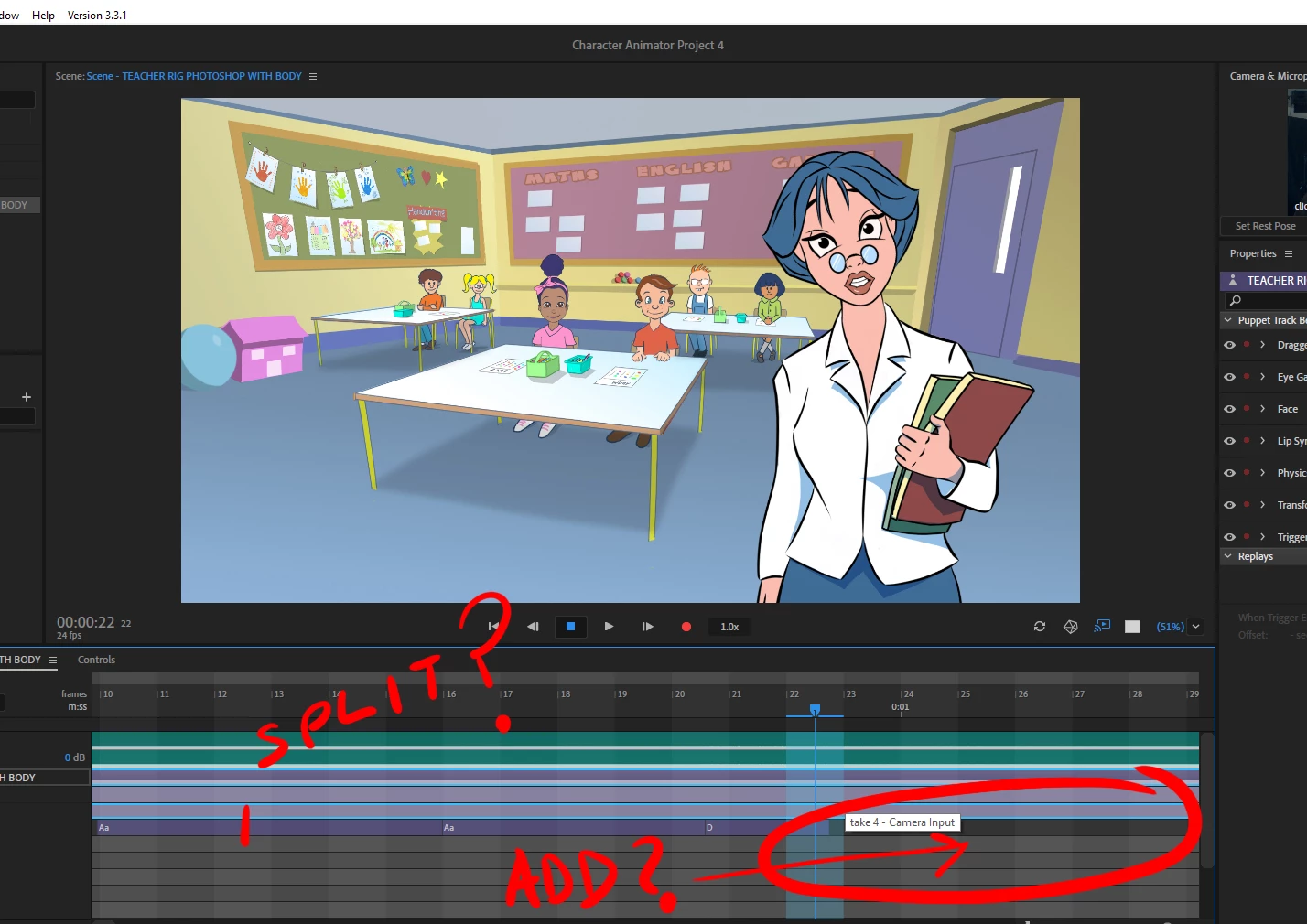
how to manually add phonetics to the lipsync track? and/or split existing ones

  • July 29, 2020
  • 3 replies
  • 429 views

i want to add some extra bits into the lip sync track, i dont want to re, record it in case i lose something

i just want to add it with the mouse, but theres no obvious way to do it
 

This topic has been closed for replies.
Correct answer alank99101739

Right click in the blank area of the track and you can add new visemes. You can right click on existing visemes to change them as well. You can also grab them by the edge to extend and shrink etc to line up better with the voice.

3 replies

alank99101739
Legend
July 29, 2020

Not near computer with software on it, but I think having nothing in the take = Neutral, and Smile (and Suprised) are not from LipSync but rather Face behavior (based on webcam), so they have a separate track. Try recording a smile and you should see where it goes.

alank99101739
Legend
July 29, 2020

Oh, to split, I assume you would single click on an existing viseme, the pick Edit/Split from the menu. (Not at computer right now to check, but that is how you do it for other takes.)

djmattyzAuthor
Inspiring
July 29, 2020

thanks, yes i realised that crtl + shift + D  (like after effects, does it aswell)


i noticed that smiles and neutrals are not on the track though...trying to figure out how to put them in now

alank99101739
alank99101739Correct answer
Legend
July 29, 2020

Right click in the blank area of the track and you can add new visemes. You can right click on existing visemes to change them as well. You can also grab them by the edge to extend and shrink etc to line up better with the voice.