



One Demented Man
Known Participant
October 12, 2020
Question

I've changed my mic in preference, but cannot use?

  • October 12, 2020
  • 2 replies
  • 165 views

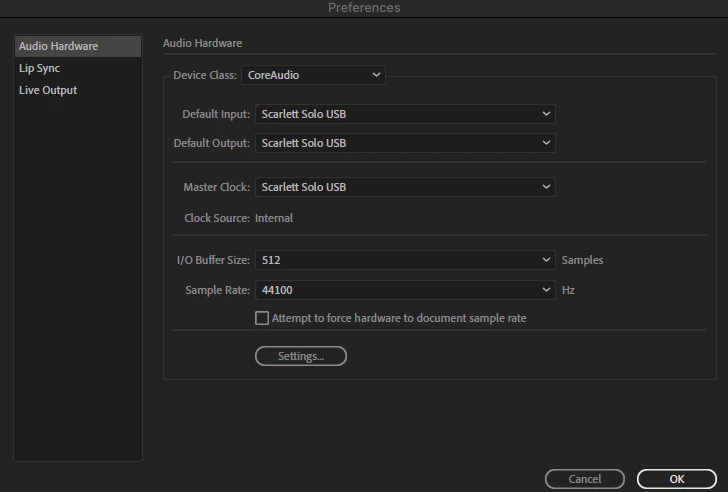
In preferences I had the option to change my mic input and output.
 

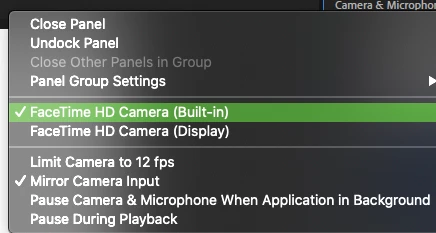
I then went to, Camera and Microphone Panel,  to check and the only option is, Facetime Camera?


I've checked my Mac setting and those are set to my prefered mic. I've restarted CA and rebooted the whole system, but nothing seems to work.


What am I doing wrong?

This topic has been closed for replies.

2 replies

Adobe Employee
October 14, 2020

The entries in the Camera and Microphone panel dropdown allow you to select the Camera only.

Microphone input is set from the Audio Hardware panel you found earlier.

Try setting your camera first, then setting the audio second.

One Demented Man
Known Participant
October 12, 2020

I just found this in User Manual:

As I'm using Mac, I tried this again, but still no luck?