
Question
import from photoshop looks funny.
I am using Adobe Character Animator CC (Beta) and I have imported my character from photoshop CC 2017. when i imported him anywhere that the coloring of an object or shape is a lower transparency it is gray/black when opened in character animator. please see attached picture of the character animator version. I do not even know where to stat to fix this. im very new with these programs. 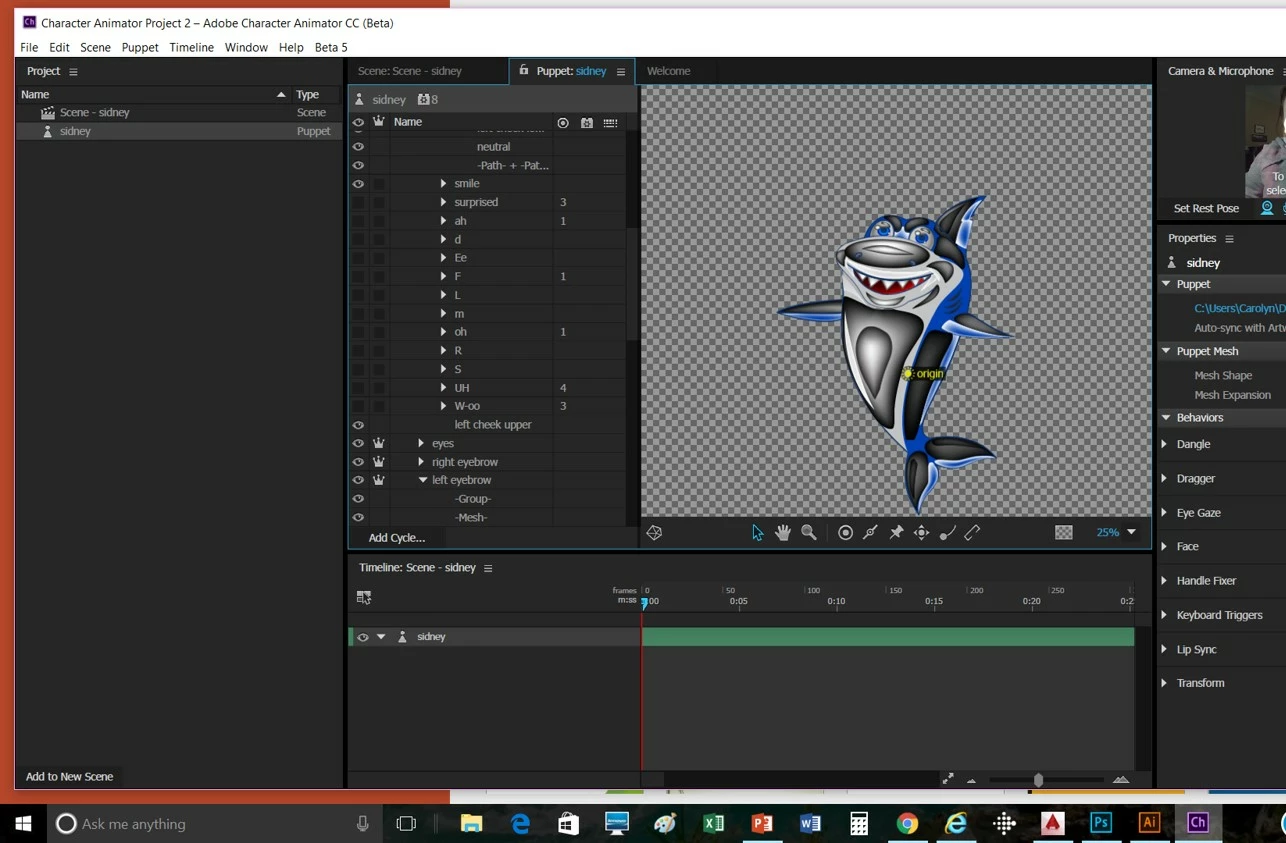


 AdChoices