scotte57842618
Known Participant
December 4, 2016
Answered

Independent dangle points

  • December 4, 2016
  • 1 reply
  • 699 views

Is it possible to create seperate dangle points strenghs?

For example. I have a character with dangle points on his hair, and on his tie. I want the gravity effect, etc, to be different on the hair from the tie, is this possible, and if so, how?

Thank you

Scott
    This topic has been closed for replies.
    Correct answer KJerryK

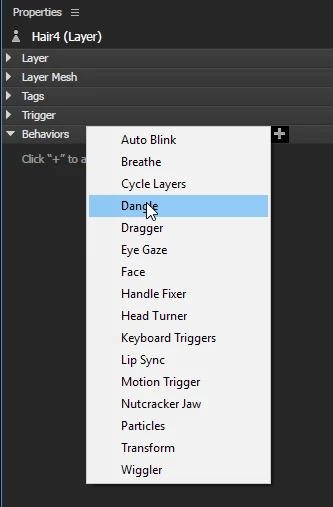
    If you select a subpuppet group in the puppet panel, and click the "+" sign under behaviors over to the right side of the panel, you can add a behavior just for that group. Dangle works well, but I'm not sure how well Face will work on a subpuppet.

    1 reply

    scotte57842618
    Known Participant
    December 4, 2016

    It would also be handy to independently adjust the strengths on other elements, such as parallax. You may want one part to move more flexibly than another.

    Also, how do I enlarge the artboard?

    KJerryK
    KJerryKCorrect answer
    Legend
    December 4, 2016

    If you select a subpuppet group in the puppet panel, and click the "+" sign under behaviors over to the right side of the panel, you can add a behavior just for that group. Dangle works well, but I'm not sure how well Face will work on a subpuppet.

    scotte57842618
    Known Participant
    December 5, 2016

    Ah, thanks KJerry, that seems to have done the trick

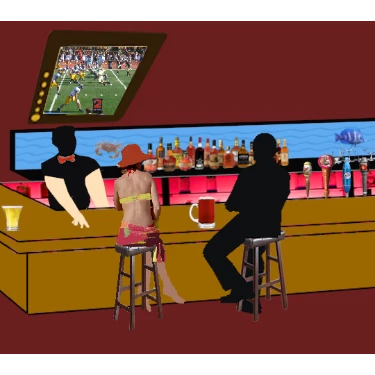
    Any chance you know how to enlarge the artboard area? My character was sized for a 1920 x 1080 screen, so the board in the sample above must be pretty small, so I dont wanna size him down