


Isolation mode won't tag, plus...
Windows 10. Adobe CA 2017
Rigging my character in Adobe Character Animation. Very new to program. Trying a walk cycle with a created character. Body. Two arms. Two legs. Very simple. While watching tutorial - I want to tag the left leg (rear leg) with the handle symbol and when I go into isolation mode so I can get to it - it still asks me to 'select a group' and I am unable to place the handle tag. I have the plus signs correctly placed at the beginning of each body part layer I want to move. (I tried both the left leg with the Crown Symbol, and the Left Leg below in the layers panel.) Left arm works fine and is able to be tagged, but the left leg won't.
(ALSO) When I do see the walk cycle... in the STREAM panel to check it - my character is much to large (its very high res) to fit within the confines of the screen given. How can I resize character to fit?
If I could attach the actual CA file, I will - but I don't see where I can...
Many thanks in advance!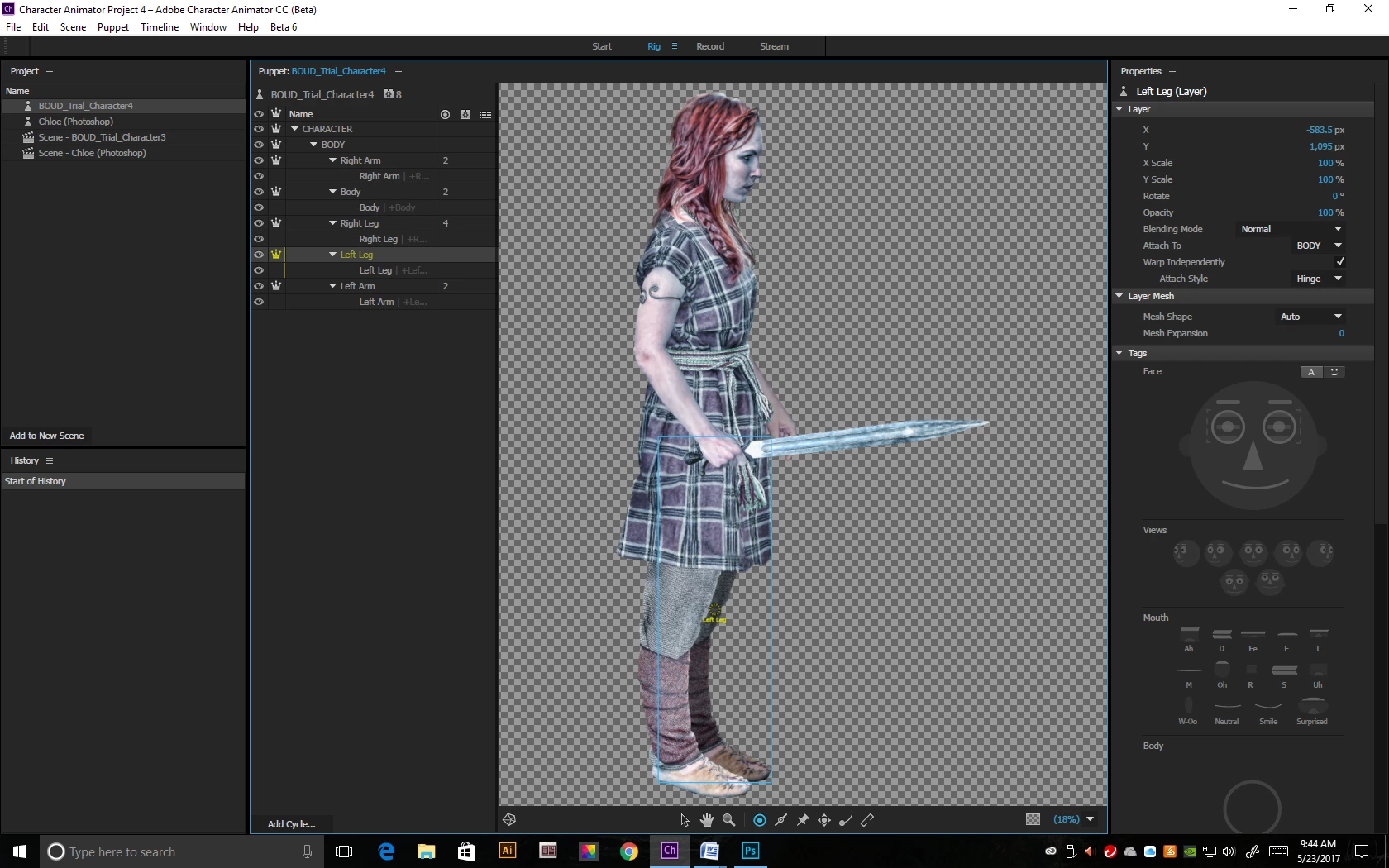
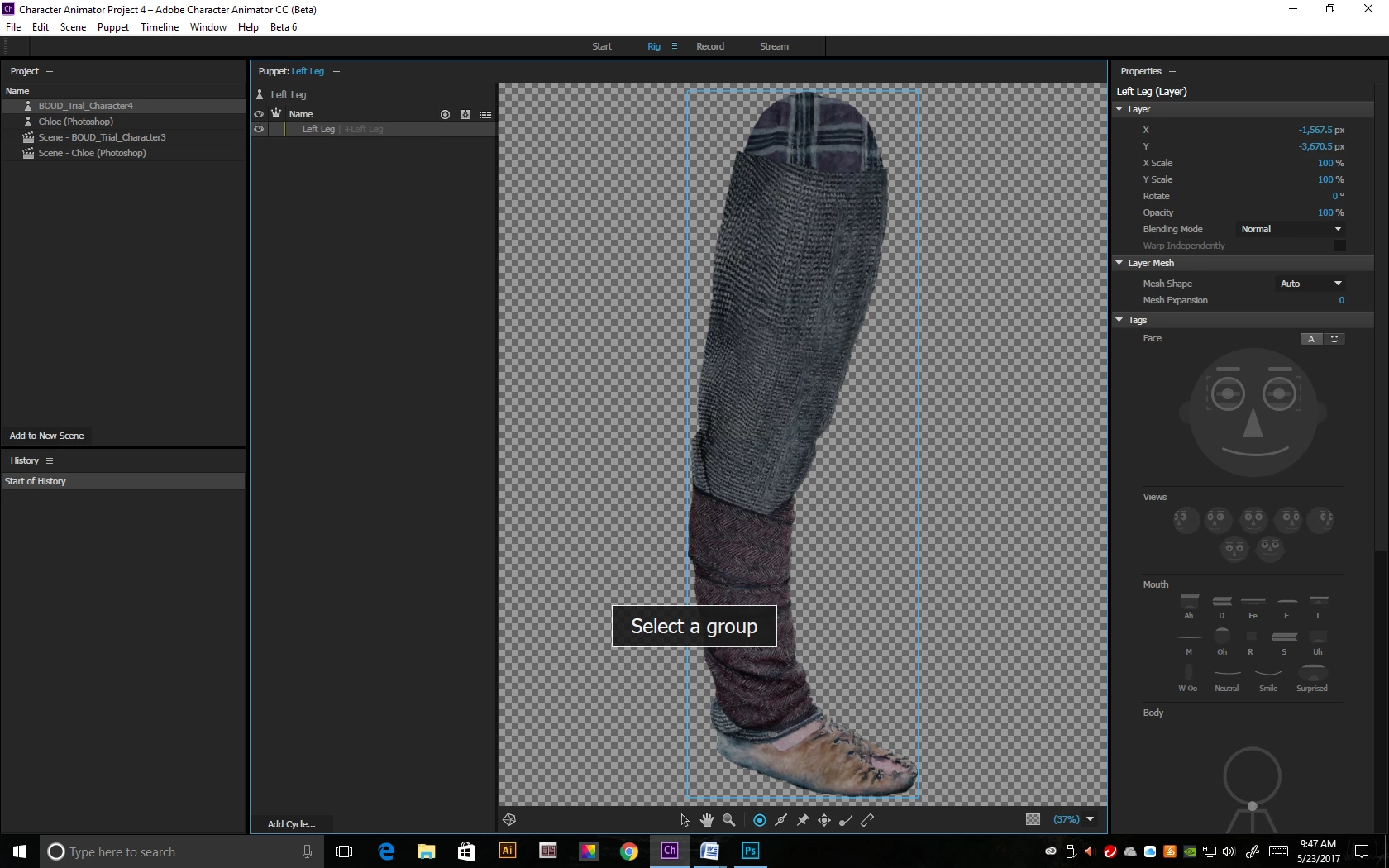
Message was edited by: Gerald Hapeman

 AdChoices