One Demented Man
Known Participant
March 23, 2020
Question

Layer Style Copy and Paste not working from PS to CA?

  • March 23, 2020
  • 2 replies
  • 1023 views

I'm just following the, Creating a Photoshop puppet (Adobe Character Animator Tutorial.)

System Setup
 

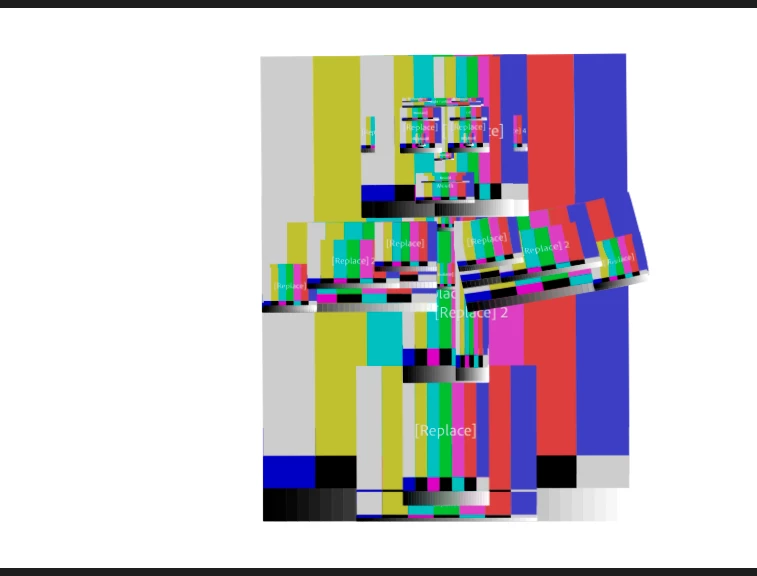
1st problem... when I use the, Copy/Paste Layer option, it works fine in PS, but when save and go back to CA, I have problems.

I've tried this several times and both on the layer, or Folder I get the same problem.
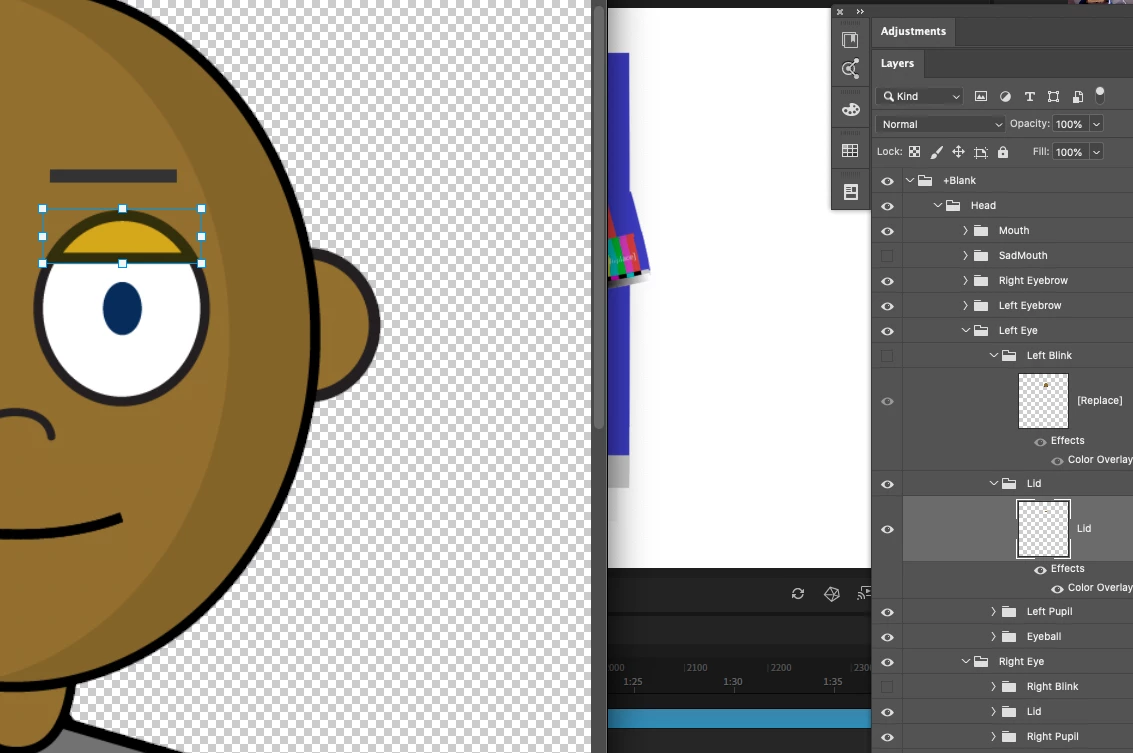
I am aware this is something that happens when there is a mismatch of where Items are placed,  but I've not moved anything, I have just added a colour overlay as per the tutorial and then copy and pasted, that layer style to the lid?


The next problem: When I go back to CA, I can see it reloading the updated PS Files, but I'm losing conection to the camera?
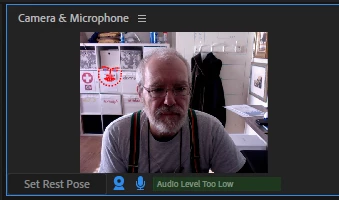
 

Set Rest Pose, does not work.  I have to select another camera and then go back?


Hope someone can help? Many thanks!

This topic has been closed for replies.

2 replies

One Demented Man
Known Participant
March 23, 2020

Second problem where the face was not being detected... my error... I realised it is when you turn away and camera loses tracking. Found that just clicking on my own face in, Camera and microphone pane worked fine!

One Demented Man
Known Participant
March 23, 2020

I think the problem is the relationship between saving in PS and then CA resting. This isn't working that well. I found that if I went back into the puppet and replaced the file again with the saved psd, it seemed to solve the problem. So, hopefully just a bit of tweeking the process from PS to CA!?

alank99101739
Legend
March 23, 2020

That is strange. Are you using "Edit Original" from inside Character Animator? That is meant to open PS on your file, then when you say CH is meant to detect the file change and load it up again. That test pattern indicates it failed to open the file for some reason.


One reason is if your files are on a network drive. Some of the APIs to detect file changes, file locking, etc are not supported on network drives. Another problem is if you have cloud sync software - the syncrhonization software can try and lock the document while it backs up changes to the cloud, but it makes CH unhappy as it cannot get exclusive access to the file. But I use CH on Windows rather than Mac so not sure if there are other problems that happen on the Mac.