MagentaPink_art
Participant
November 1, 2023
Question

Lip sync not working

  • November 1, 2023
  • 1 reply
  • 213 views

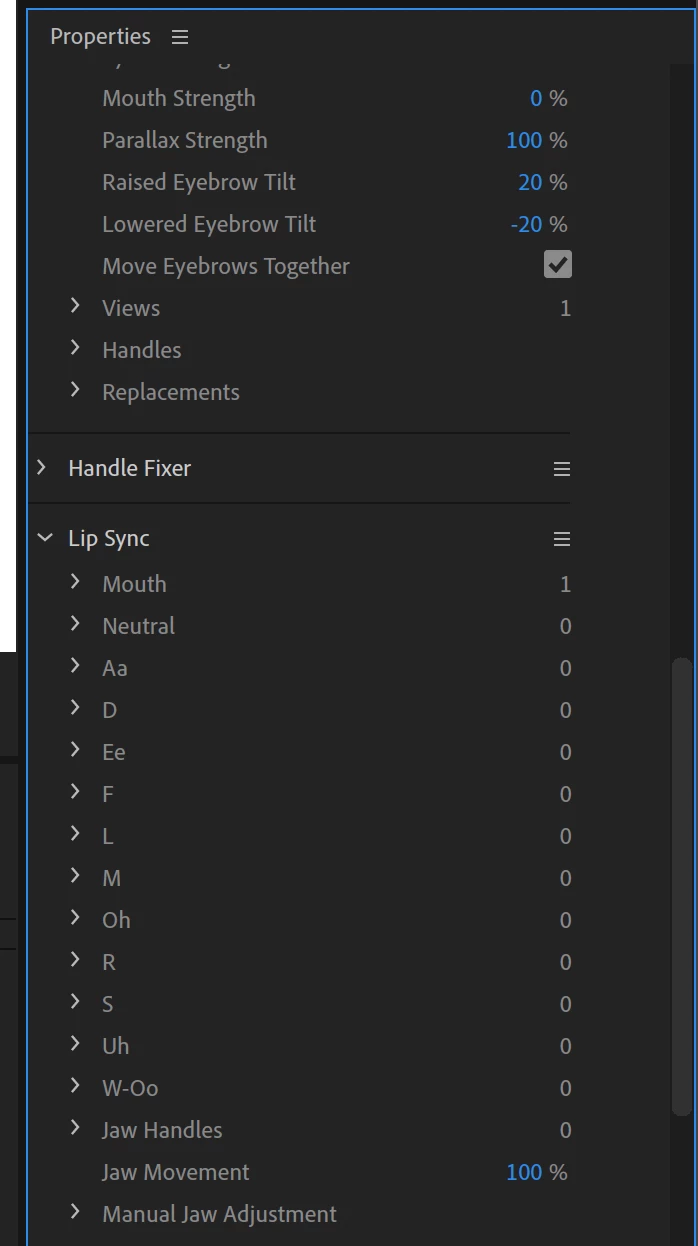
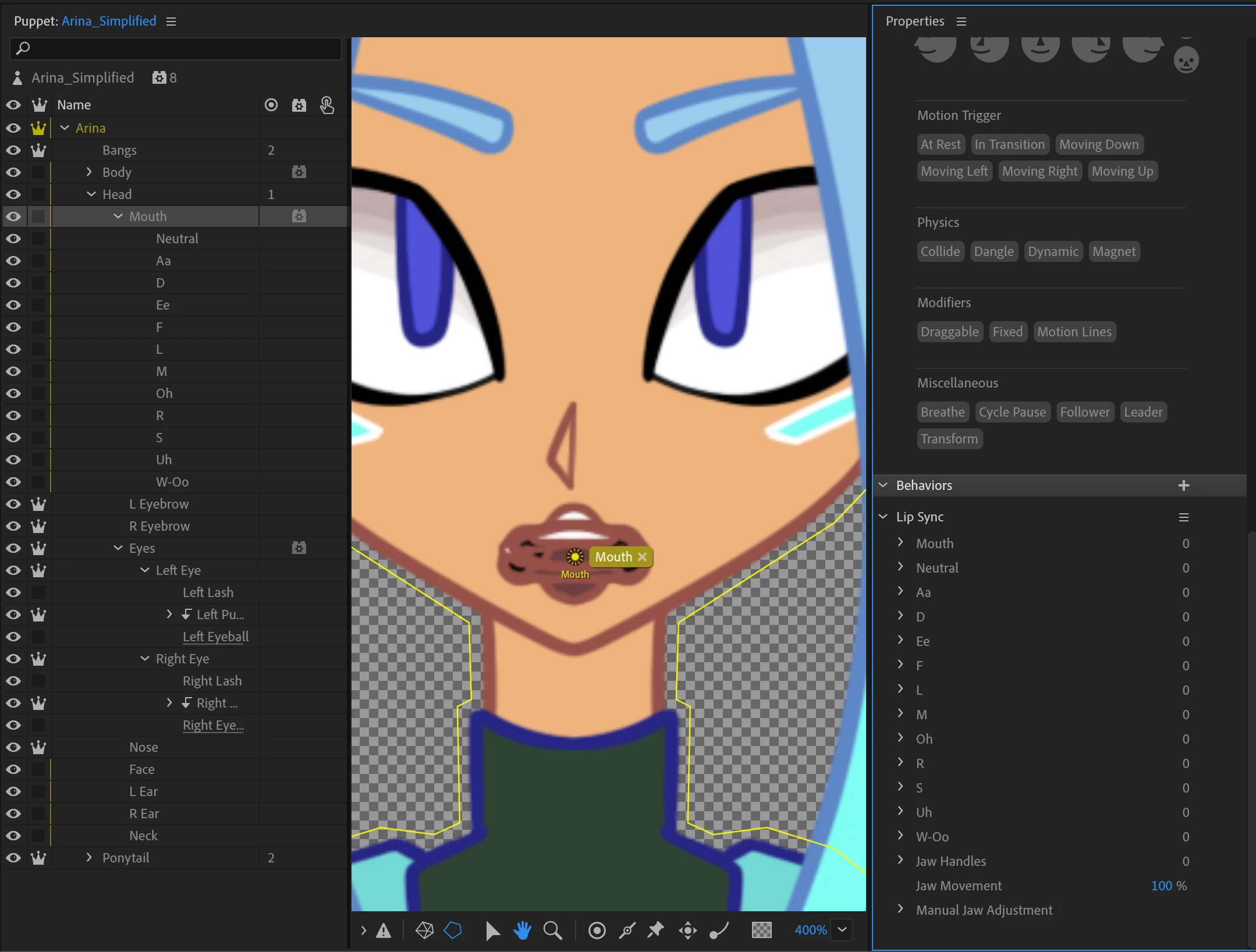
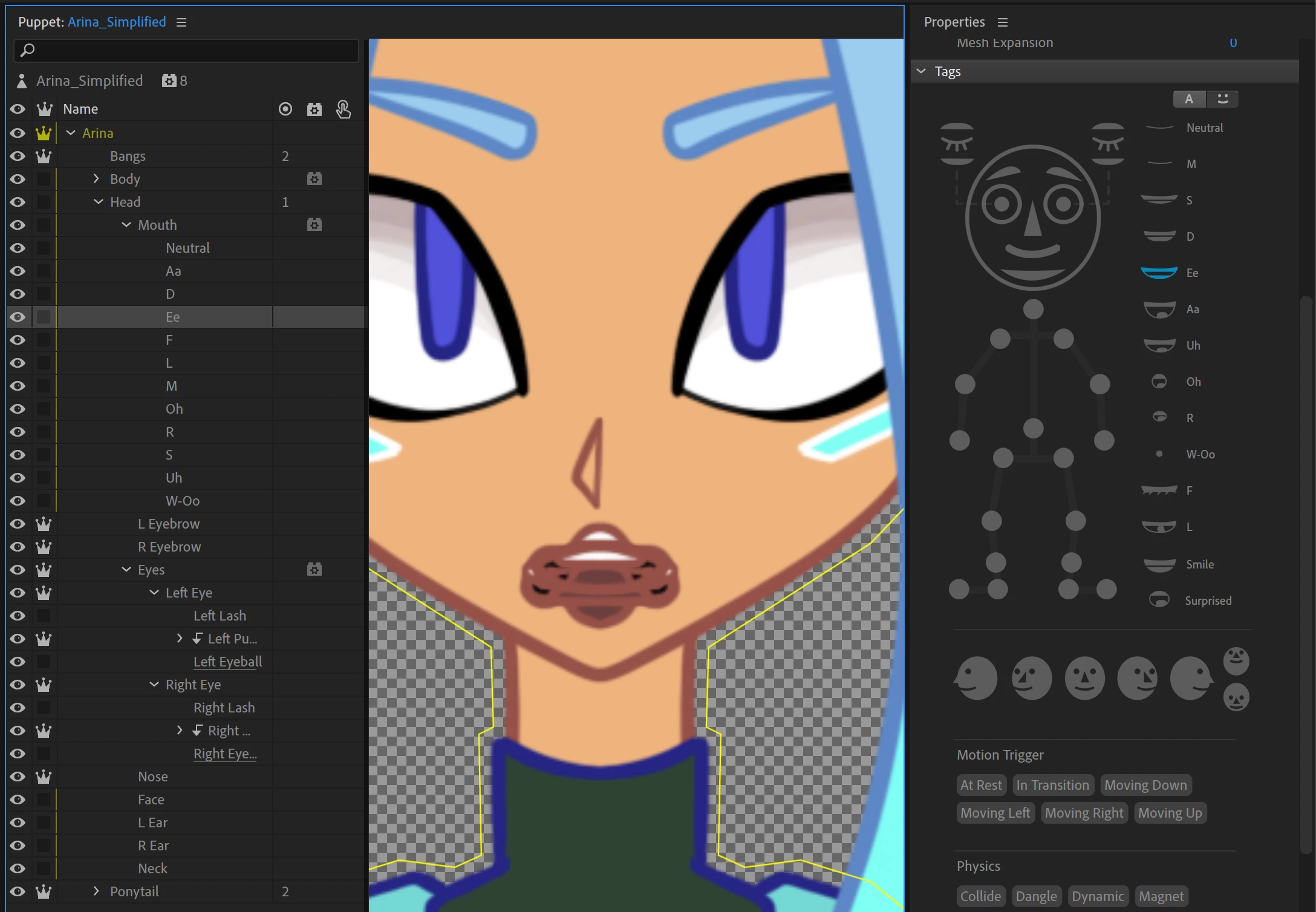
I am using a puppet with my drawing on all the layers including the mouth set which has the 11 + neutral mouth shapes. It already all automatically tagged each shape correctly, the group is tagged mouth and has the lip sync behaviour and the mouth group is inside the head group, but for some reason it refuses to actually work and just stays in neutral. Is something set up wrong? Do I need to add lip sync to each layer individually?
This topic has been closed for replies.

1 reply

Jeff Almasol
Adobe Employee
Adobe Employee
November 3, 2023

It looks like the Ee layer is tagged, but in the second image, the Ee entry is showing 0, meaning it's not being found as expected. Can you expand that Mouth entry in the second image, and it'll show the path to the layer that has that Mouth tag. Maybe the Mouth tag is being applied to a group that is not a parent of the Ee artwork layer in the puppet?