Participant
May 1, 2020
Question

Masking Translation Problem between Character Animator and Illustrator

  • May 1, 2020
  • 2 replies
  • 780 views

Hello Friends,


I am new to Adobe Illustrator and Character animator but I am loving it so far! I've been doing a lot of experimenting and learn from Okay Samurai on YouTube. 

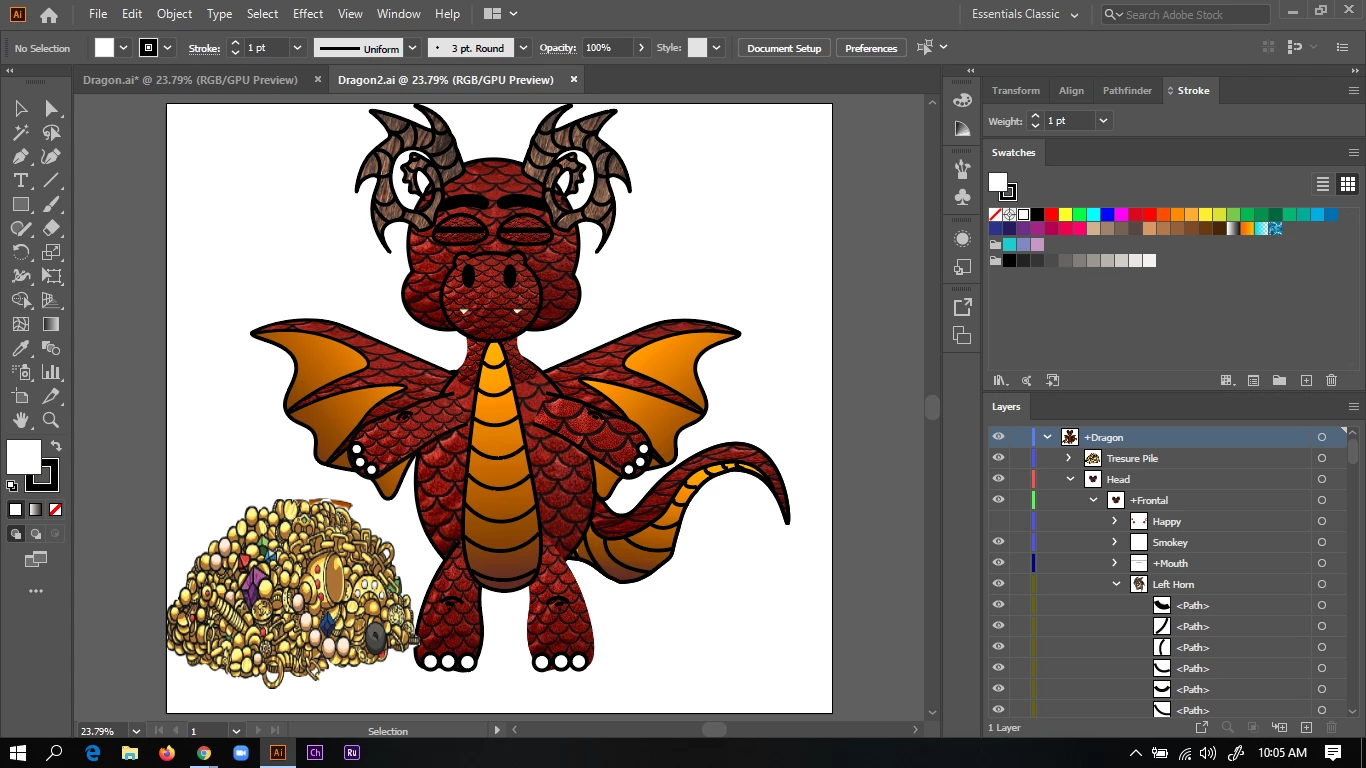
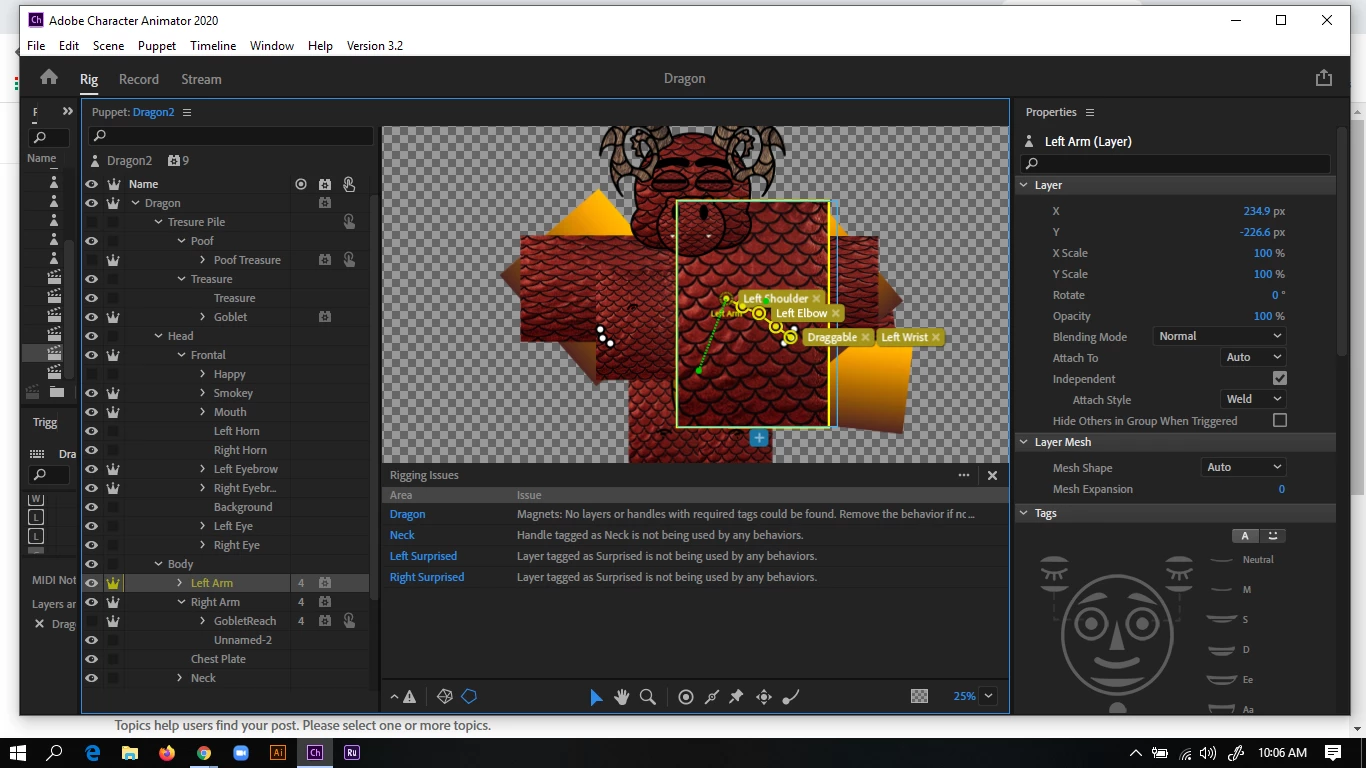
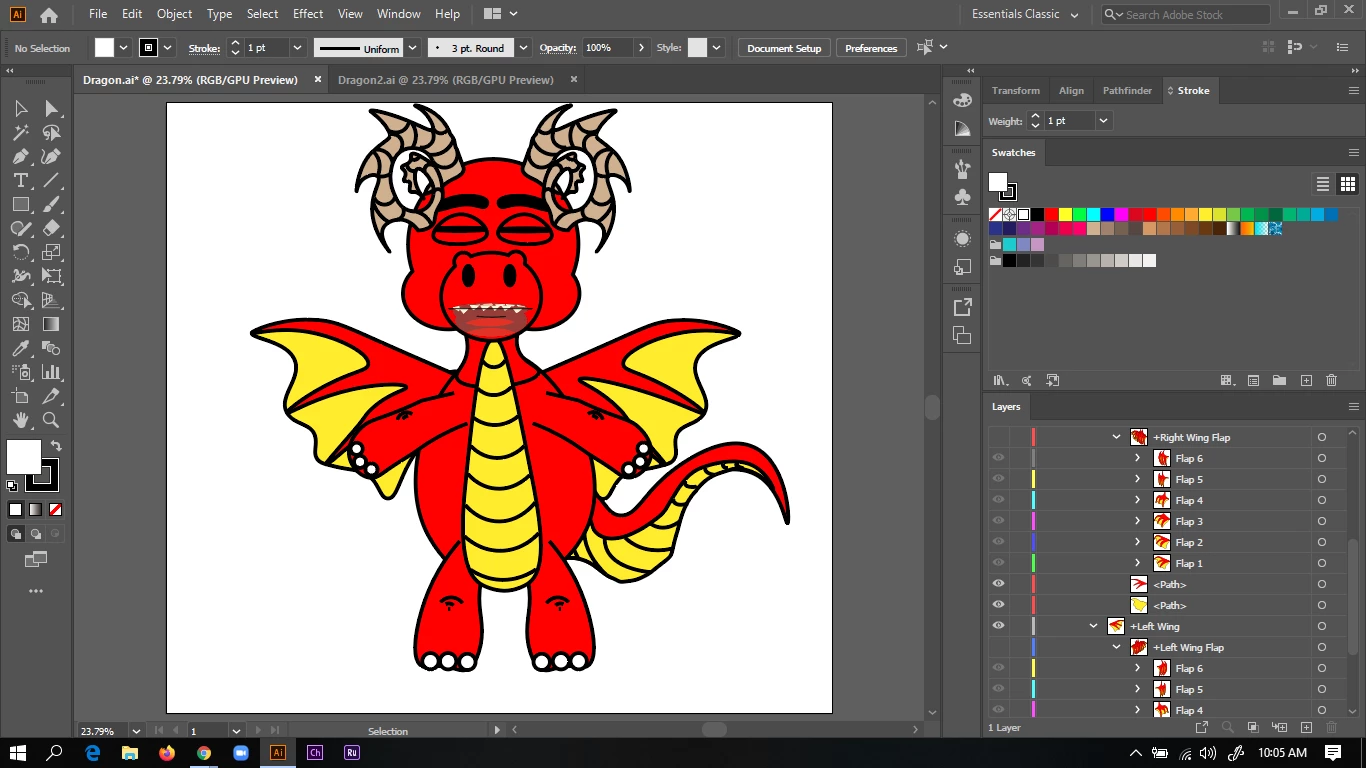
I was working on a dragon cartoon and after many hours I decided it would be cool to try the mask clipping tool. I thought I had learned how to do it but I was wrong. I would import a .jpg file by dragging and dropping it into my artwork and make sure it was behind the piece I wanted to mask with it. Then selecting ctrl 7.  Once I did all that work I went to Adobe Character Animator and my toon was well... blocky. Is there a way to fix my problem? Did I do masking wrong?  Here are some of my screenshots. TNA
 

This topic has been closed for replies.

2 replies

alank99101739
Legend
May 3, 2020

Hmmm. I thought I replied to this one, but its not here... Yes, there is a Clipping Mask feature in CH that might be useful. https://helpx.adobe.com/adobe-character-animator/using/puppet-layers.html#Usingclippingmaskstomasklayers


CH does not support all Photoshop and Illustrator features (most, but not all). Clipping appears to be one of them.


I have never tried on a full puppet (!), but I assume it should work. Put two layers next to each other in the puppet artwork. The first one is all the pattern material. The second is the rest of the puppet. Then on the pattern material layer select it and pick "Puppet" / "Create Clipping Mask" from the menu. The patterned material layer will then be clipped by the following sibling layers.

ebenheizerm28787053
Inspiring
May 2, 2020

I think you can search for topic called "Clipping Mask"