


Participant
November 8, 2016
Answered

My created puppet is not rendering

  • November 8, 2016
  • 2 replies
  • 654 views

I am very new to using Character Animator.

I have followed the initial tutorial to create my own puppet in Illustrator.

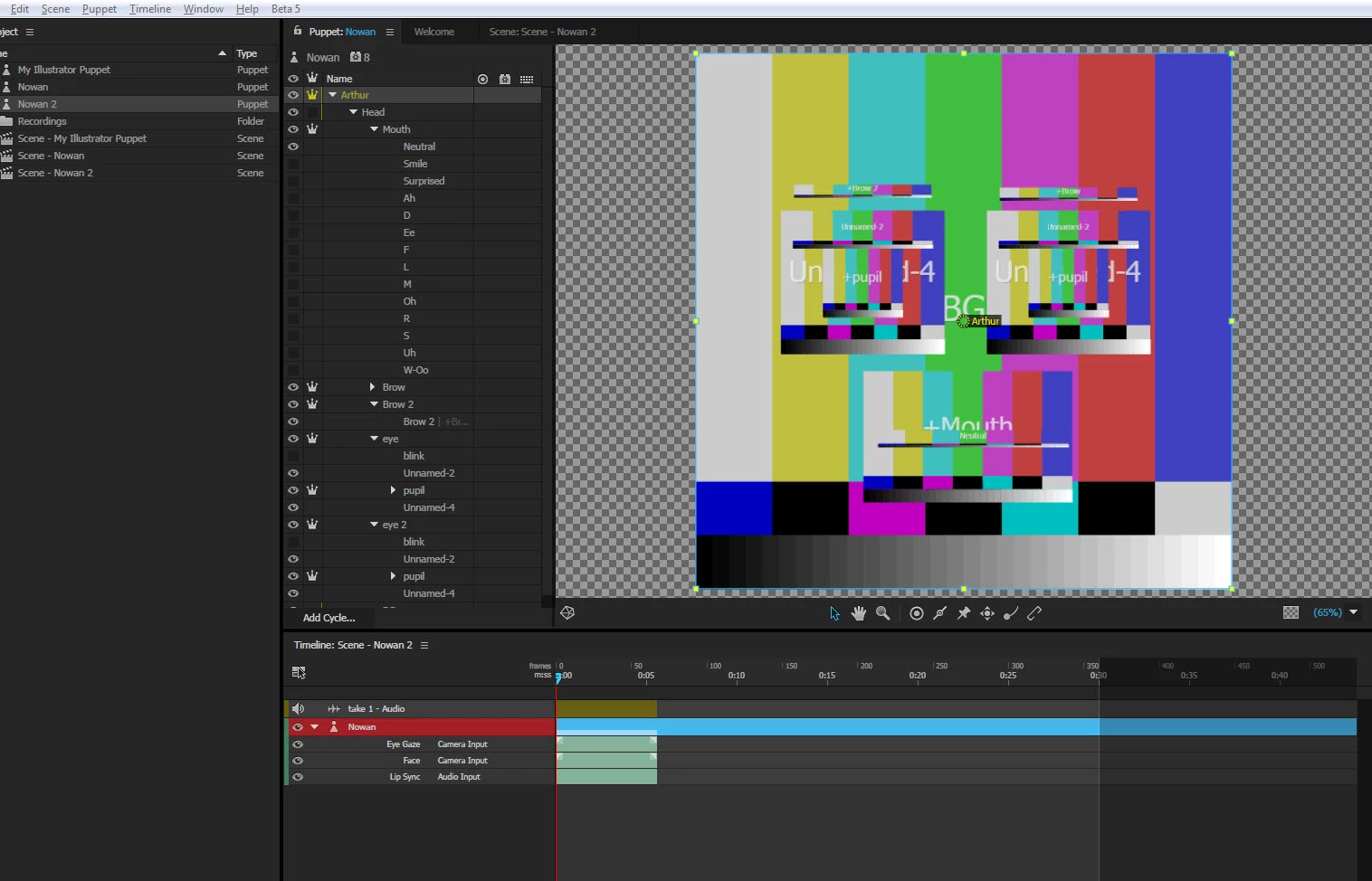
It worked fine at the beginning but now, all I get is the following graphic in Character Animator.

I don`t know how to refresh and render my graphic to what I've created. Anyone has had this problem?
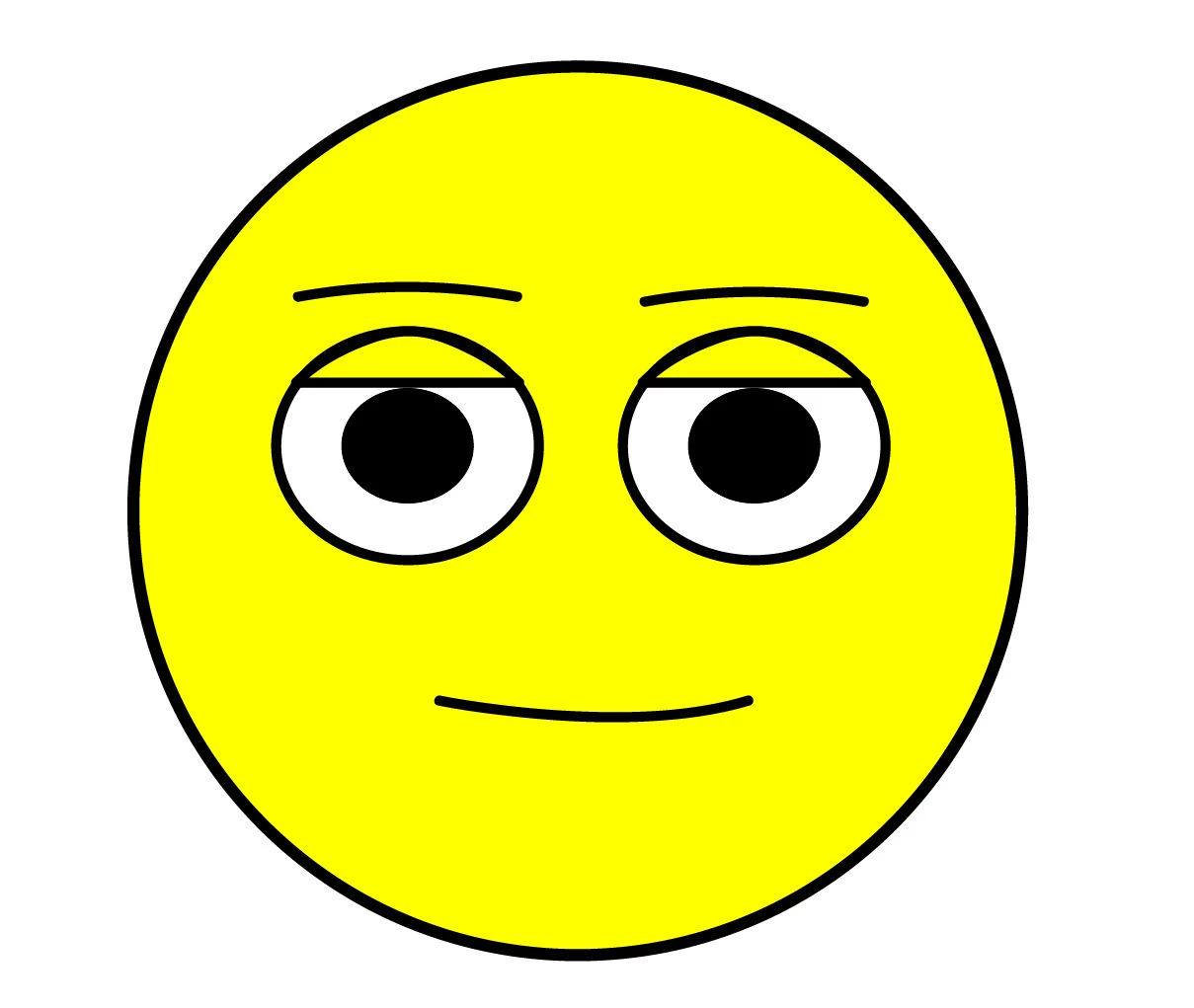
My created image in Illustrator should be as follow:

    This topic is closed to new replies. Start a new post to keep the conversation going.
    Correct answer Jeff Almasol

    When color bars appear, it means the expected path to the source artwork is no longer valid. Maybe the file was moved? If you select the "Nowan" puppet in the Project panel, then look in the Puppet section of the Properties panel, is the file path shown appearing in yellow (indicating it's missing)? If so, if you click that file link, then relink to the intended location of the Illustrator artwork file, does the artwork show up again the Puppet panel?

    2 replies

    Jeff Almasol
    Adobe Employee
    Jeff AlmasolCorrect answer
    Adobe Employee
    November 8, 2016

    When color bars appear, it means the expected path to the source artwork is no longer valid. Maybe the file was moved? If you select the "Nowan" puppet in the Project panel, then look in the Puppet section of the Properties panel, is the file path shown appearing in yellow (indicating it's missing)? If so, if you click that file link, then relink to the intended location of the Illustrator artwork file, does the artwork show up again the Puppet panel?

    Participant
    November 8, 2016

    That was very simple. Thanks a lot jeff. I won`t forget this one.

    It`s working fine again.