


Answered
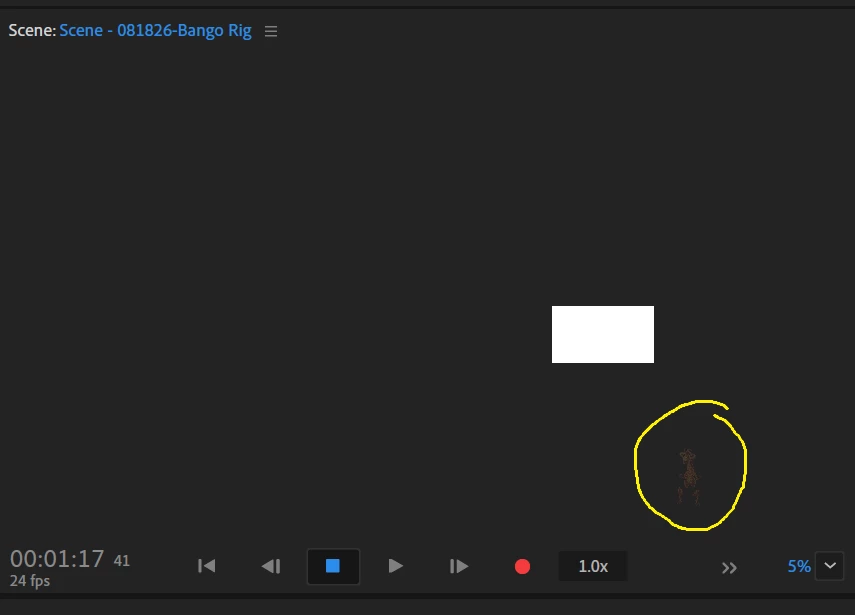
My puppet's Position X/Y read 0 in Transform, with no keyframes and no Parameter Recording enabled on either. I can manually drag the puppet into the correct spot in the canvas, but the instant I move the Timeline pl
My puppet's Position X/Y read 0 in Transform, with no keyframes and no Parameter Recording enabled on either. I can manually drag the puppet into the correct spot in the canvas, but the instant I move the Timeline playhead even slightly, it jumps back out of the canvas. I've ruled out: Transform's record-arm dot, Hub layer, duplicate Walk/Face behaviors, Cycle Layers, Smart Replays, keyframes, and Parameter Recording. What else drives a puppet's position that I haven't checked

 AdChoices