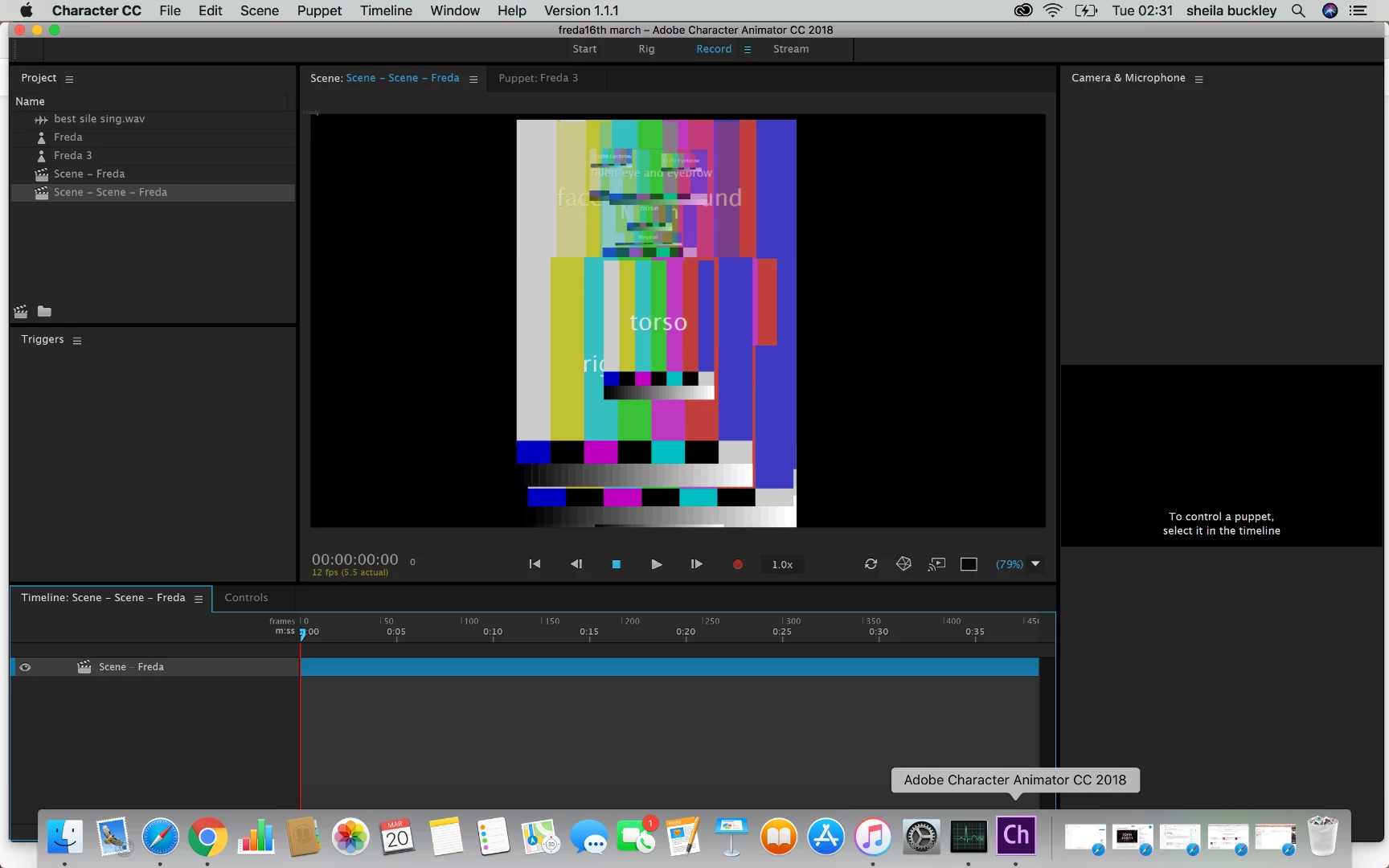
Looks like the filename of the artwork is not correct. If you click on the puppet, one of the properties at the top is the path name to the PSD or AI file. If this path is not correct (e.g. you moved the file), then you get this effect. Just fix the path property to the new file location and it should start working again. (Look for “relink”.)
Looks like the filename of the artwork is not correct. If you click on the puppet, one of the properties at the top is the path name to the PSD or AI file. If this path is not correct (e.g. you moved the file), then you get this effect. Just fix the path property to the new file location and it should start working again. (Look for “relink”.)




 AdChoices