1954 Godzilla is my hero!
Known Participant
August 19, 2024
Question

Newb needs help creating siimple 2D character icons

  • August 19, 2024
  • 1 reply
  • 381 views

Hello, 

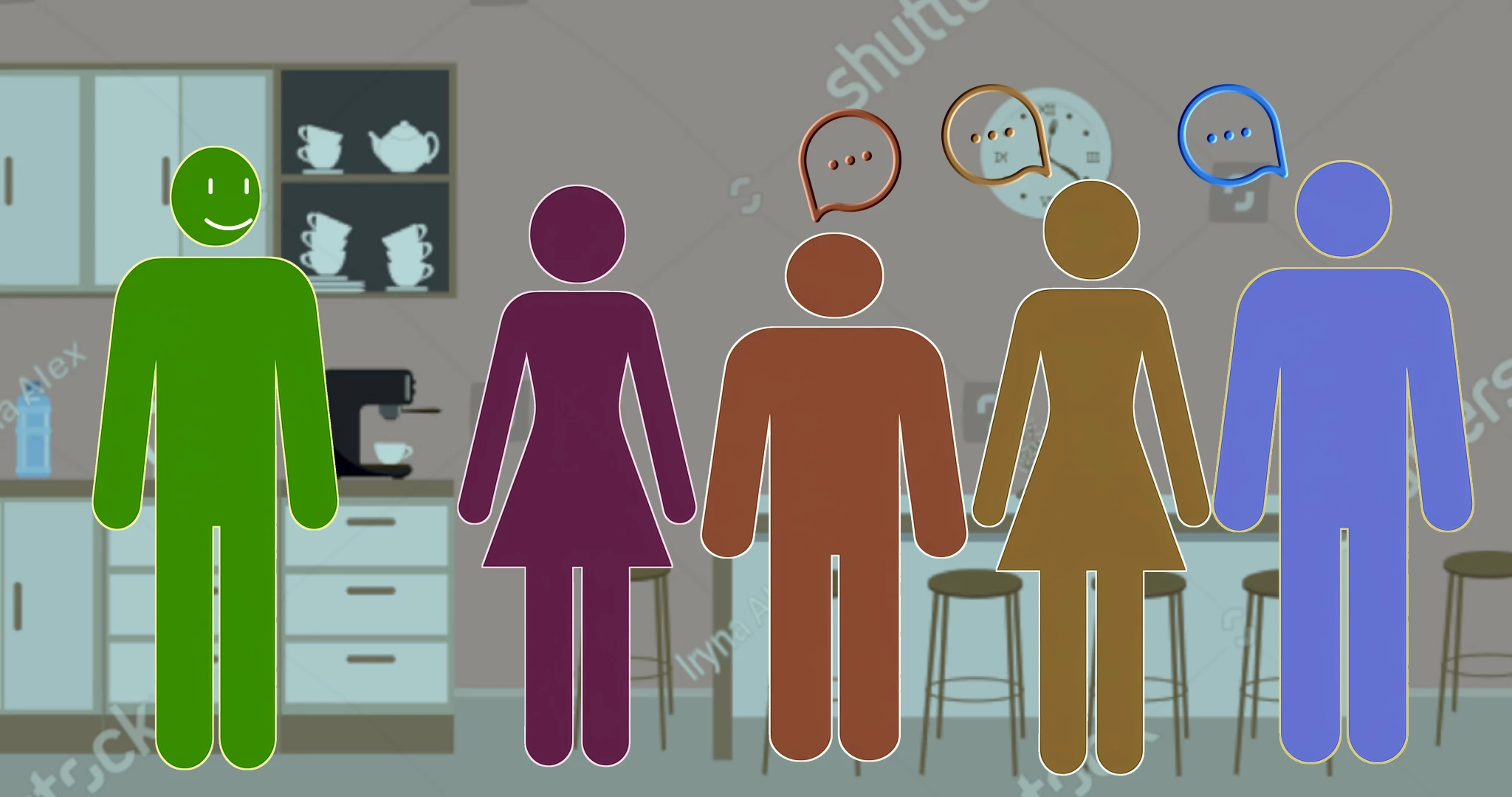
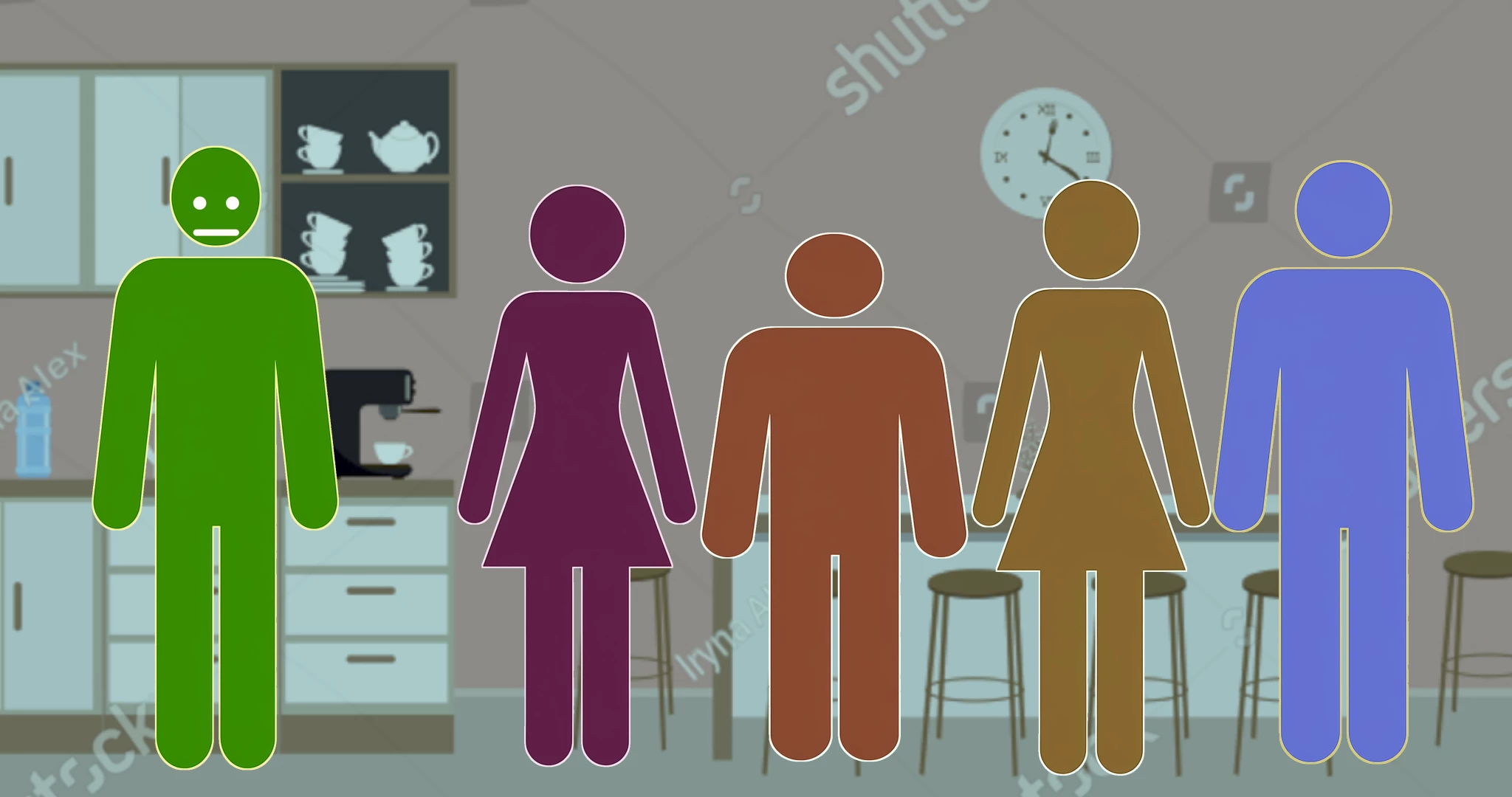
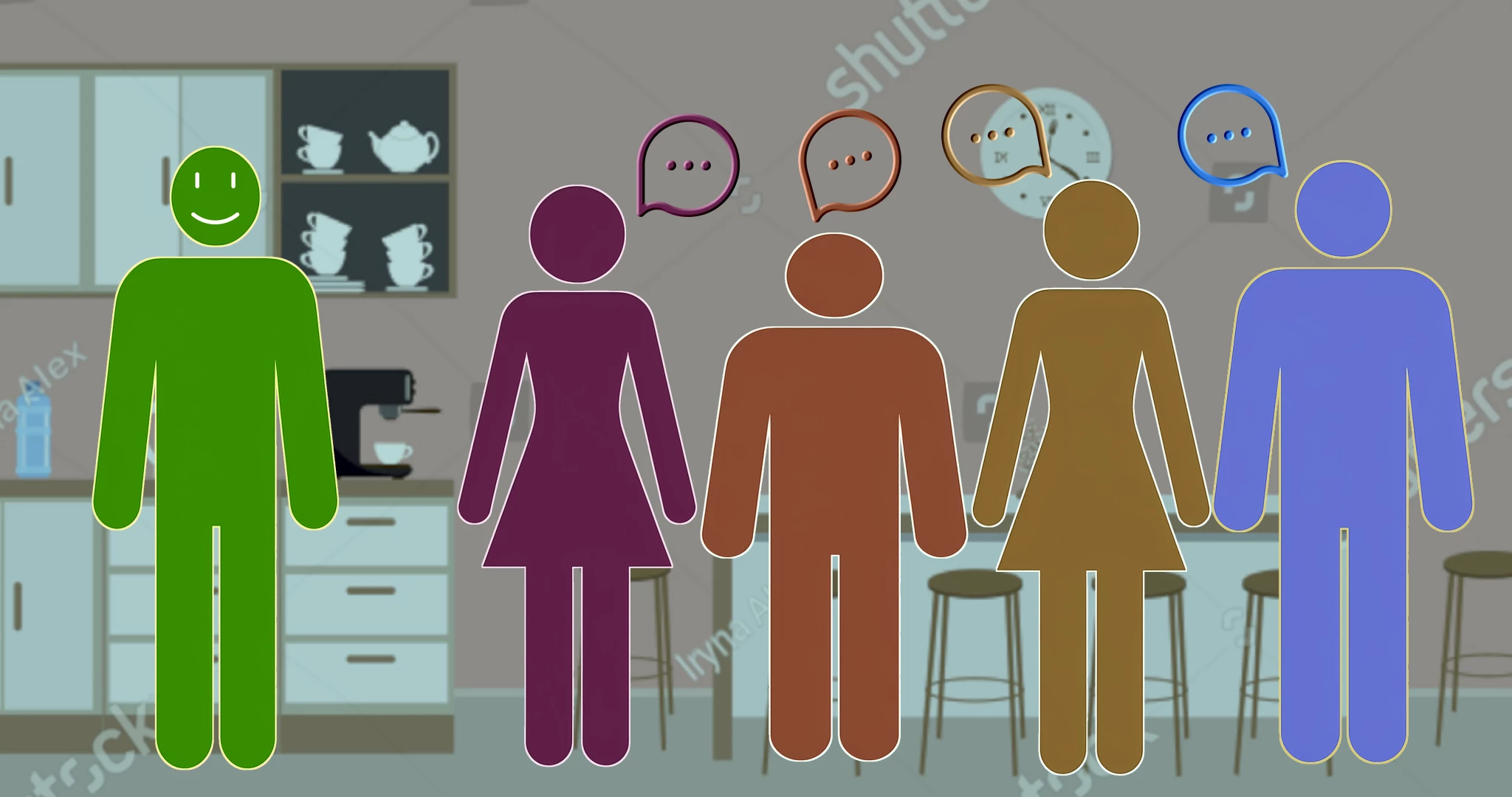
I'm trying to create and animate a very simple 2D character icon puppet scene in the style of the attached mockups. I'd like to animate arms and legs a bit so they can walk into frame, move their eyes, have a few simple cartoon-like mouth expressons (no lip-sync), and wave their hands. If animating walking is too cumbersom, they can just slide in. I'm an advanced Premiere Pro user, and intermediate 2D A/E user so I can use either to keyframe the animated puppets over a 2D Shutterstock background and time to VO. I can color fill each character. 

Can anyone help with this? Maybe point me to a rigged puppet character like I've described for purchase or creation? Need both generic male and female bodies.

Thanks very much for ideas and solutions!
This topic has been closed for replies.

1 reply

TheOriginalGC
Community Expert
Community Expert
August 19, 2024

The closest puppet to what you're looking for is the "blank" template which can be downloaded from here: Pro mode example puppets (adobe.com)

Rigging is the key to being able to move the face, arms and legs. You might find this video useful: Intro to Rigging (Adobe Character Animator) (youtube.com)

1954 Godzilla is my hero!
Known Participant
August 19, 2024

Guess I'll try to create the puppets in Illustrator and import into CA. Thanks!

TheOriginalGC
Community Expert
Community Expert
August 19, 2024

This is a few years old, but this video covers the basics of building a puppet in Illustrator. Creating An Illustrator Puppet (Adobe Character Animator Tutorial) (youtube.com)