This topic is closed to new replies. Start a new post to keep the conversation going.
Jeff Almasol
Jeff AlmasolCorrect answer
Adobe Employee
Jun 19, 2017 9:45 PM UTC

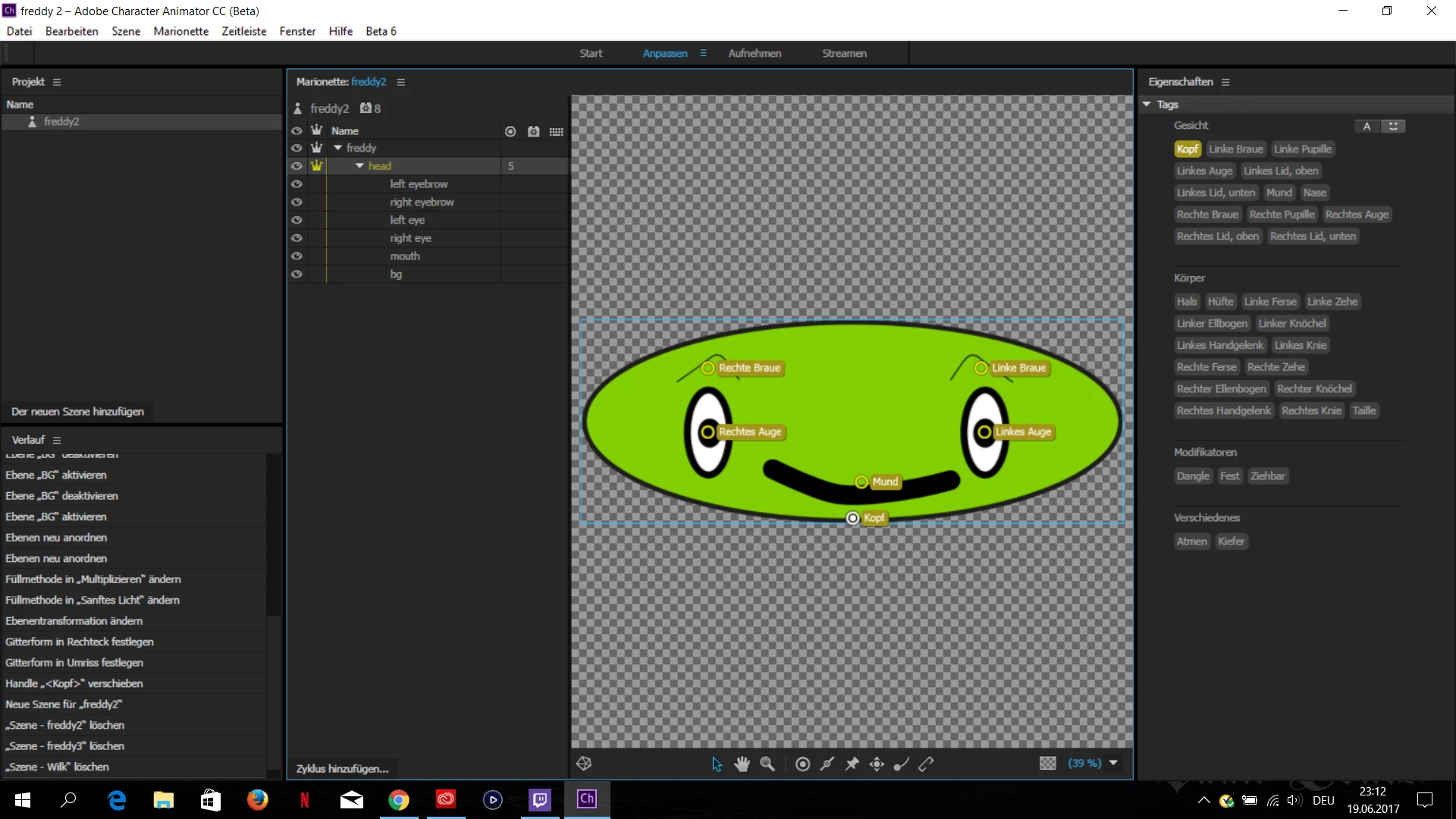
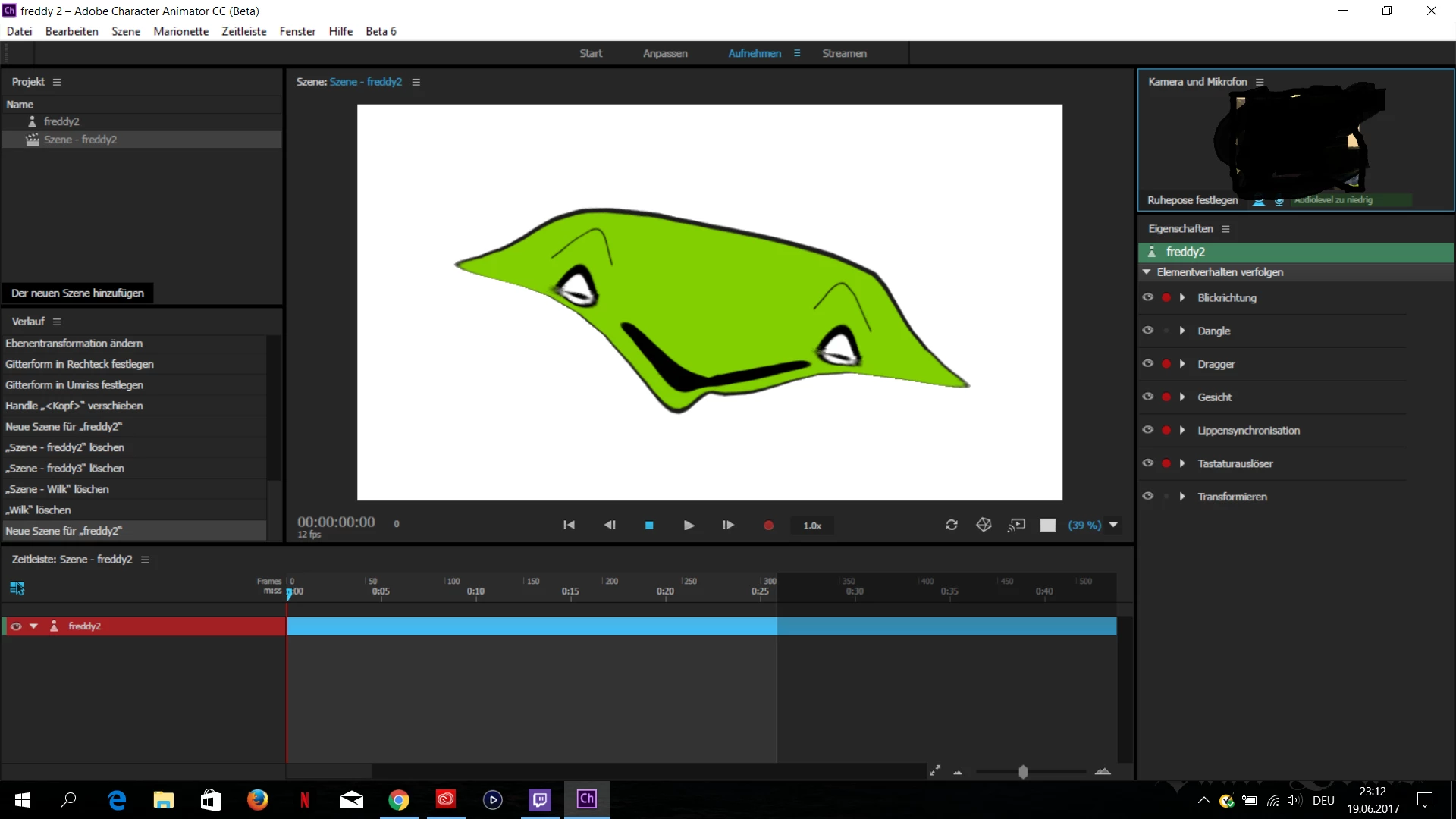
The eye layers are on the same mesh as the background of the face -- you can see that by the vertical yellow bar in the layers list in the Puppet panel (all the layers that have a yellow bar are on the same mesh, so will distort). You can make the eyes warp independently by grouping each separately in the original artwork file (e.g., "+Left Eye" and "+Right Eye"), which will turn them into groups with the Warp Independently option enabled.

2 replies

olibrayen
olibrayenAuthor
Participant
Jun 19, 2017 9:50 PM UTC

Thx for the FAST response! I will try tomorow^^

Translate
Jeff Almasol
Adobe Employee
Jeff AlmasolCorrect answer
Adobe Employee
Jun 19, 2017 9:45 PM UTC

The eye layers are on the same mesh as the background of the face -- you can see that by the vertical yellow bar in the layers list in the Puppet panel (all the layers that have a yellow bar are on the same mesh, so will distort). You can make the eyes warp independently by grouping each separately in the original artwork file (e.g., "+Left Eye" and "+Right Eye"), which will turn them into groups with the Warp Independently option enabled.

Translate