



Answered
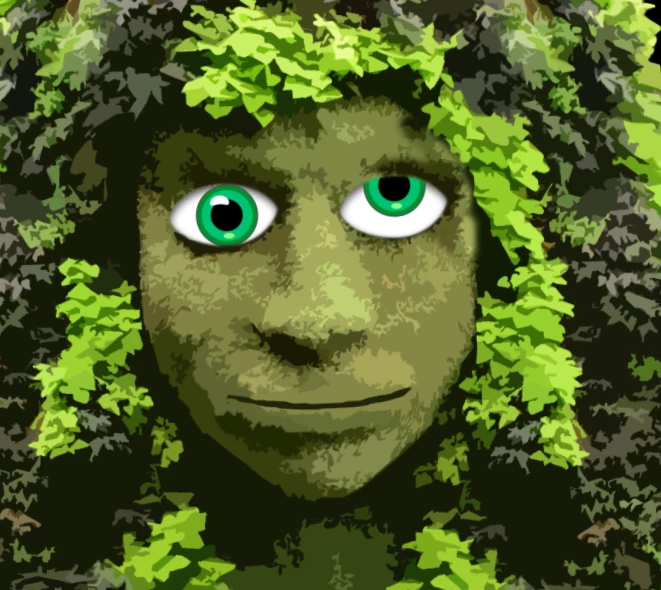
Odd eye alignment with one eye
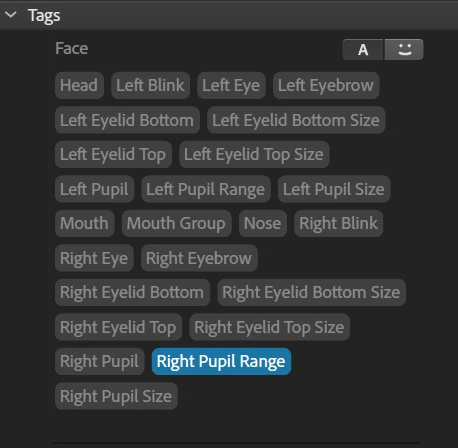
Layer naming is correct.
Left and Right pupil movement is correct for the right eye.
Puppet behaves well except for the forward eye position. As you see in the image below, the right eye moves upward but sometimes it also looks forward in the correct position.
Earlier I accidentally had the right eye selected when I used the Pin Tool to add a fixed point. I have since deleted that point and added a new one with the Character selected.
Any help to get that right eye to stop looking up is appreciated.
 AdChoices