

Answered
Outline and mesh - Character Animator
Hi, I am a german newcomer. Normaly I can see the outline and the correct mesh - but in this case I can´nt see - What is wrong?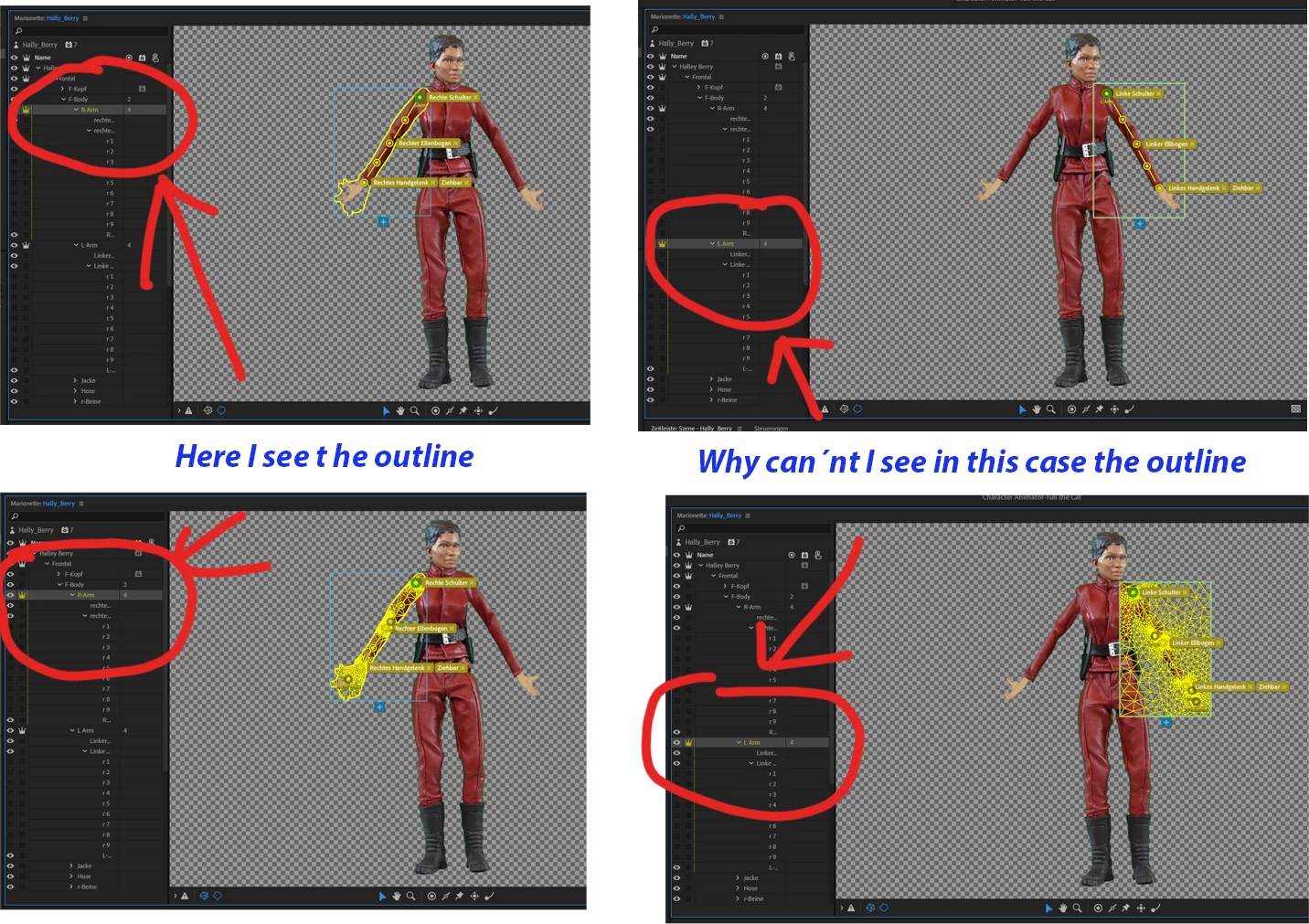

Hi, I am a german newcomer. Normaly I can see the outline and the correct mesh - but in this case I can´nt see - What is wrong?
Already have an account? Login
Enter your E-mail address. We'll send you an e-mail with instructions to reset your password.
 AdChoices