

Parallax With Clipping Masks?
Has anyone got a parallax clipping mask working? That is, the clipping mask moves with parallax settings.
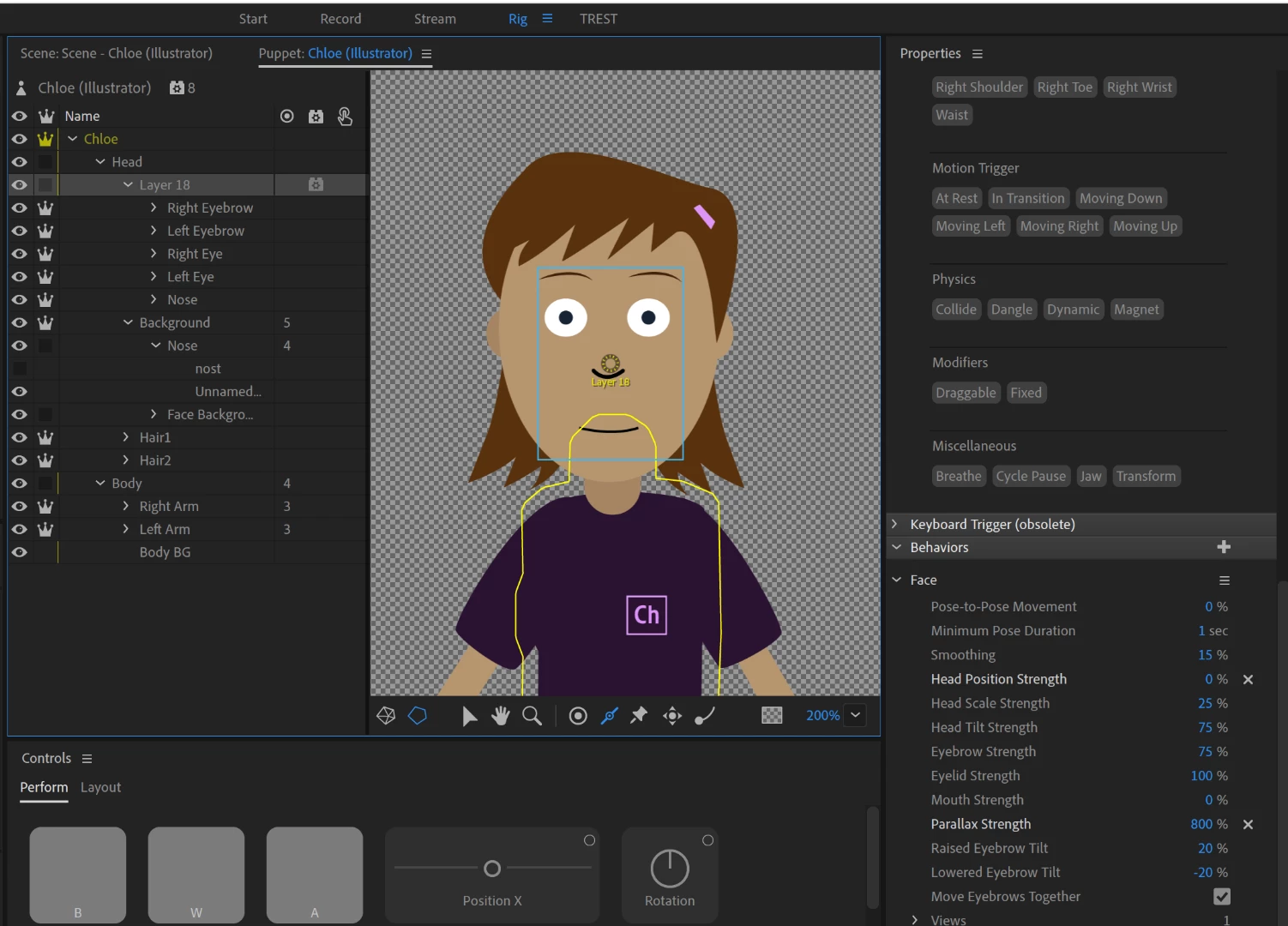
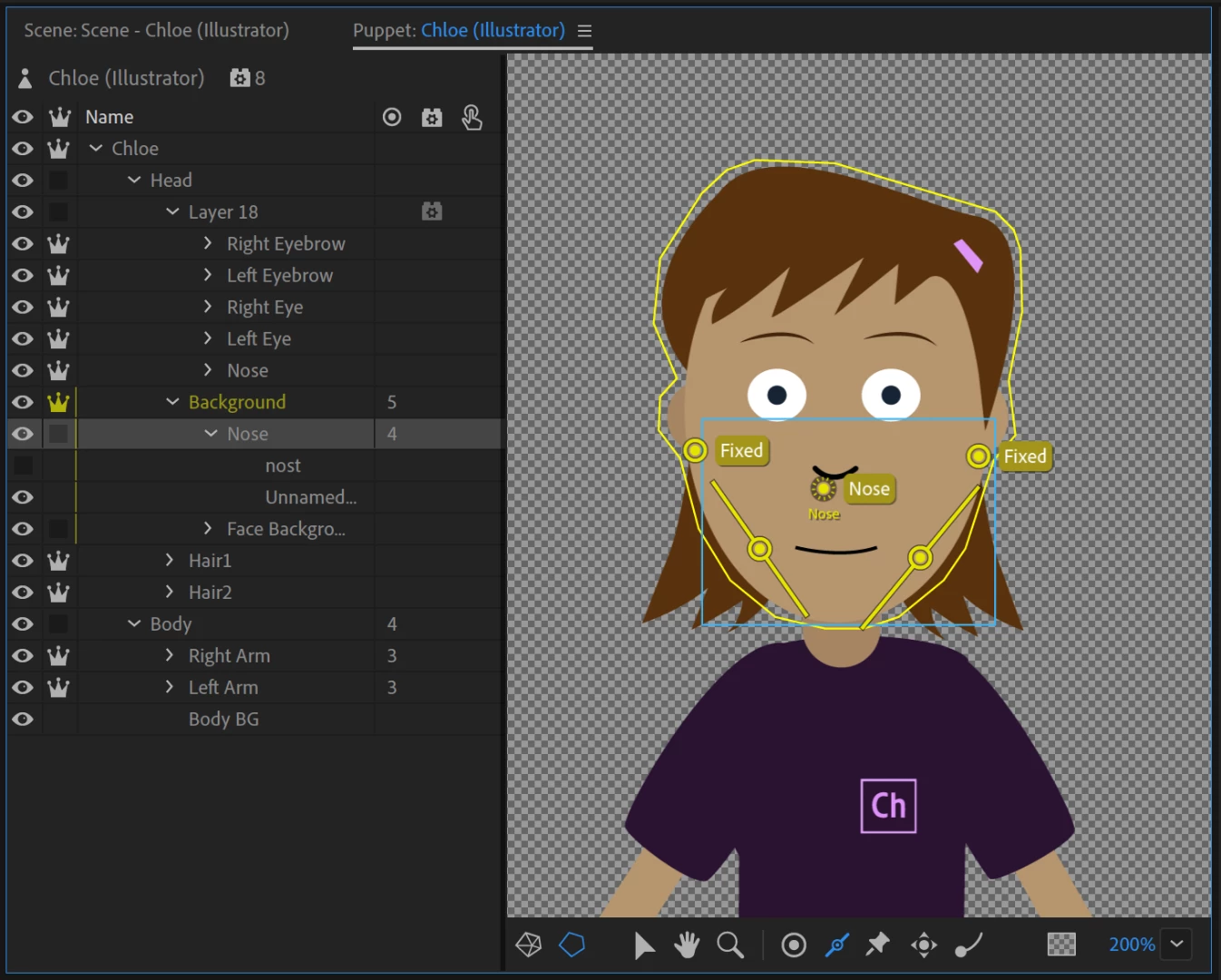
I tried with Chloe, making the nose into a bigger blob, then setting the parallax strength high (600%), then making the background of the face clipped by the nose. I can get the shape of the nose to appear, I can get the nose to move from side to side, the rest of the background is not present, but I cannot get the nose shape to be the color of the background image. That is, it does not seem like its clipping.
The effect I was trying for was to get a head shape to adjust with parallax. The eyes and nose move fine today. The documentation says the mouth is mean to move as well (but does not) - but if you move the Mouth to be a child of Nose then you can make it move as well. But the head shape should adjust as well (at least a bit). I was trying to work out if this could be done smoothly rather than with profiles.
Consider the following diagram. The eyes and mouth need to move (and nose), but the cheek bone wants to extend out the side of the face as well.
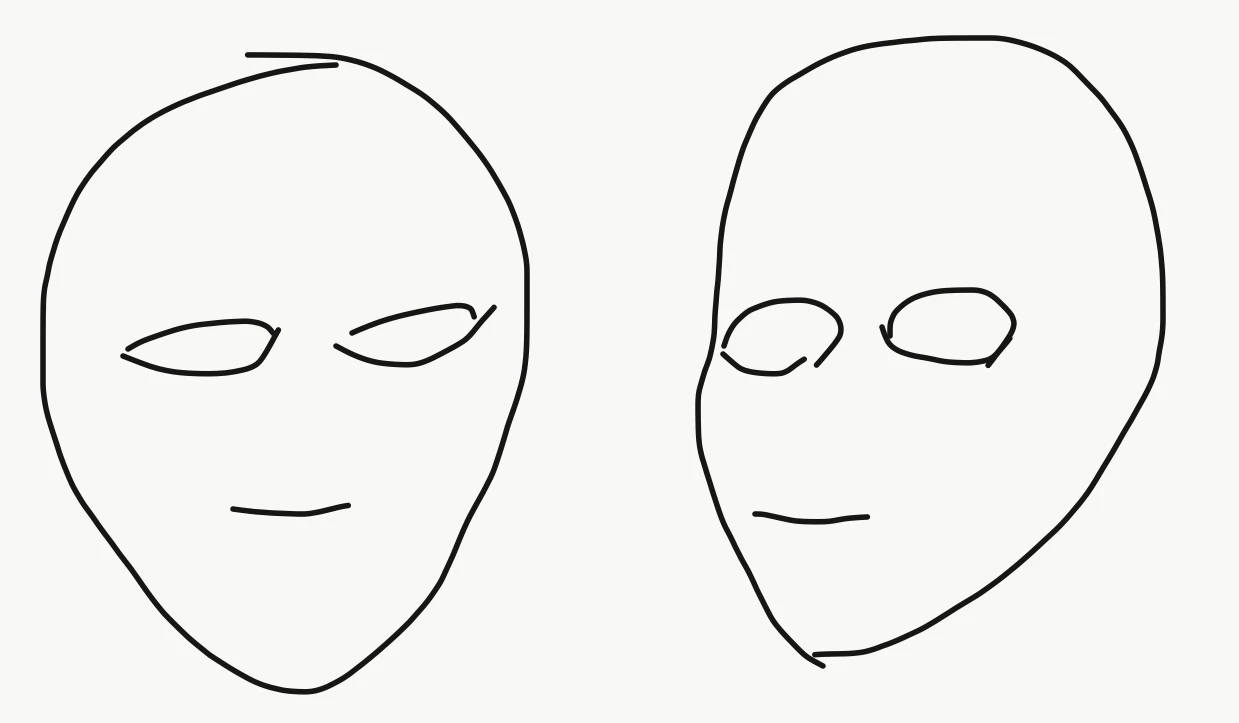
I was wondering if I could have a gradient background image, then use a clipping mask made up of a static part (a ball for the top of the head) and a moving part (jawline and cheek). By using clipping you can still do nice graduated skin colors for cheeks etc. I have failed to get this to work so far.
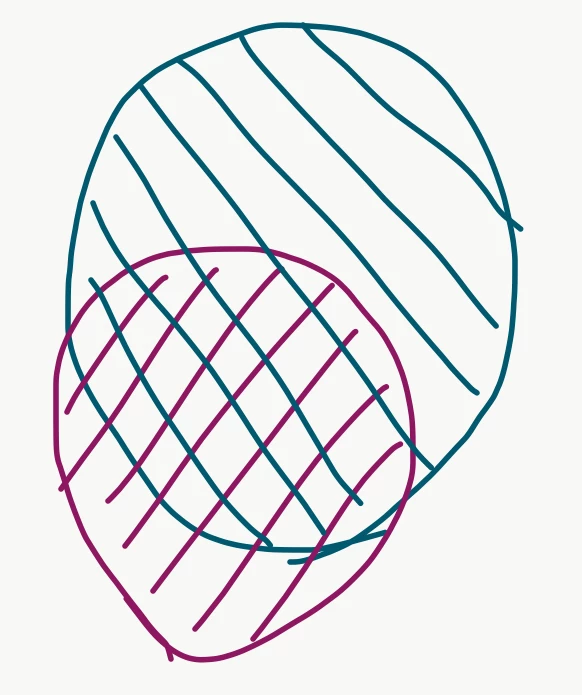
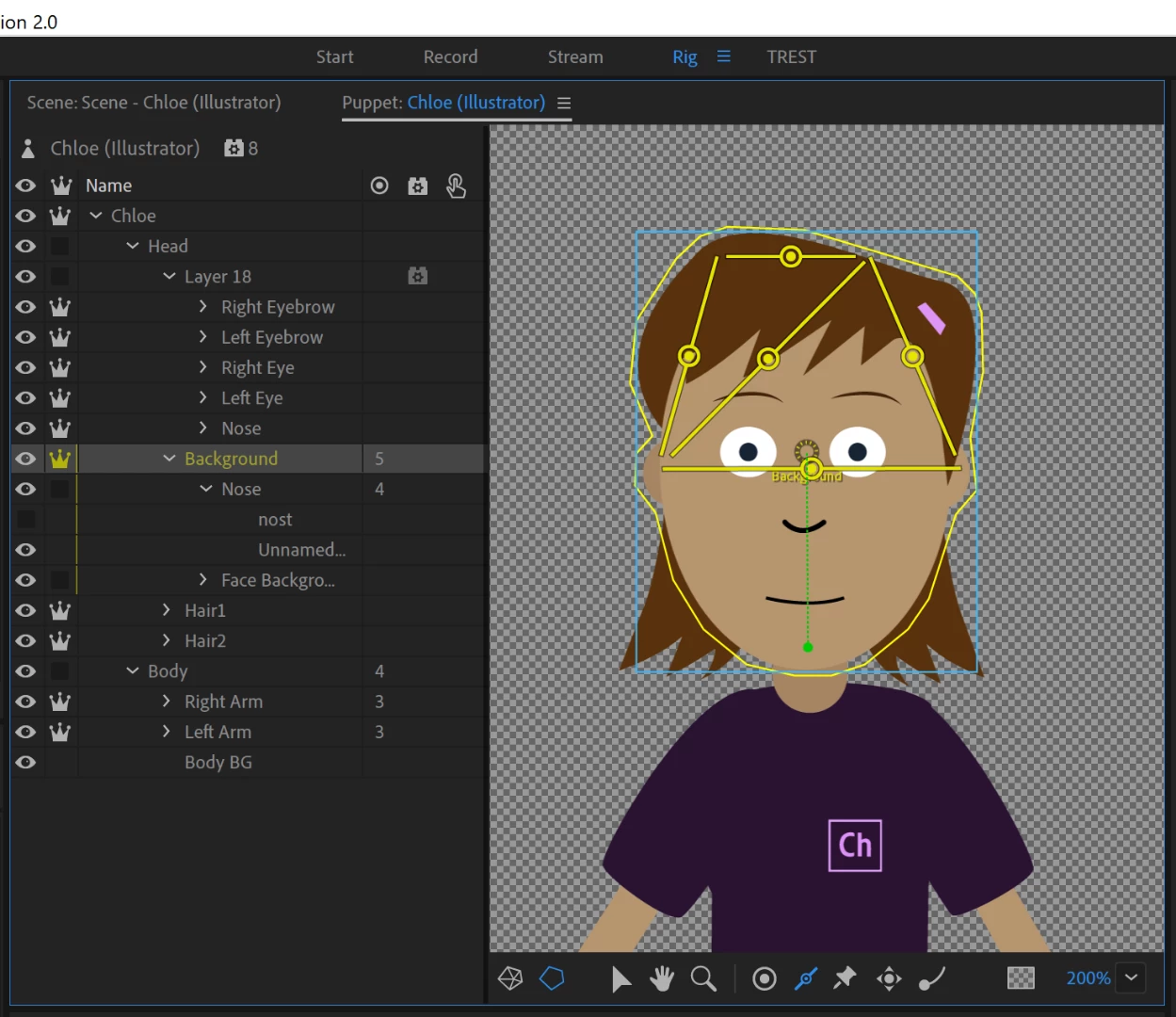
Hmmm. In writing this up, I wonder if I can use a different approach somehow. I want the head to be able to move around, but can I perhaps use pins on the top half of the head so it distorts the face shape when parallax kicks in. That would make it easiest to keep a smooth outline to the face. eg Make the nose dependent on the face background around it, add lots of sticks so when the nose moves the bottom half of the face moves (warps) with it. I might try that tomorrow.
Any other ideas people have? I realize it might only give you say 30 degrees of head turn max, but it would be smooth instead of jumping between distinct profiles.
_1.gif)


 AdChoices