



Particle problem with Head Turner
Hi Anyone,
Firstly I would like to say I am loving Character Animator so quick to develop and for beta I have had no problems so far.
I am however struggling with the particle behavior working with multiple head turns this is no doubt a problem with how I have layers displayed but I can't seem to figure this out or find many tutorials on particles.
Ok so the problem is I have a fish, a bit similar to 'Finn' the fish but created in Illustrator. I wan't to be able to trigger a bubble at any point with my mouse. The problem I have found is that because I have multiple heads (Frontal, Right Profile, Right Profile etc...) I have had to add the particle behavior to the bubble layer on all of the heads. This has seemed to work up to a point and I get lots of bubbles (one from each layer I think - not ideal) but one bubble does not die and is always there as the scene begins and ends, without being triggered.
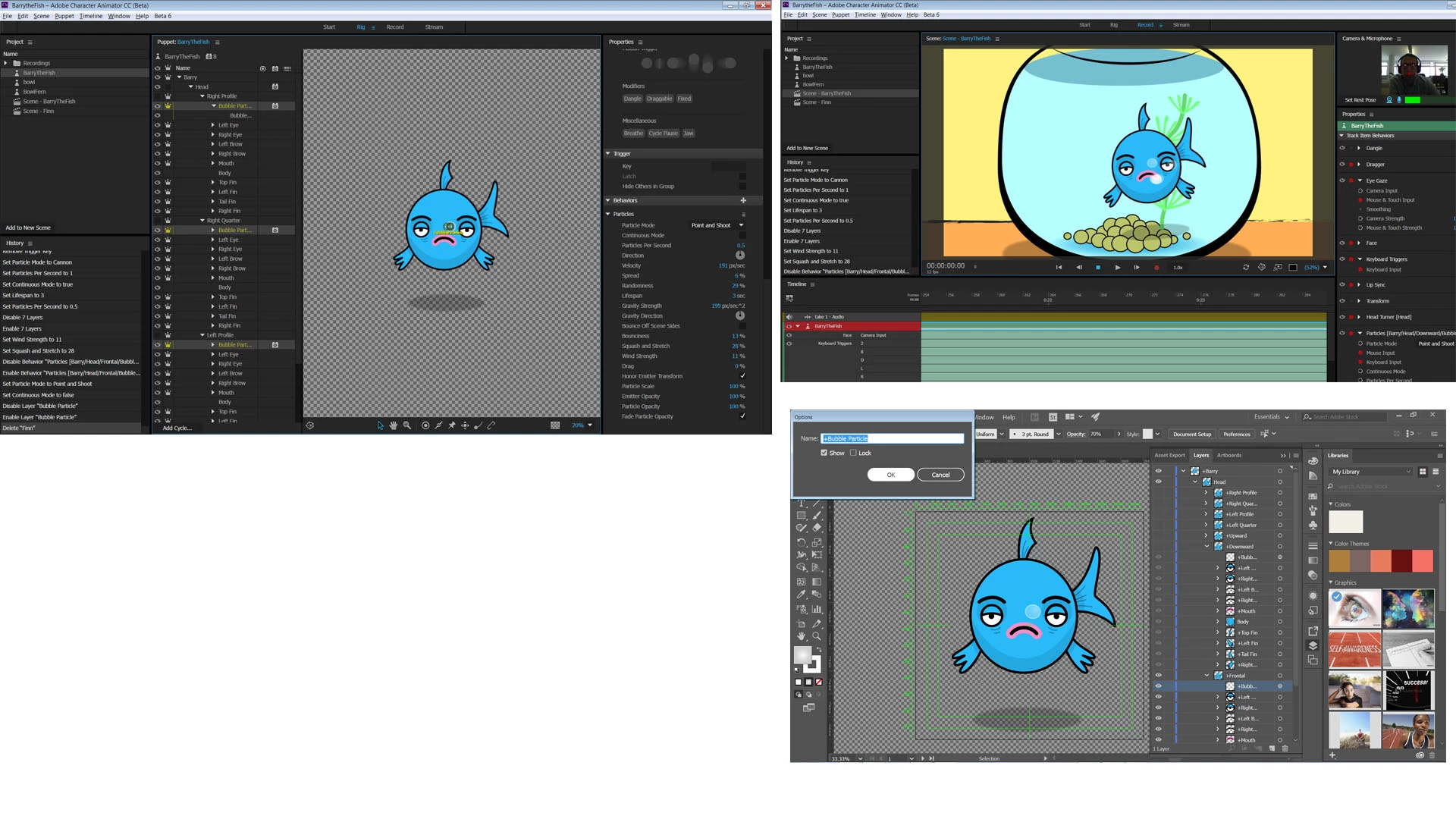
I have tried using a key instead but this does not work at all, I have tried hiding the layers.
I am starting to think I have approached this all wrong and should instead create a bubble character and bring it into the scene that way?
Suggestions would be appreciated I have only been using this software a week and it's just a practice fish but i 'need' to fix this for my own sanity!
Many Thanks
Andy
 AdChoices