


Known Participant
October 29, 2017
Question

PNGs export blurry and aliased

  • October 29, 2017
  • 5 replies
  • 1085 views

My characters appear beautiful and crisp in Illustrator and character animator on screen, however whenever I export them as a PNG sequence from CA the lines soften and become aliased resulting in a soft fuzzy animation. Have tried a variety of export settings with no luck. There is no scaling of characters - I've created them at 100% to test this. The issue is not something in AI but a bug in the program of CA.

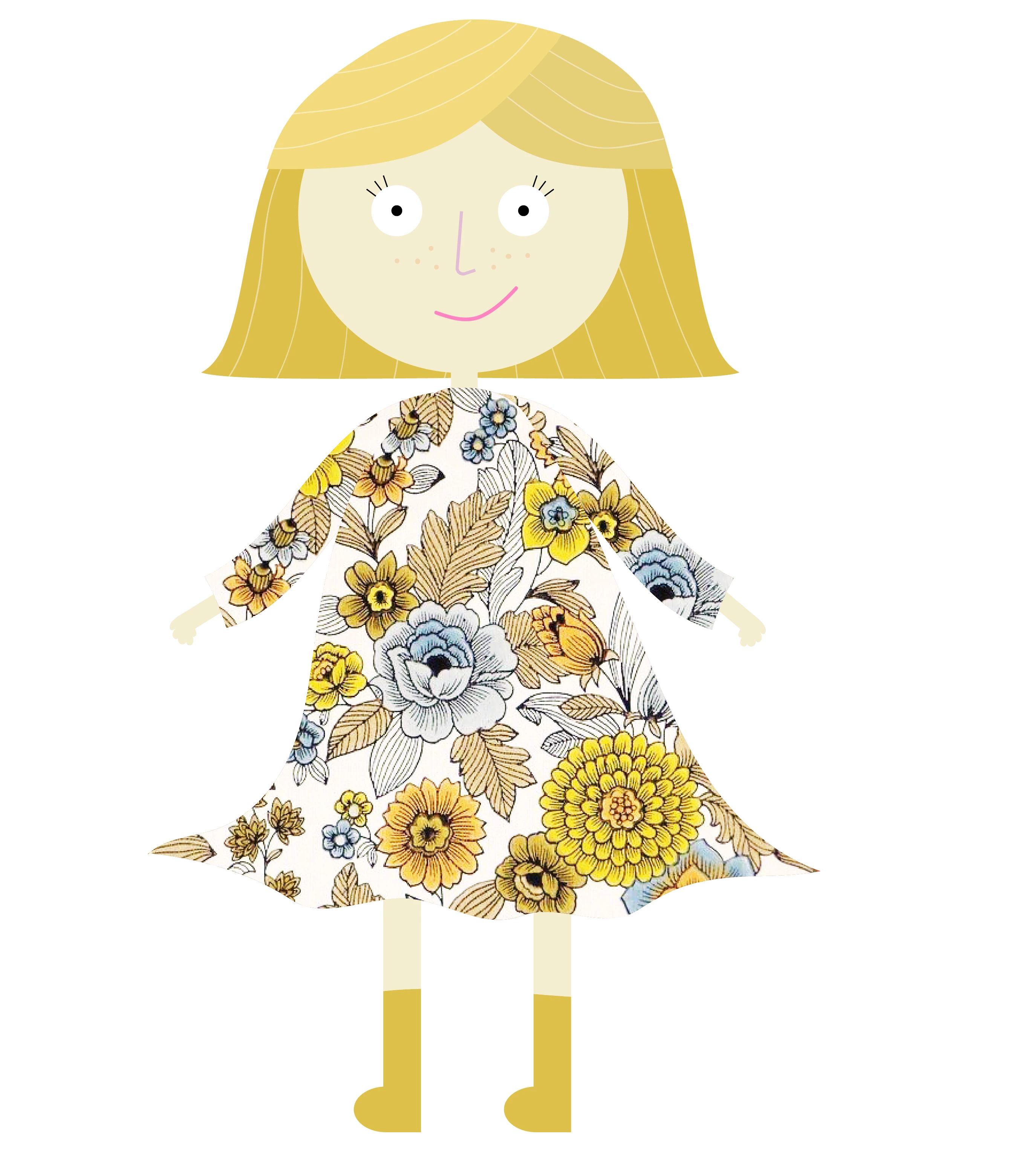
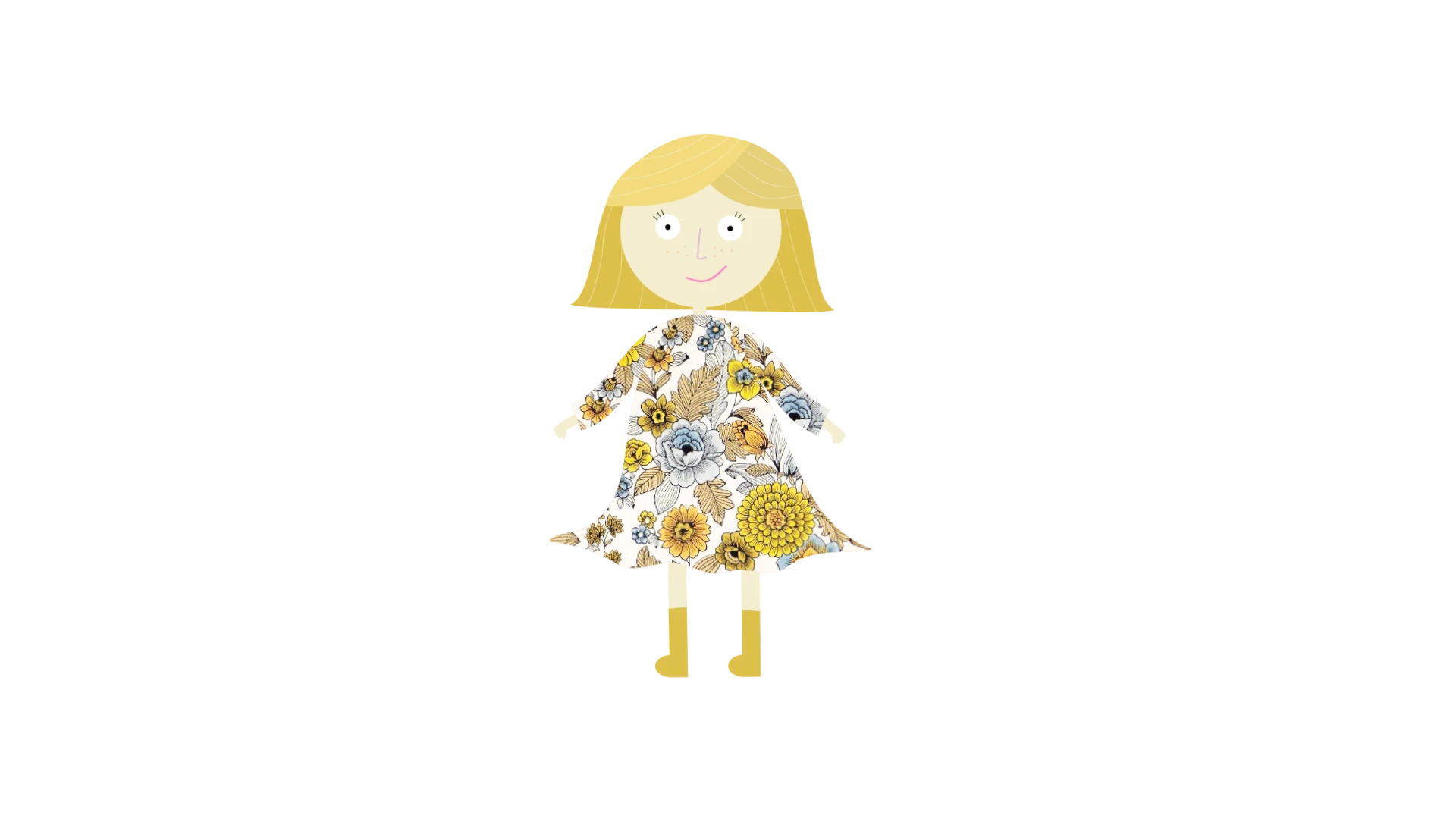
Attached are two PNGs of the same character at 100% scale in both programs. AI exports beautifully, CA is aliased and blurry.

If anyone can fix this for me that would be AMAZING.

Exported at 100% from AI:
Exported at 100% from CA:  1080p scene. Both characters are same size.
Running OSX Sierra 10.12.6 if that helps.

Any way to fix this?


Thanks!

This topic is closed to new replies. Start a new post to keep the conversation going.

5 replies

Known Participant
October 31, 2017

Hi oksamurai,

Thanks for offering to take a look! No scaling is taking place so I'd love for you to check out the puppet.

Will PM you a Dropbox folder.

Thanks,

Renee.

Known Participant
October 29, 2017

Thought I'd add a PNG exported from Illustrator at 1080p for a better comparison:

oksamurai
Legend
October 30, 2017

Hmm something seems off, not sure what. The CH png is way smaller than the AI one here, so my best guess is something is getting scaled somewhere.

Can you please File > Export > Puppet and share it as a link (Creative Cloud, Google Drive, Dropbox, etc.) here or in a DM to me so we could take a closer look?

Participant
January 17, 2018

What happened to be the problem? I've been furiously searching the forums for the same issues and I'm not finding an answer every time.