
Project killing error?
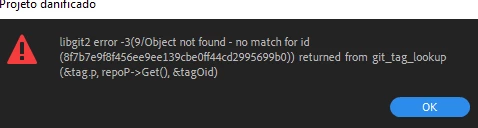
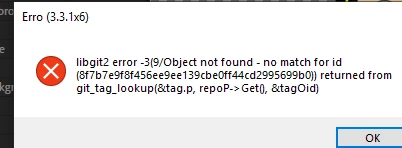
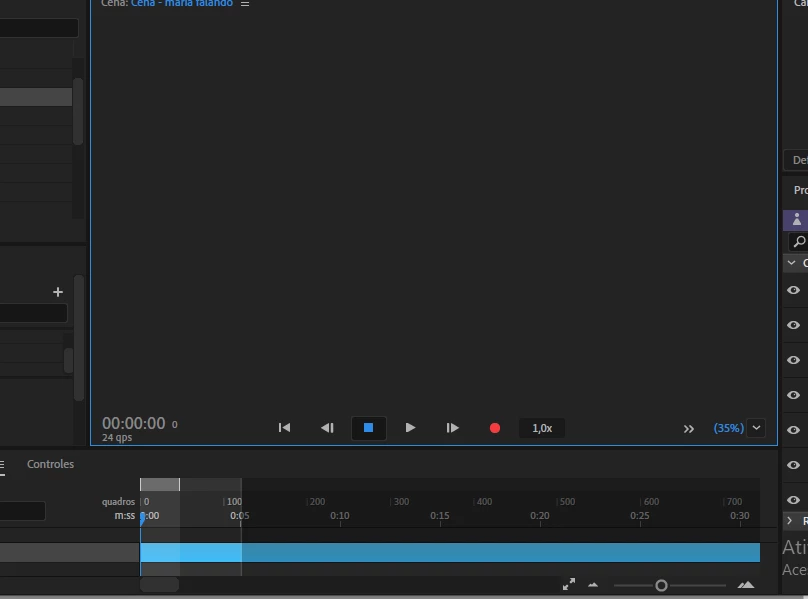
These appeared after I made some changes to my puppets, archives and etc, places in my computer (moved to a new folder) since I wanted to organize my stuff. When I open the program, it works - I'm able to access the puppets menu, and I can change the archive's path there. But if I try to make any change to some tag, the second error shows up - it keeps on working tough. When I try to access a scene or even make a new one, it takes me to the record menus, says that it's loading whatever asset I'm using on the scene but the scene panel remains blank like in the third picture. I think maybe this can be happening because when I was organizing my stuff I deleted some old folders and renamed others. One of them had the old error log and character data, maybe that's the one that is causing problems, because it can't find whatever it needs? The thing is that I deleted the folder, moved things and then restored it to copy some more since I forgot a file - but I chose not to keep the version of the error log that was already in the bin, preffering the newest copied one (from an older version of the project that I've moved), so I can't retrieve it...
I just wanted to maybe merge the two versions, just so I didn't have so many folders with almost the same things in them.
Help, please?


 AdChoices