


puppet moving in scene without input
Hi all,
I'm going crazy. I have this rigged puppet in a scene that is doing a weird glitchy dance without me inputting anything and I can't make it stop. Does anyone have any idea what might be causing this?
Here's a screen recording of what it looks like:
https://drive.google.com/file/d/1-uuf_xRkx9sT9LXvJ-bA75C2VBoHXxQa/view?usp=share_link
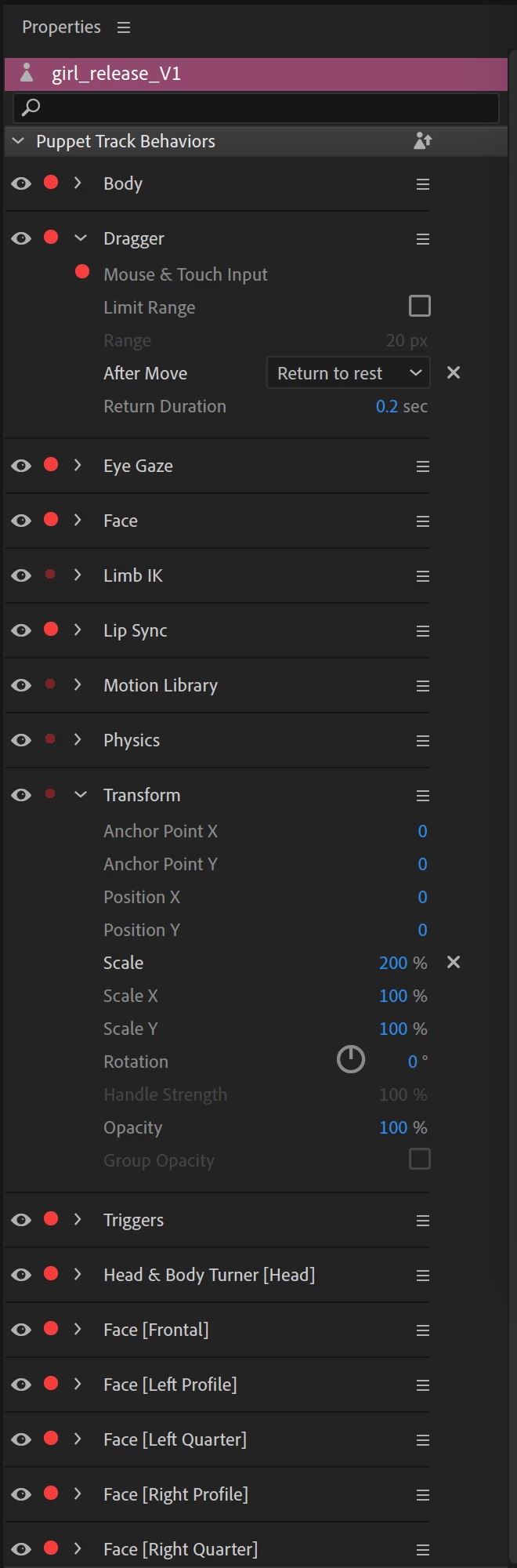
it happens even when my camera is off. It stops only when I switch off 'Arm for record' on the character in the timeline panel. Disarming everything in the propoerties panel does nothing. I'm so confused. Any help would be greatly appreciated. I opened it on my crappy MacBook and it didn't have this issue.
I'm running a 27" iMac with Monterey and Adobe CA v23.1 (build 79).
This is my hardware overview:
Model Name: iMac
Model Identifier: iMac20,2
Processor Name: 8-Core Intel Core i7
Processor Speed: 3.8 GHz
Number of Processors: 1
Total Number of Cores: 8
L2 Cache (per Core): 256 KB
L3 Cache: 16 MB
Hyper-Threading Technology: Enabled
Memory: 64 GB
System Firmware Version: 1731.140.2.0.0 (iBridge: 19.16.16066.0.0,0)
OS Loader Version: 540.120.3~19
Serial Number (system): C02F81QUPN7C
Hardware UUID: 33D65ACB-C51A-5605-BE14-F21A7AABB284
Provisioning UDID: 33D65ACB-C51A-5605-BE14-F21A7AABB284
Activation Lock Status: Enabled
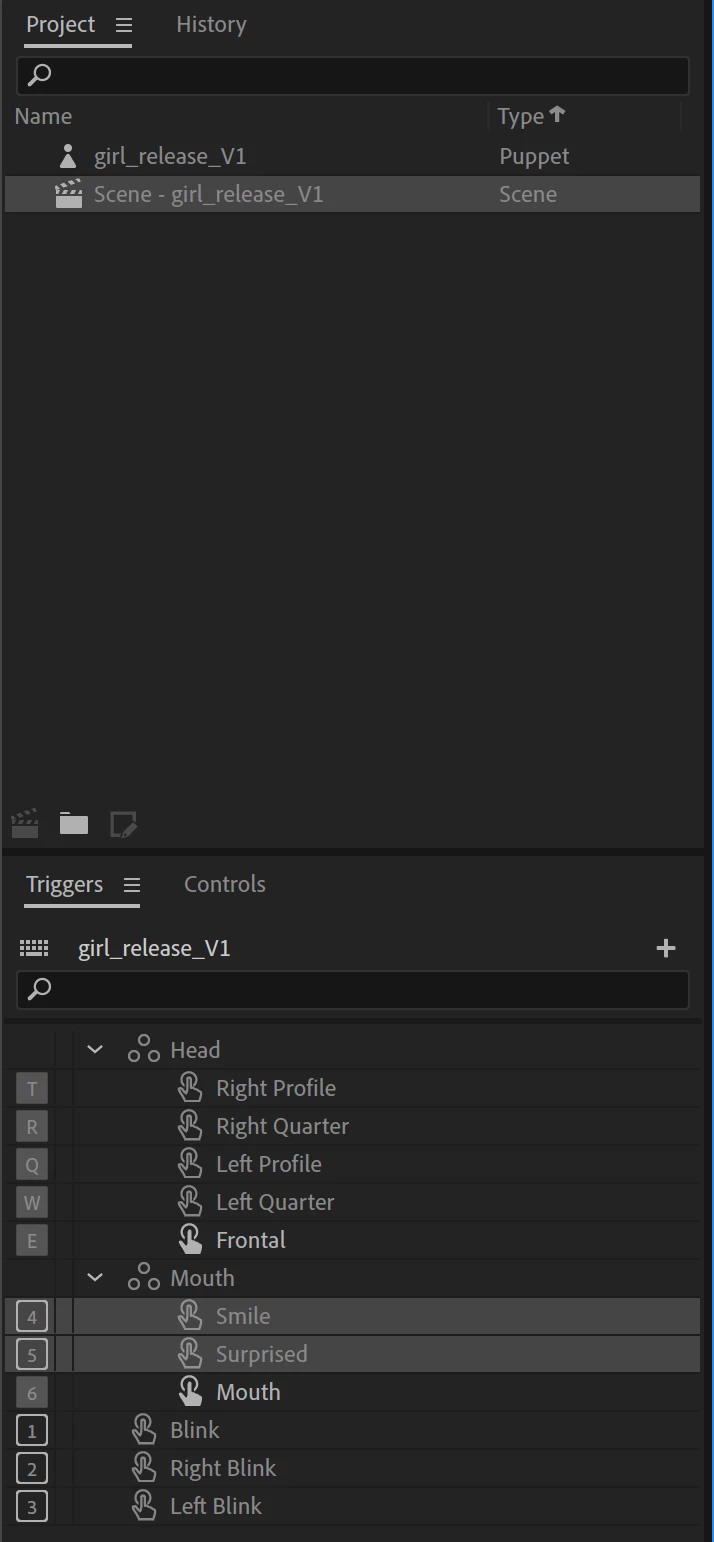
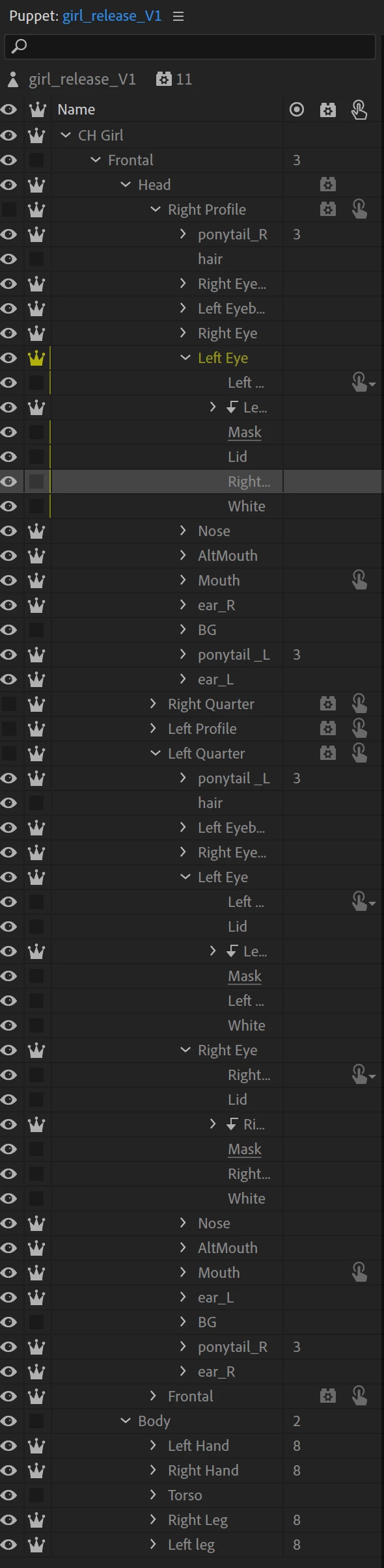
Below are soem screen shots of the panels: Properties, timeline, rigging.
 AdChoices