



Alba_83
Known Participant
January 21, 2021
Answered

Puppet's Illustrator Layer setup: Not Displaying Layers in Sync with Character Animator

  • January 21, 2021
  • 3 replies
  • 749 views

My illustrator document isn't syncing with my Character Animator setup.  I am using a template (Nelson) and drawing different textures and replacing the templates textures with my own. 


Things I have tried: 

1. Re-syncing via the character menu by hot clicking the blue hyperlink below, and re-opening the working illustrator file. 
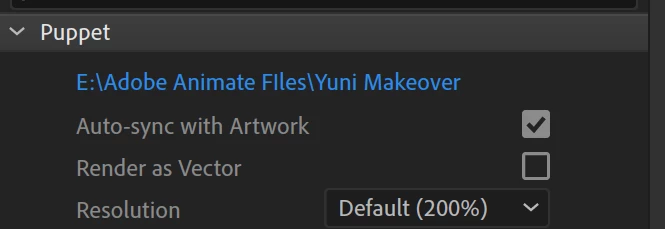
 

2. I have checked my Illustrator working file is labled and saved in the same place: 
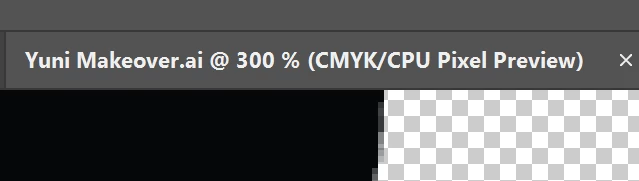
3. I have restarted my PC and freshly relaunched.


All that checked, I am still having the following issue within Character Animator: 
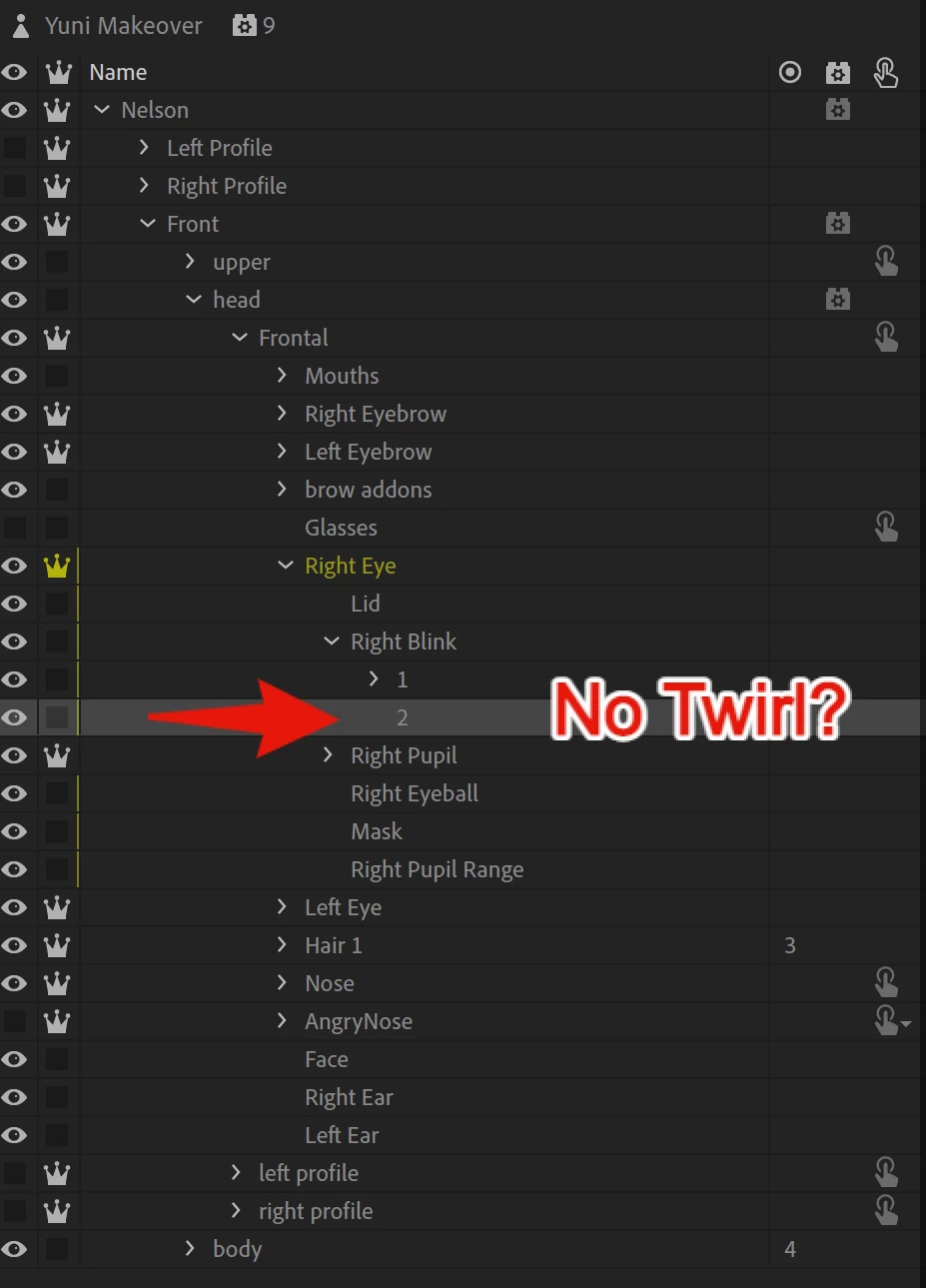


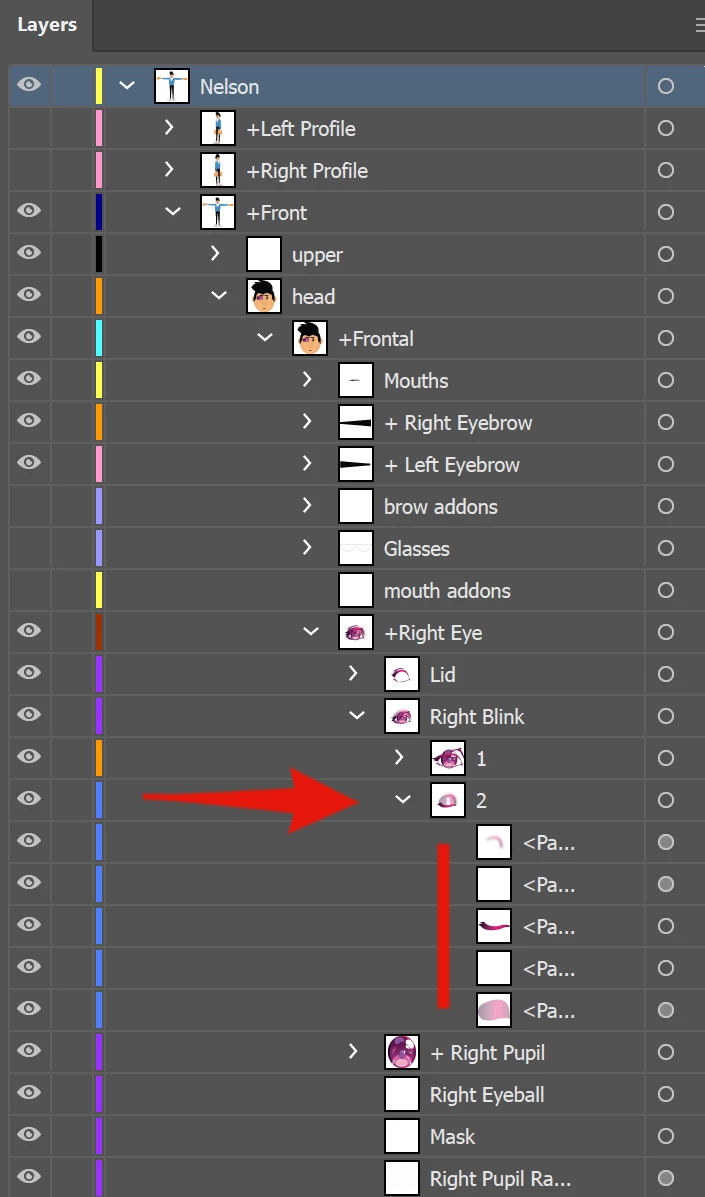
And in Illustrator, there is a twirl with several paths.  And checking my 'blink' in Record mode clearly shows that 2 is not showing up. My closed blink is non existant within Character Animator, but does clearly exist in the Illustrator file. 
 

Thanks in advance for any help. 

This topic has been closed for replies.
Correct answer alank99101739

Glad you are making progress. If you set the forward and reverse button I think it will display the half close frame as eyes open as well. 

3 replies

alank99101739
alank99101739Correct answer
Legend
January 21, 2021

Glad you are making progress. If you set the forward and reverse button I think it will display the half close frame as eyes open as well. 

Alba_83
Alba_83Author
Known Participant
January 21, 2021

Thank you looks better

alank99101739
Legend
January 21, 2021

What is your "E" drive? Ch should auto detect the change, but relies on the file system to send "file changed" notifications. Not all file systems do this however. E.g. network drives I believe do not support it. I do not know about memory sticks. Just wanted to make sure your E drive (shown as the path name) is correctly telling CH when the file changes.


The other thing to try (probably not the issue) is use "Edit Original" from the menu in CH. This guarantees to open the file that CH is using.

Alba_83
Alba_83Author
Known Participant
January 21, 2021

So I just realized this was happening, in fact the blinking is happening, but it's only going from either Full to Half blink, or it goes from Full to Closed blink...  Here is what I mean.. at 10 sec's I recorded after swapping these two layers around. 


Here is a gif of the what happens when I swap (1) and (2) above  https://gyazo.com/8f51eeb33c93330b18a6a67efb999a27


First 10 seconds is the half blink then the last 10 seconds is the closed blink... How do I get the blink to play Original / Half/ Closed?    Instead of just Original and (1) or (2). 

Alba_83
Alba_83Author
Known Participant
January 21, 2021

It seems to not be hiding the other layer either... Meaning if it uses half blink [1]  closed blink [2] is still behind it never invisible. 

Alba_83
Alba_83Author
Known Participant
January 21, 2021

After doing a little looking on the forums I did find another person with this issue and their answer was the following: 


Well, quickly found my answer. I'll explain in case any else is wondering...


If your layer in AI has an object that is NOT named... e.g. <path> <group> <layer>, the layer in CH will not have the twirl down triangle.


If you want to be able to access sublayers or objects in an AI layer once imported to CH, the object in the layer must be named in AI.


An unnamed parent layer will follow this pattern. If the object inside the layer is named, it will accessable, If it is not, the parent layer will keep the "unnamed name" and there will be no twirl down to access the objects inside. This is true even with multiple unnamed objects in a layer...


------------------------------------------------------------------------------------------------------------------------------------------------------


When I named the <paths> in the twirl down in Illustrator, it allowed the (2) to twirl but there is still nothing inside actually displaying. and the blink does not show the closed lid yet. 


Alba_83
Alba_83Author
Known Participant
January 21, 2021

Still no resolution for this issue.