Known Participant
May 18, 2020
Question

Render as Vector changes removes strokes or line weight?
  • May 18, 2020
  • 2 replies
  • 2172 views

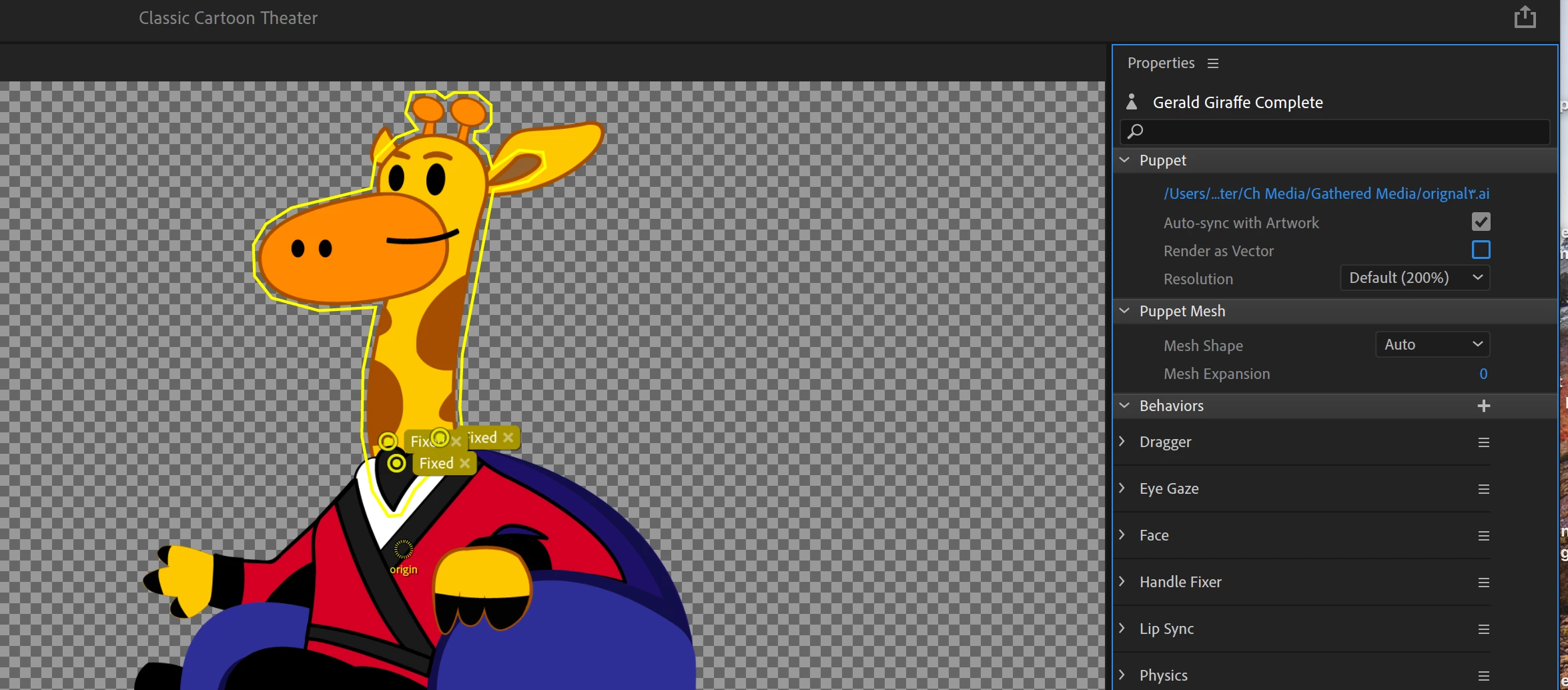
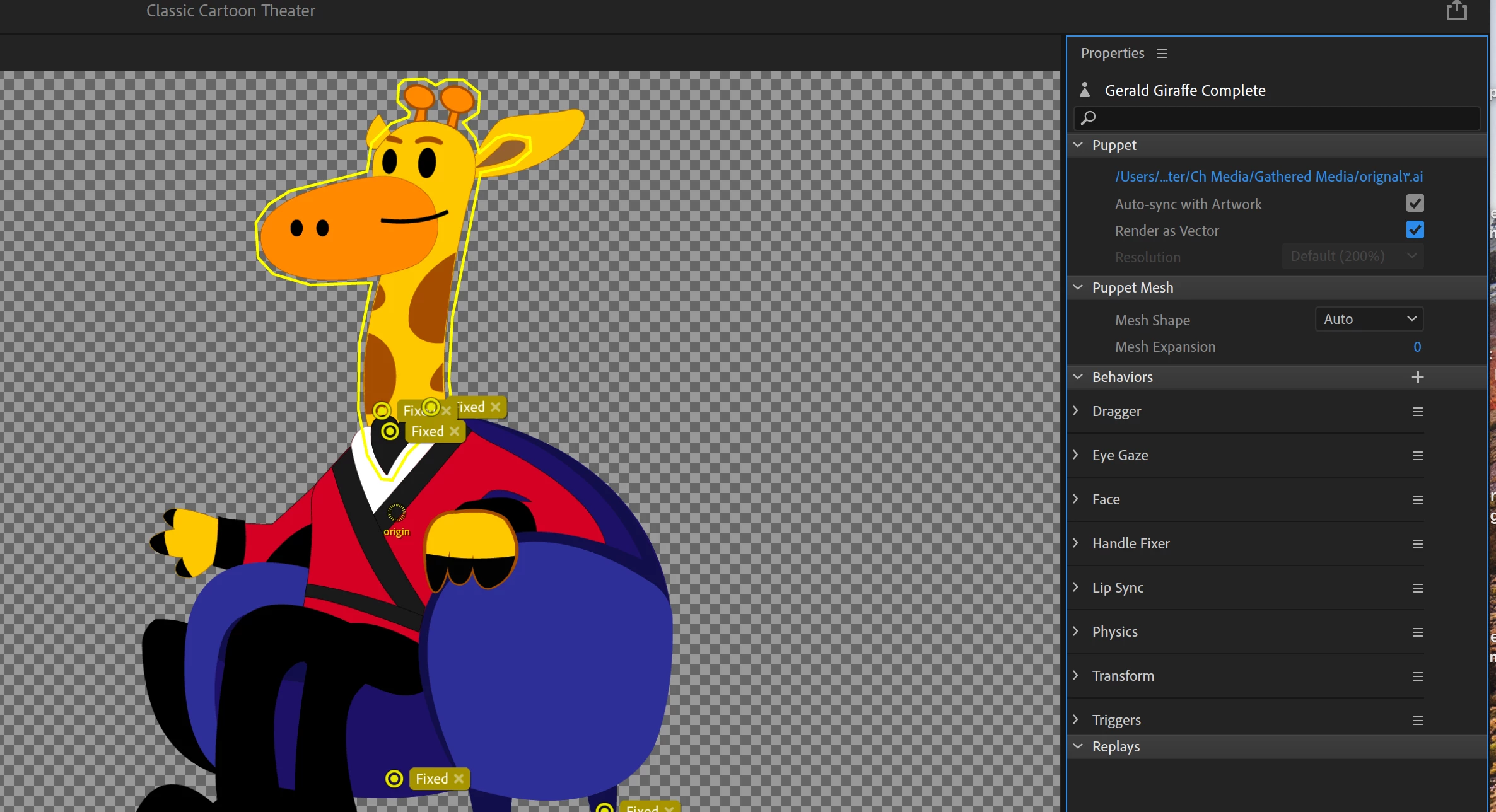
I noticed my exported videos were looking a bit fuzzy on export. So I looked through the forums and saw the suggestion to try render as Vector. But when I did that it looks like it has removed the stroke fill from my line art.


Looking for any solutions. Thanks!

2 replies

ElectroPuppet
Inspiring
May 20, 2020

No, if you try and resize in illustrator you may mess up your rigging. Also - illustrator is a vector program - meaning it is resolution independant.


What you want to do is create a larger scene in character animator. So in Character Animator, select your scene icon (little clapperboard on the top left of screen) and then over on the right of screen you should see Frame Rate, Duration, Width & Height inputs. Those last two are what we are going to increase. Often a scene would be 1920 x 1080 - but if you're scaling/zooming in in After Effects, it may look pixelly (is that a word?). So if you double the scene resolution, when you import the scene into After Effects and apply your scale - it should remain crisp. If your character is small in the scene, you should scale them to the size you want in Character Animator. So select your character on the timeline and then over on the right under transform you have scale inputs so you can just scale the puppet to an optimal size.


Phew! Hope that clarifies that one 🙂 Good luck.

Known Participant
May 20, 2020

I'll give this a try. Thank you for taking some time with the solution

ElectroPuppet
Inspiring
May 19, 2020

Yeah render as vector can have some unexpected results. Especially with transparency.

The great thing about a vector based puppet is they will scale in Character Animator. So if 'Render as Vector' causes problems, you can always increase the dimensions of your scene, and/or increase the scale of your puppet. Then when you import into After Effects you can scale it to the desired size. That is the way I tend to do it.

Known Participant
May 19, 2020

Thanks for the reply. I'm new to Ch so let me make sure I follow. 

I should increase the size of the overall puppet in illustrator? 

Is there a recommended size for puppets and scenes?