

sandras52643068
Participating Frequently
March 29, 2017
Question

"Render as Vector" only applying to some parts of puppet

  • March 29, 2017
  • 2 replies
  • 902 views

I have a vector file I brought into Character Animator. It shows up in the puppet panel fine, as a clear vector, but once added to the scene and scaled up, only certain parts are vector. Her eyes and glasses appear fine in the scene, but the rest of her does not. I am clueless. Also the colors vastly differ from the original AI file.

Puppet
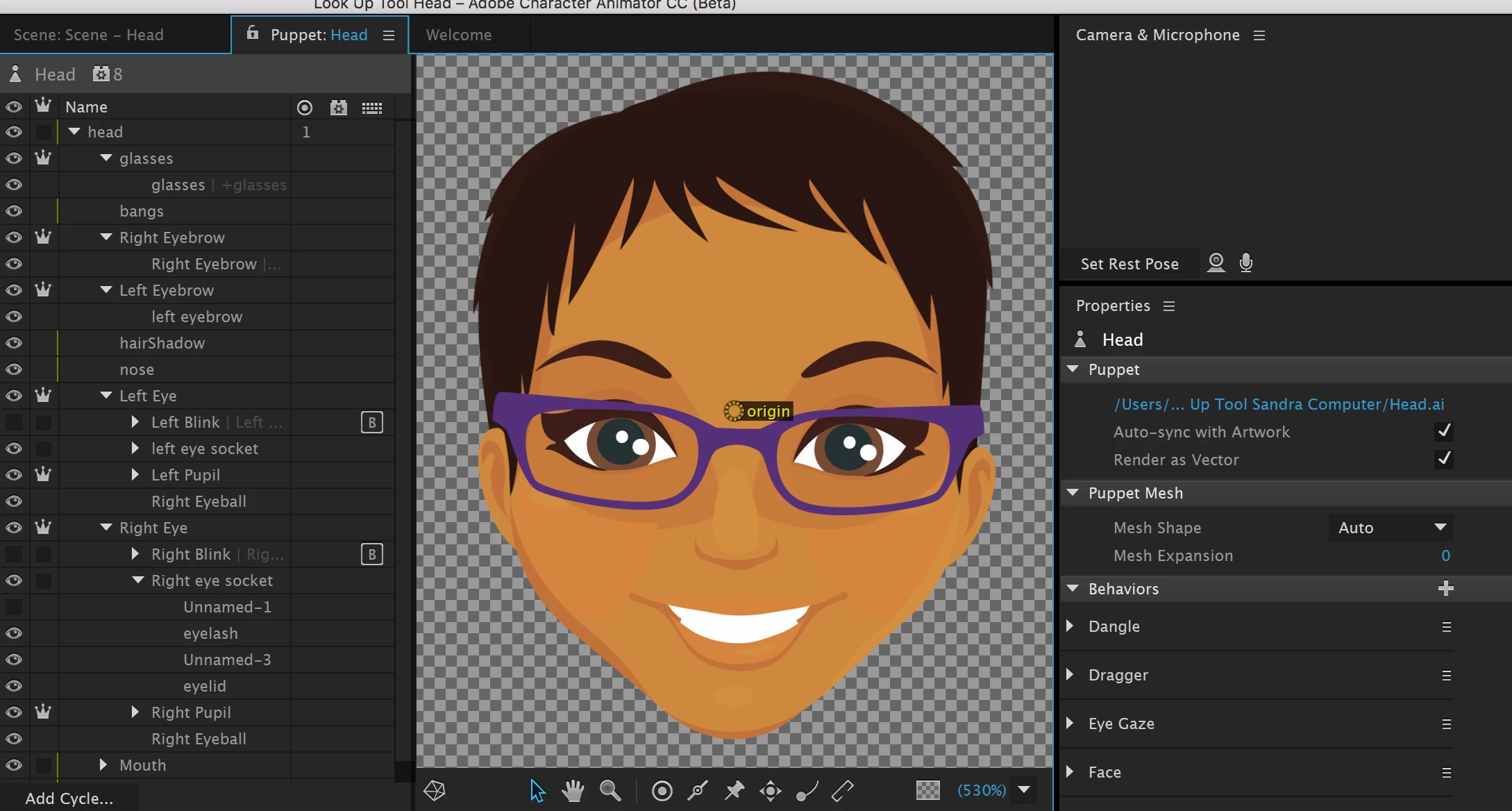
Scene

AI file

Head.puppet - Google Drive

Head.ai - Google Drive

This topic has been closed for replies.

2 replies

sandras52643068
Participating Frequently
March 29, 2017

It helps the vector (thank you), but what about the color discrebancies?

Jeff Almasol
Adobe Employee
Adobe Employee
March 29, 2017

It's because some paths are using gradients, which we don't currently support when Render As Vector is checked. I've added your request to our feature request database.

Jeff Almasol
Adobe Employee
Adobe Employee
March 29, 2017

Thanks for attaching the sample files. I was able to reproduce the issue in Beta 5, and it seems to be fixed for the next version of CH. In the mean time, if you make the Head group independent (i.e., enable to crown icon for it), it should work around the issue in Beta 5.

Hope that helps.