moobootoot
Known Participant
June 10, 2022
Answered

Rigging issues

  • June 10, 2022
  • 3 replies
  • 836 views

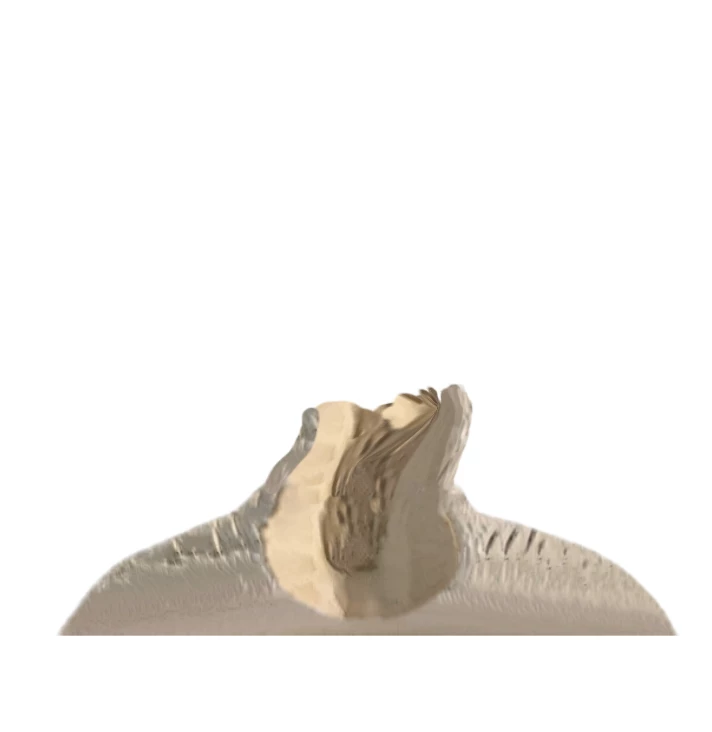
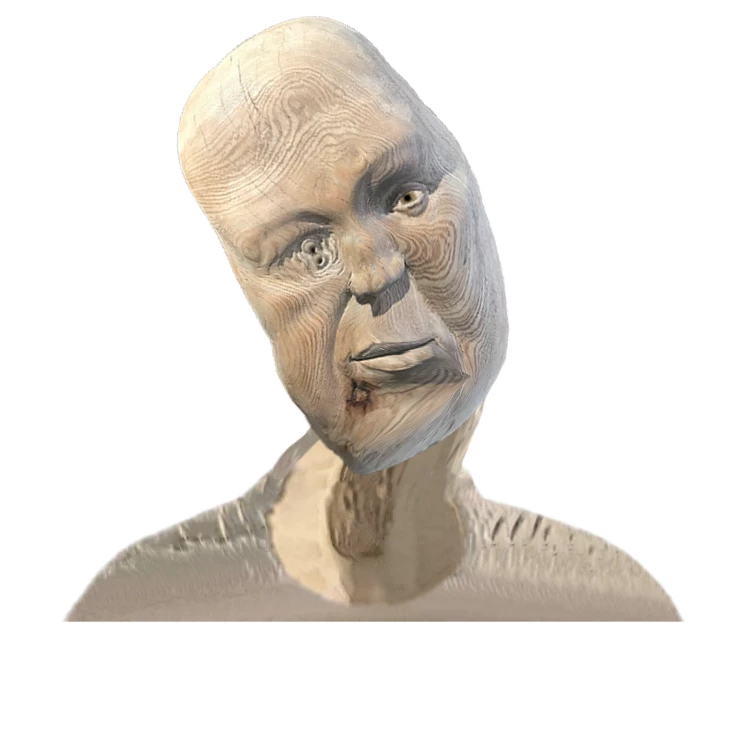
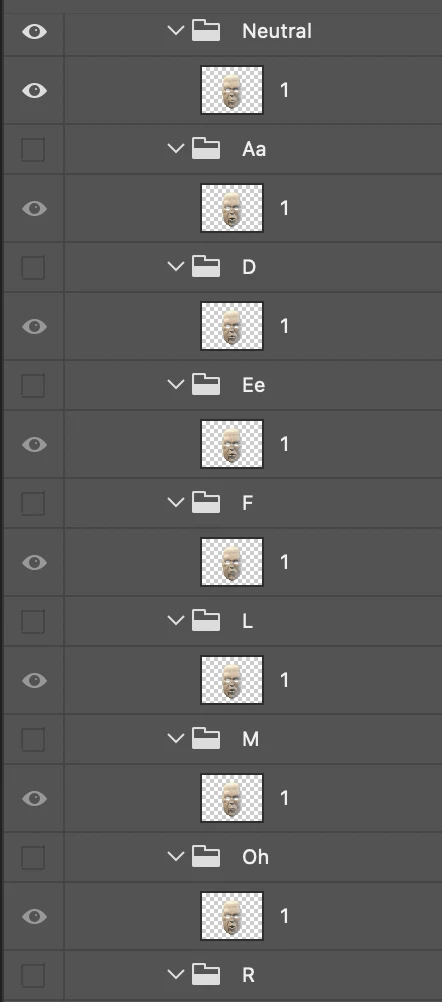
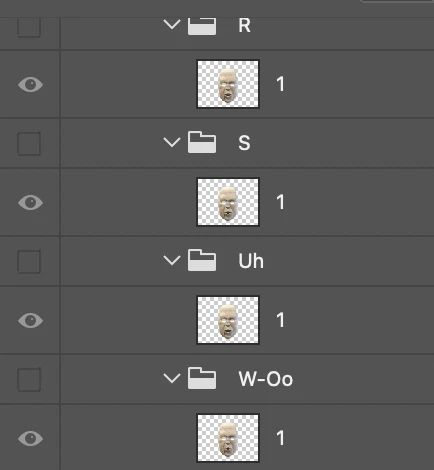
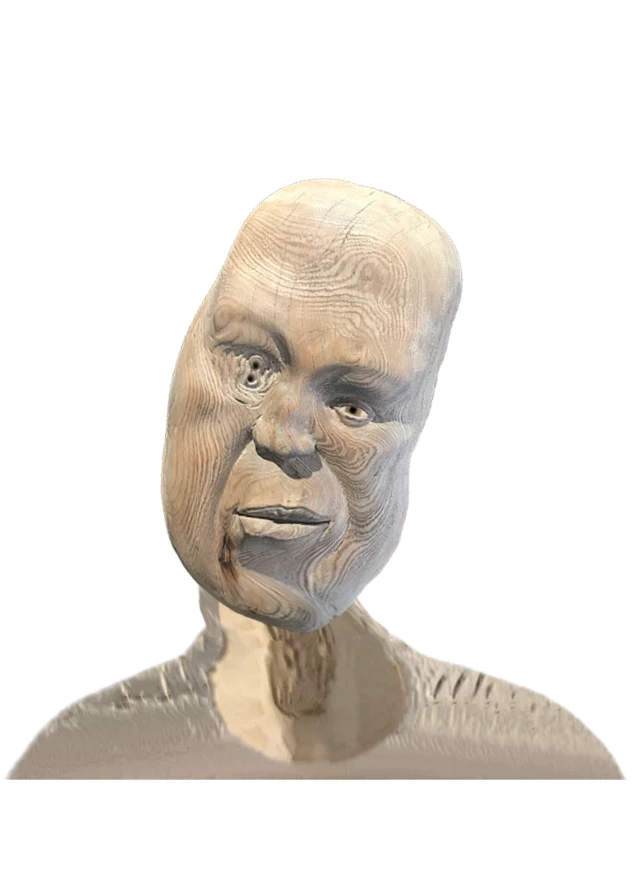
My puppet is set up with each mouth being the entire face. I have the following issues.

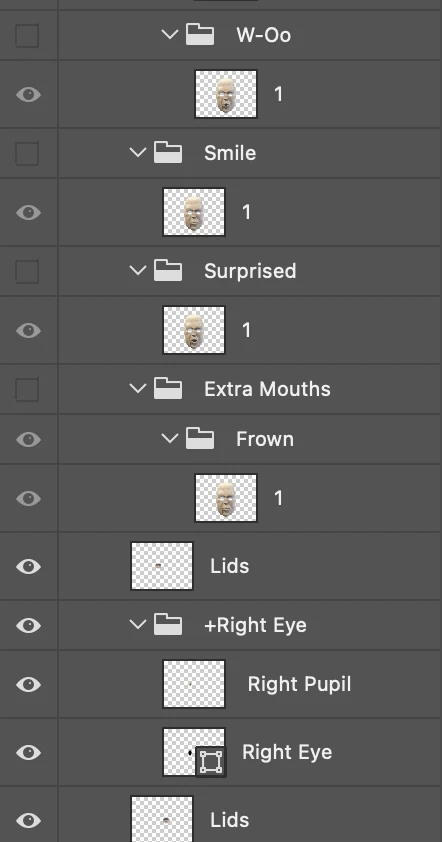
1: in record mode the entire head disappears. I have gone over the PS file many times but can't see what the issue is.

2: The head when it rotates moves the neck stretches about wildly. I have tried to play with the attach style and none of the options of weild, hinge or free seem to make any difference.

3: The head warps weirdly when I move my head. 

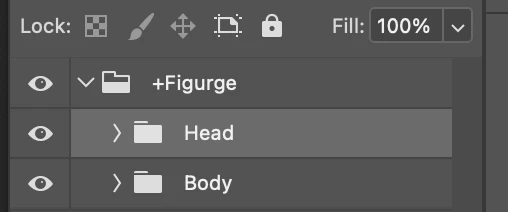
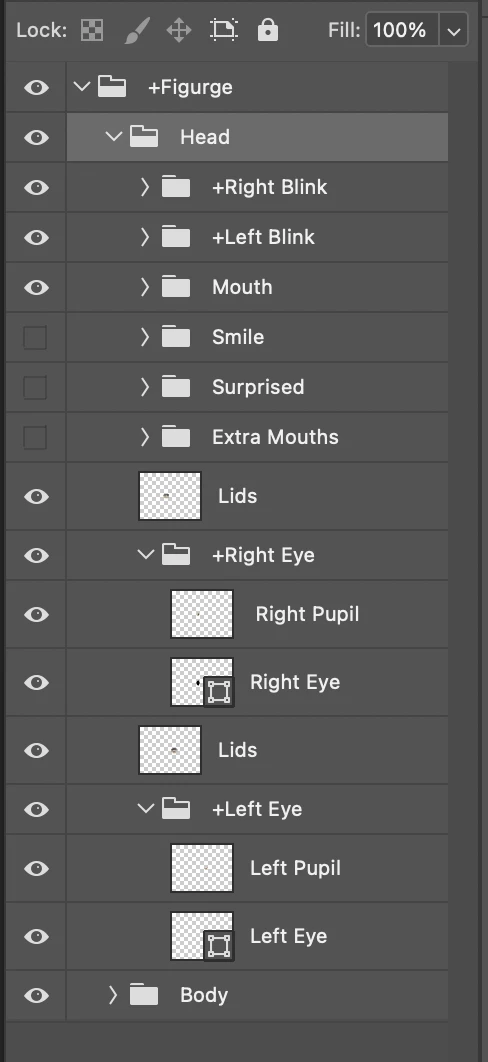
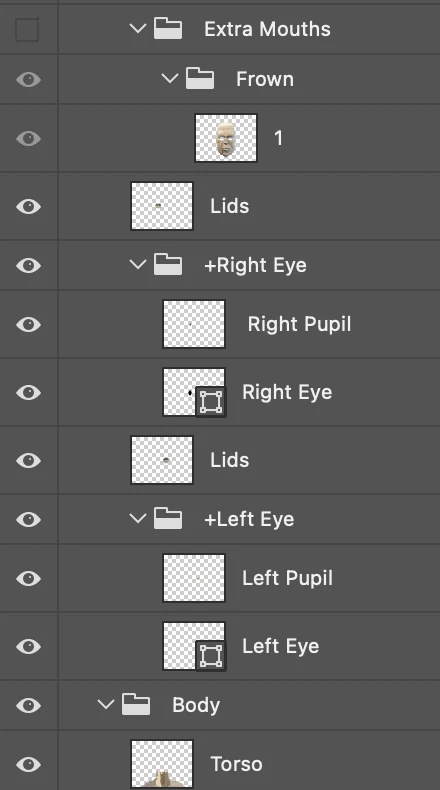
Images below

Please if anybody can help I'd be very appreciative. 
This topic has been closed for replies.
Correct answer alank99101739

Not answers, but a couple of quick suggestions.

  • Don't debug looking inside PSD - its what's inside the CH hierarchy that matters. You can add behaviors and make other changes in CH to tweak things that you will not see in the PSD file.
  • In CH, if things are getting stuck, turn the little yellow triangle icon (bottom left) that will show yellow triangles all over your artwork. Does the yellow mesh follow the face outline correctly? When you move, can you see parts of the mesh getting "stuck" (not moving) - they can give hints what to look at more closely (I delete them see if it works, then undo).
  • As pointed out by someone else, blink layers should not be directly under Head. Blink works by hiding all siblings. So you normally put them in an eye group and hidden by default. Then when they are triggered, they hide everything else in the group. If you put it directly under Head, blinking will hide all the rest of the face artwork.

3 replies

alank99101739
alank99101739Correct answer
Legend
June 12, 2022

Not answers, but a couple of quick suggestions.

  • Don't debug looking inside PSD - its what's inside the CH hierarchy that matters. You can add behaviors and make other changes in CH to tweak things that you will not see in the PSD file.
  • In CH, if things are getting stuck, turn the little yellow triangle icon (bottom left) that will show yellow triangles all over your artwork. Does the yellow mesh follow the face outline correctly? When you move, can you see parts of the mesh getting "stuck" (not moving) - they can give hints what to look at more closely (I delete them see if it works, then undo).
  • As pointed out by someone else, blink layers should not be directly under Head. Blink works by hiding all siblings. So you normally put them in an eye group and hidden by default. Then when they are triggered, they hide everything else in the group. If you put it directly under Head, blinking will hide all the rest of the face artwork.
moobootoot
Known Participant
June 12, 2022

Great advice thank you! 

Eli-jah
Participating Frequently
June 11, 2022

Cool puppet!  Looks like the body is influencing the jaw. I think some of your problems will go away if you make your head animations independent. Try renameing your Mouth folder to +Mouth

moobootoot
Known Participant
June 12, 2022

Oh I played with the independance, on then off nothing helped. So I went back to the beginning and remade the whole thing from scratch and it works a bit better but now have many other issues. Only one pupil works, yet they are both set up the exact same way. Blinks won't work even with triggers yet I can toggle the closed eyes on and off but they don't respond any other way. Pretty frustrating yet I'm so close. Is there anyb ody I can send my puppet to to check it out feel like I'm going around in circles.

Cherie2450573608fr
Inspiring
June 12, 2022

To fix the blinks, I think the blink artwork needs to be in the eye groups and not independant, that is how I have mine set up. 


Inspiring
June 10, 2022

You might want to watch or re-watch some of the official Getting Started videos for rigging to make sure you're setting up everything correctly. Mouths shouldn't be set as the entire face, just the mouth shape they will be automatically tagged as based on your PS folder names. Start with removing the Face tag from all those layers, then see what happens.

moobootoot
Known Participant
June 11, 2022

No that's not correc t there are many puppets just in the CA in terfacer that deploy this technique. See wizard or the claymaation figure. I have made several puppets before and im not new to this software. The technique is often used where one wants the whole face to alter as it talks. Here's my latest using a similar technique but in this one it's a half face. https://youtu.be/BCqFwI3HK_8