TraceyB831
Known Participant
March 15, 2021
Answered

Right pupil not moving

  • March 15, 2021
  • 2 replies
  • 585 views

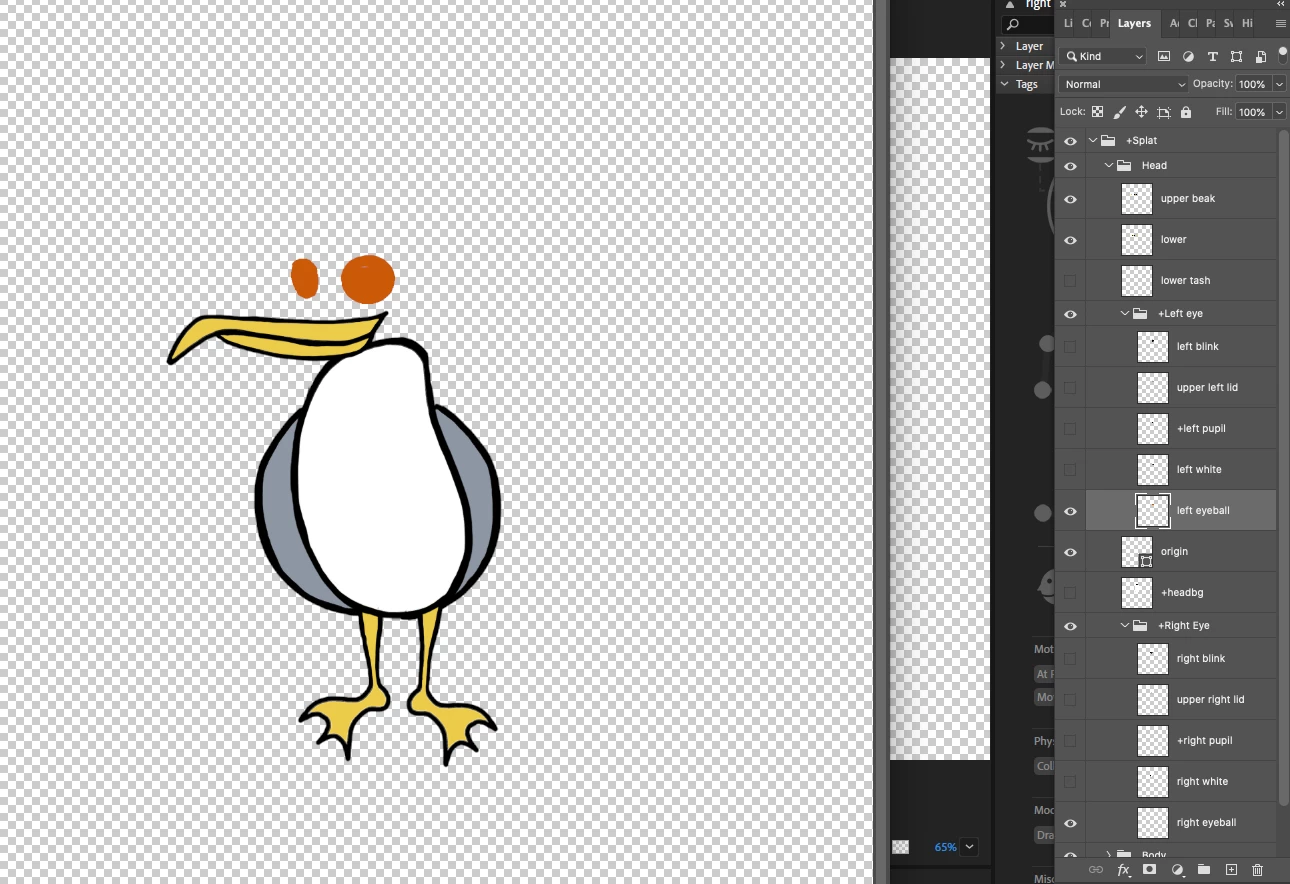
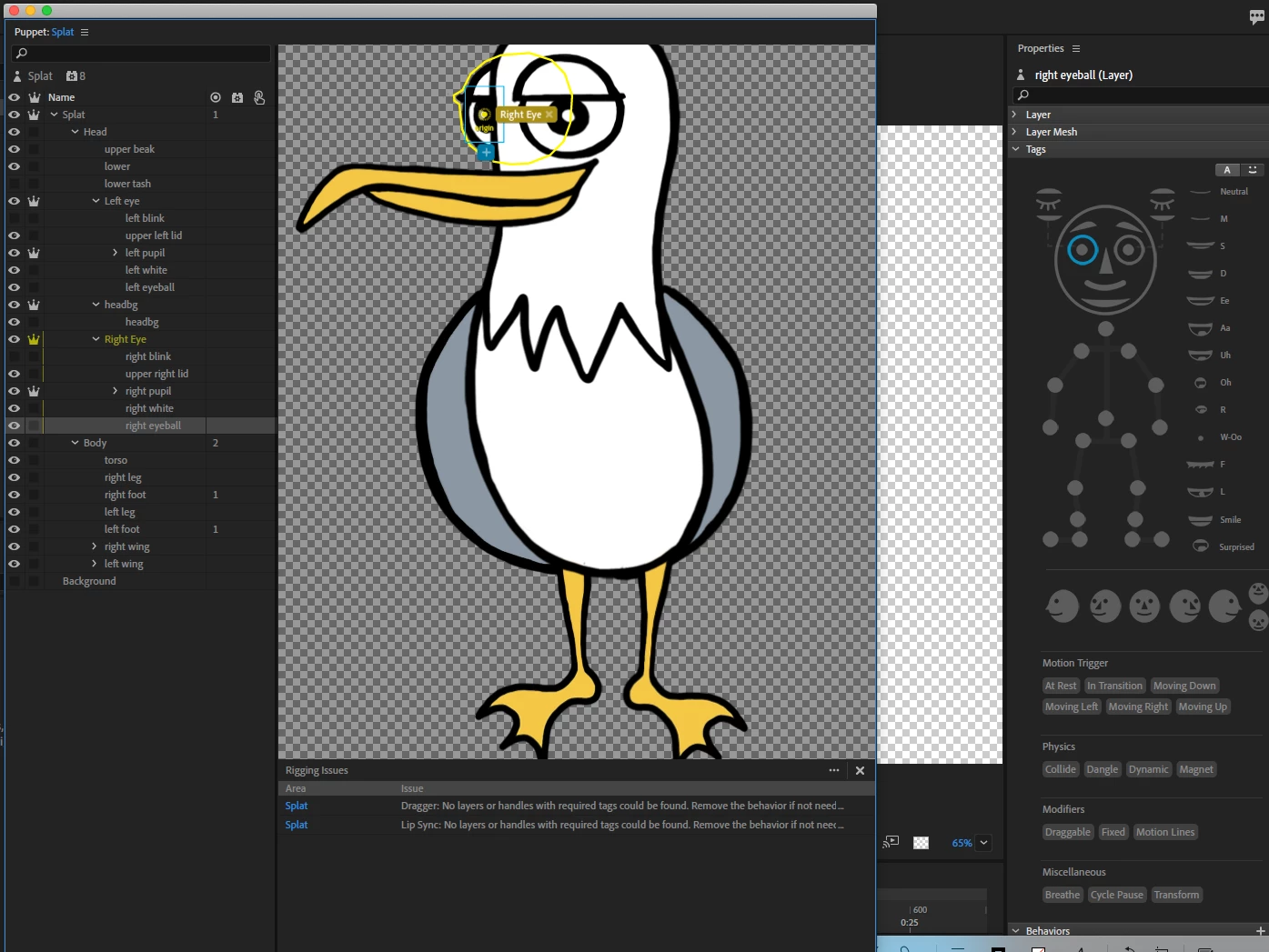
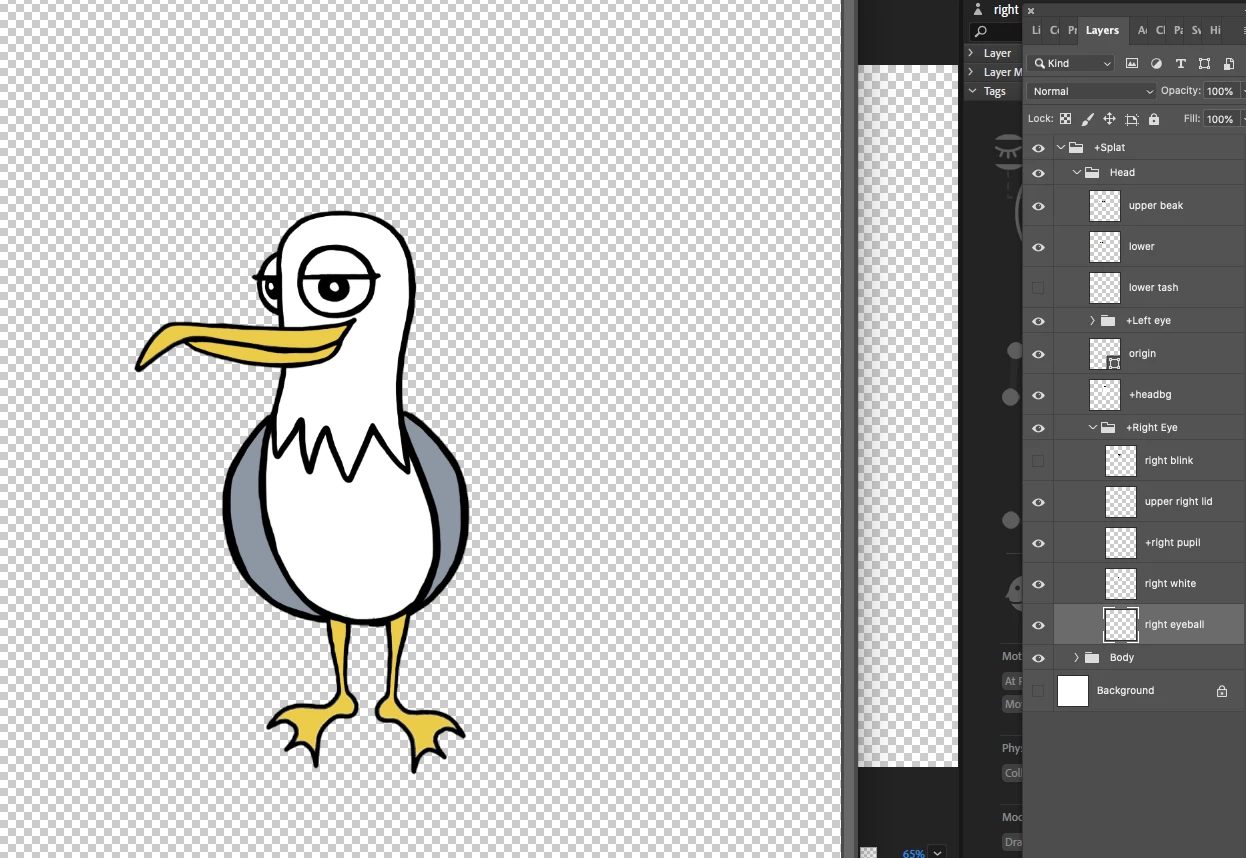
Right pupil is in a side-facing eye and I can't rig it so that it will move. I;ve tried bringing it to the front of the headBG and changing its shape but that won't  get the pupil moving either. I'm wondering if this will actually work at all in this side-facing position?

Thank you for any advice.
This topic has been closed for replies.
Correct answer oksamurai

The issue with the right eye is that it's so close to the edge that it probably won't have a lot of movement (or, if the pupil overlaps or goes over the eyeball, sometimes that makes it not move at all). If you make the eyeball really big you should see it move. In this case, it may be worth making an eyeball slightly bigger than the eye and use a clipping mask to partially hide it as it reaches the edges.

2 replies

oksamurai
oksamuraiCorrect answer
Legend
March 16, 2021

The issue with the right eye is that it's so close to the edge that it probably won't have a lot of movement (or, if the pupil overlaps or goes over the eyeball, sometimes that makes it not move at all). If you make the eyeball really big you should see it move. In this case, it may be worth making an eyeball slightly bigger than the eye and use a clipping mask to partially hide it as it reaches the edges.

TraceyB831
Known Participant
March 16, 2021

Thank you! I made the eyeball mask really big and the pupil started to move. I gradually kept reducing it, shaping it, to fit the parameters of the eye until it matched with the left. 

TraceyB831
Known Participant
March 15, 2021

The right pupil is in a side-facing eye and I can't seem to rig it properly to make it move. The left one is moving okay. I'll be using the keyboard for eye movement.  I think I've attached all rigging visuals. I've tried changing the shape of the right eye so it doesnt overlap and sir behind the head, but that didn;t get the pupil moving either.

Thank you.

LinSims
Community Expert
Community Expert
March 15, 2021

Please let us know which program you are having problems with. Someone will be along to move this post to the appropriate product forum, where you are more likely to get an answer to your question.

The Using the Community forum is for help in using the Adobe Support Community forums, not for help with specific programs. Product questions should be posted in the associated product community.


Please insert your screenshots into the body of the post. Most members here are leary of downloading files. As you are new, you won't be able to edit your post so please add a reply with the images inserted inline.