
Known Participant
September 30, 2021
Question

Scene Resolution

  • September 30, 2021
  • 1 reply
  • 542 views

The resolution of my scene looks good inside of Ch:
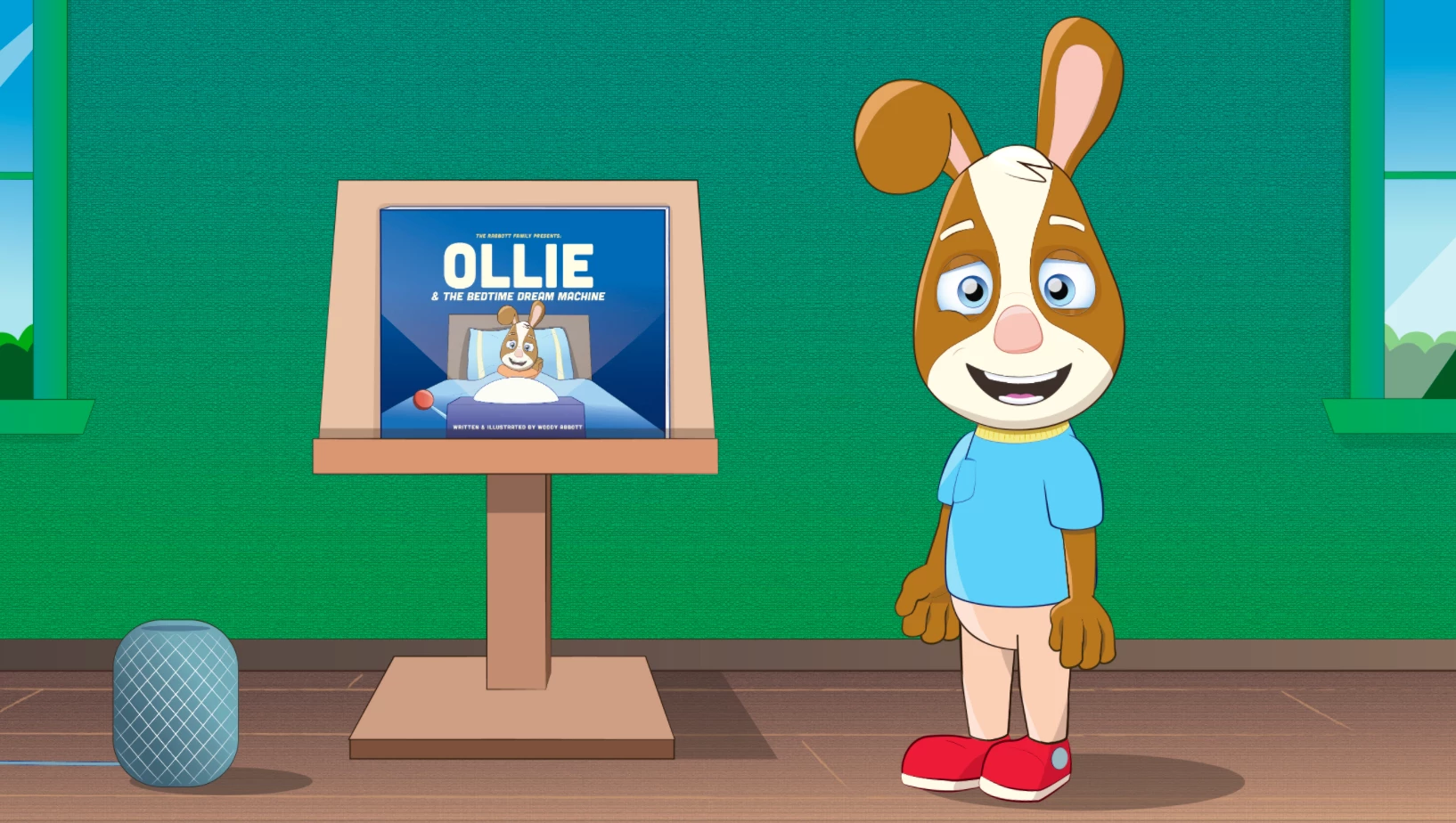
 but when I use dynamic link and play it in Pr, it looks blurry (I have playback resolution set to Full in Pr):
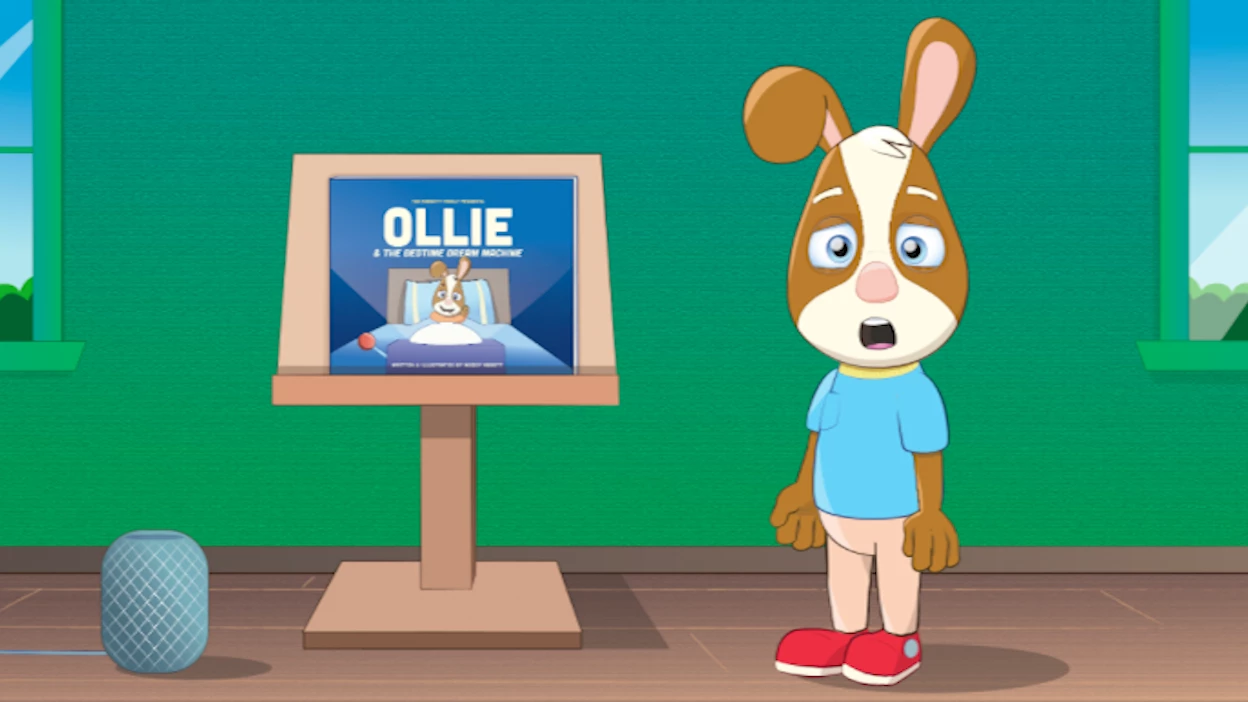
Not sure how obvious it is from these pics, but playback in Pr looks a lot blurrier and less crisp. Any suggestions for how to keep the resolution high and the scene looking clear? My ultimate goal is to have a video ready for Youtube, etc and for the resolution to look as high as possible.


Thank you


This topic has been closed for replies.

1 reply

alank99101739
Legend
September 30, 2021

Do as much scaling in ch as possible, not in the other app. It gets sent over as a bitmap. That is most common cause.

Known Participant
September 30, 2021
Thanks - how do i go about scaling properly in Ch? And will that effect the
cameras/zooms that i have in place?

--
[image: logo for wix_edited_edited.png]
Woody Abbott
The Rabbott Company
www.rabbottkids.com
(214) 725-7377
alank99101739
Legend
September 30, 2021

Cameras and zooms are the easist way to scale. What i meant is if in ch you output say 720x640 then scale that up to 1920x1080 or whatever, then as soon as you scale in the other tool, blur can happen. Even if a few pixels different, it has to rescale.


To test, create a new prem pro / after effects track, more sure the ch scene and ae/pp sequence dimensions are the same, and drop the ch scene in. Does it immediately look blurred?


I don't know if this is your problem, but it's the first thing i would check. If you grabbed the corner of the rectangle in ae/pp and adjusted it slightly, you can cause blur. It's better to use camera etc in ch to do all resizing. 

Nothing else comes to mind after that sorry. Good luck!