


Question
Shoulder arms will not attach correctly. Got screenshots to show
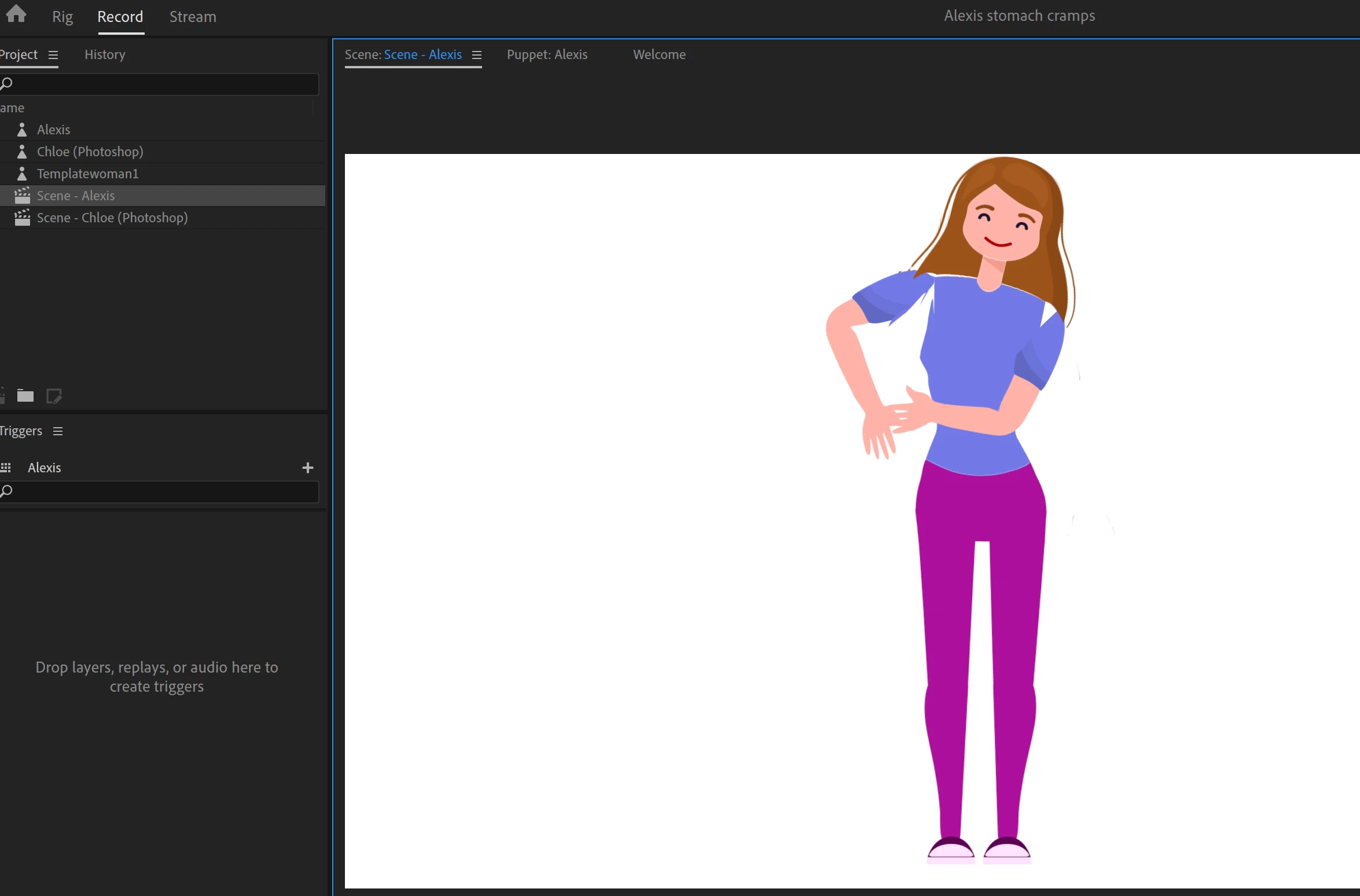
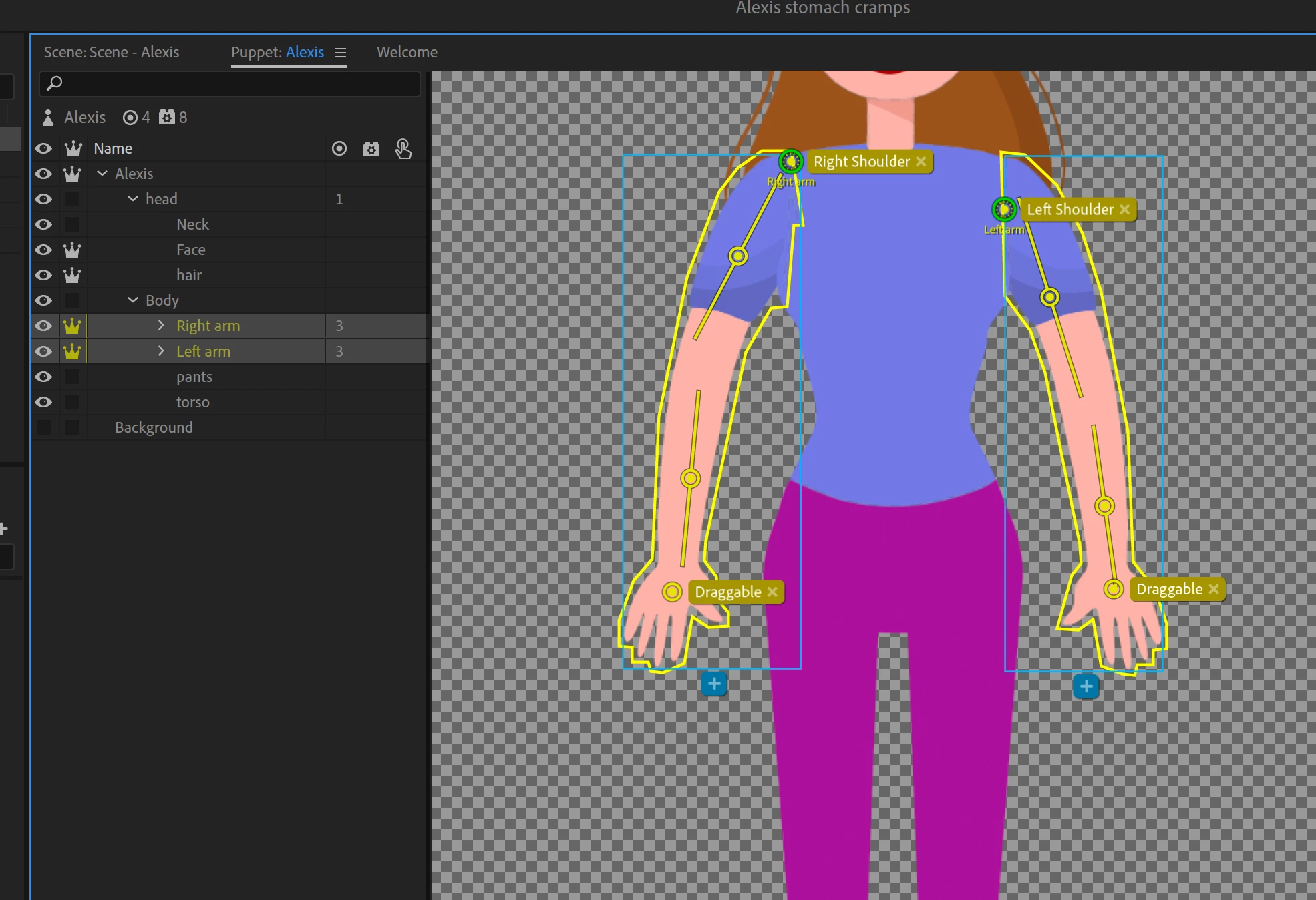 What am I doing wrong? The auto attachment is on as well so what gives. I've placed the "origin" in all different positions but no luck.
Please assist and thanks.

What am I doing wrong? The auto attachment is on as well so what gives. I've placed the "origin" in all different positions but no luck.
Please assist and thanks.
Already have an account? Login
Enter your E-mail address. We'll send you an e-mail with instructions to reset your password.
 AdChoices