RajneshD
Inspiring
March 8, 2023
Answered

Shoulders get detached during Walk Cycle

  • March 8, 2023
  • 2 replies
  • 1068 views

Hi All,

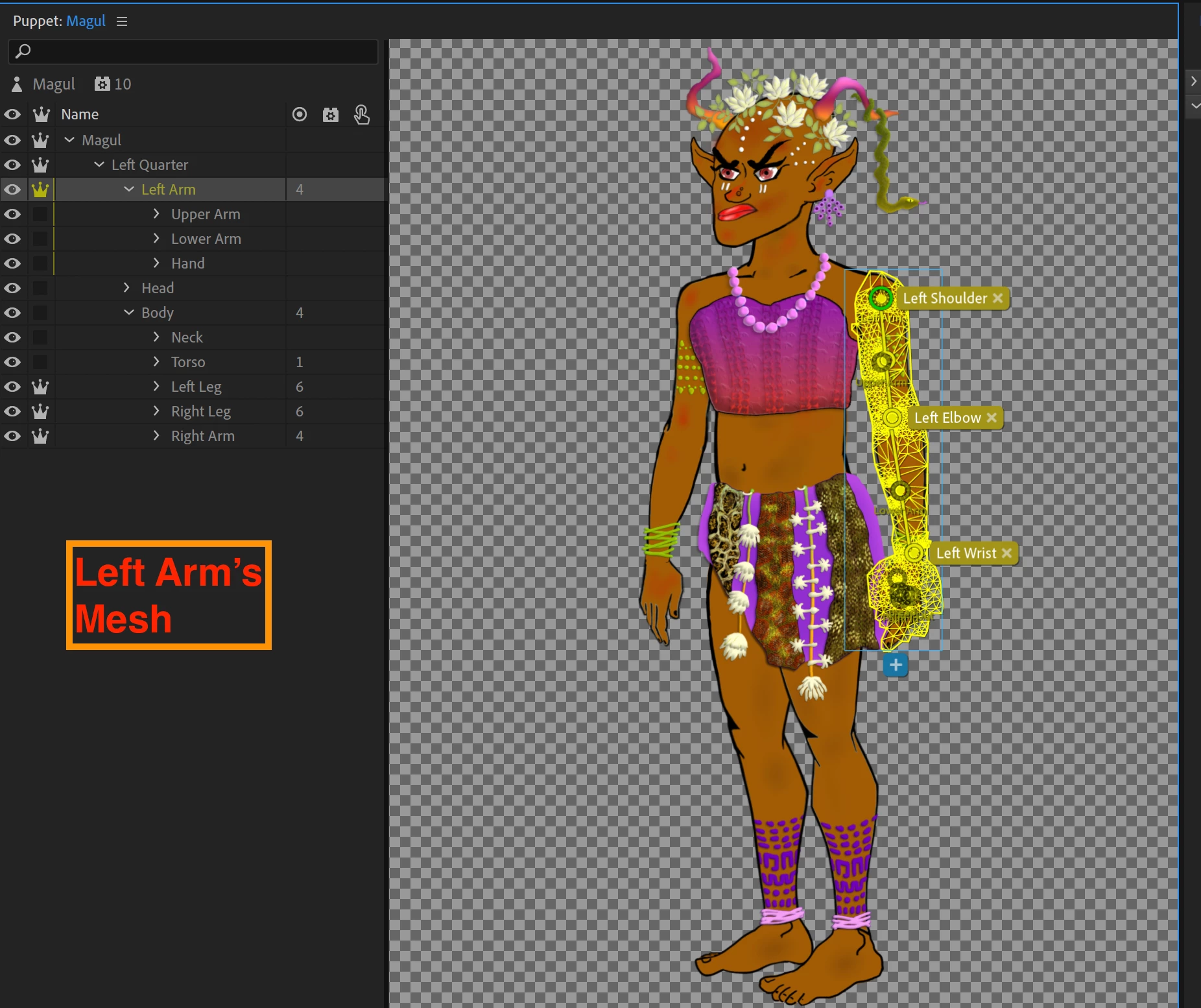
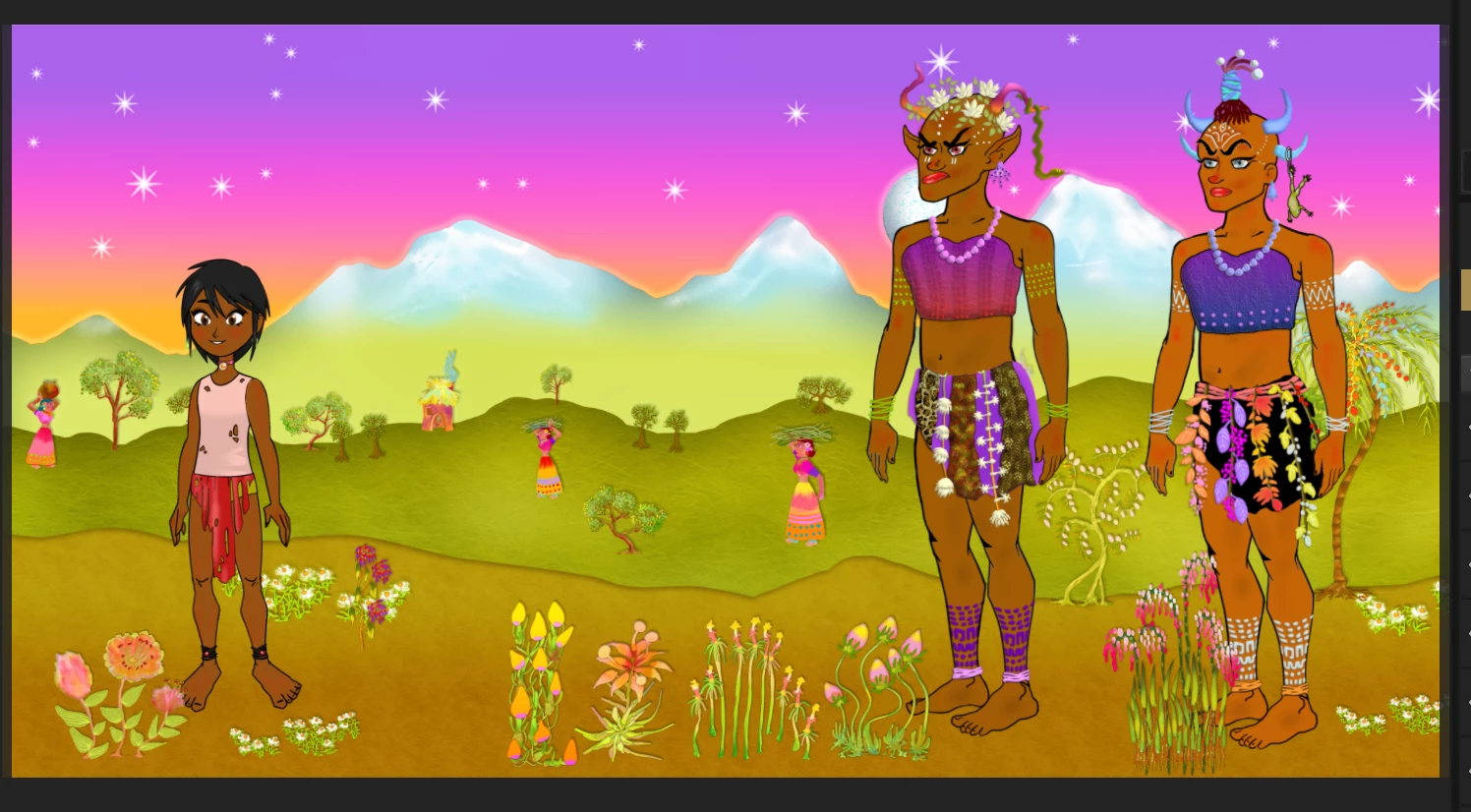
     I'm having an issue with a Puppet's Shoulder's Getting Detached. In the first Image below, the Initial (Stationary) position of the Puppet is shown - it's the Puppet in the Middle.

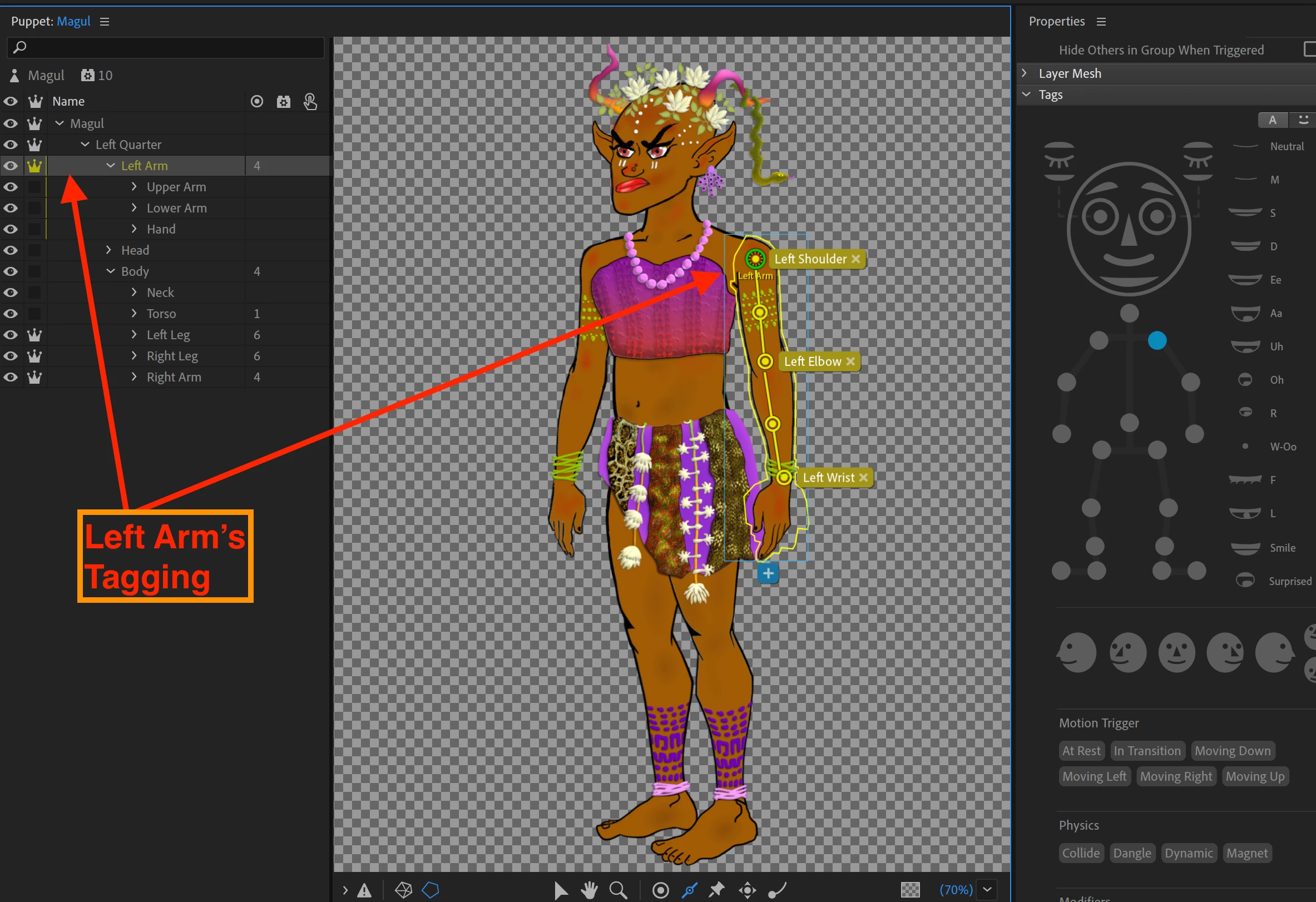
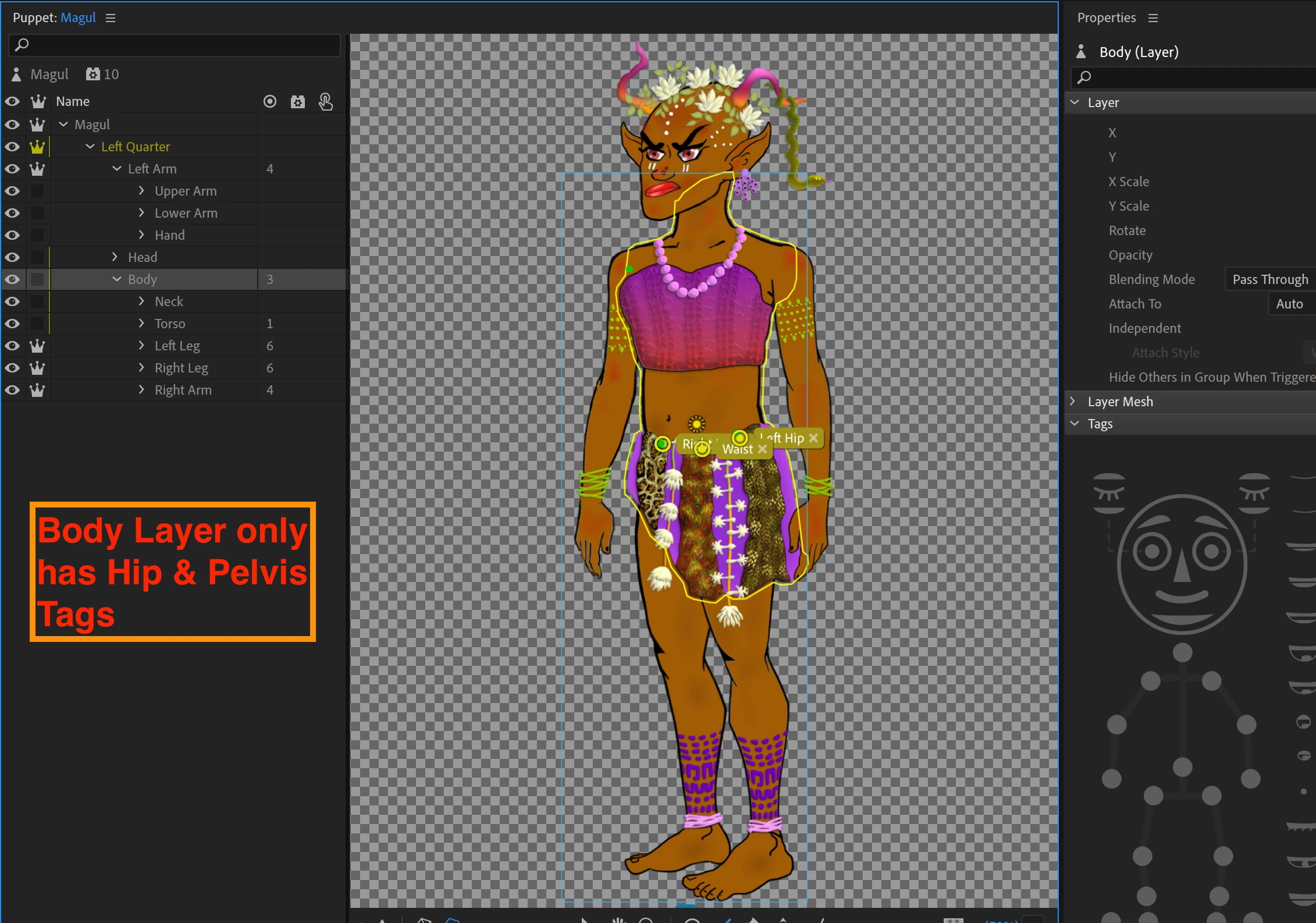
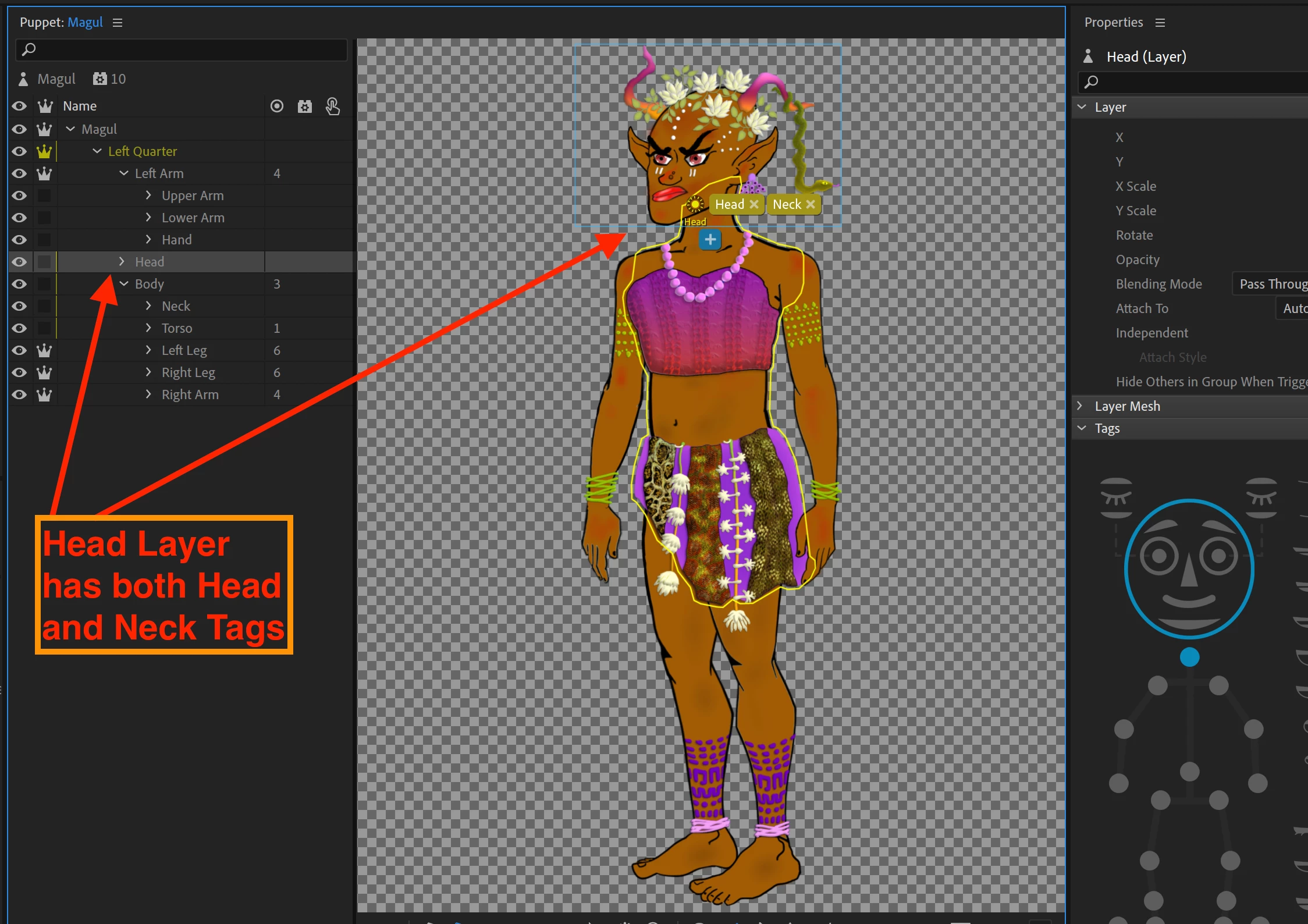
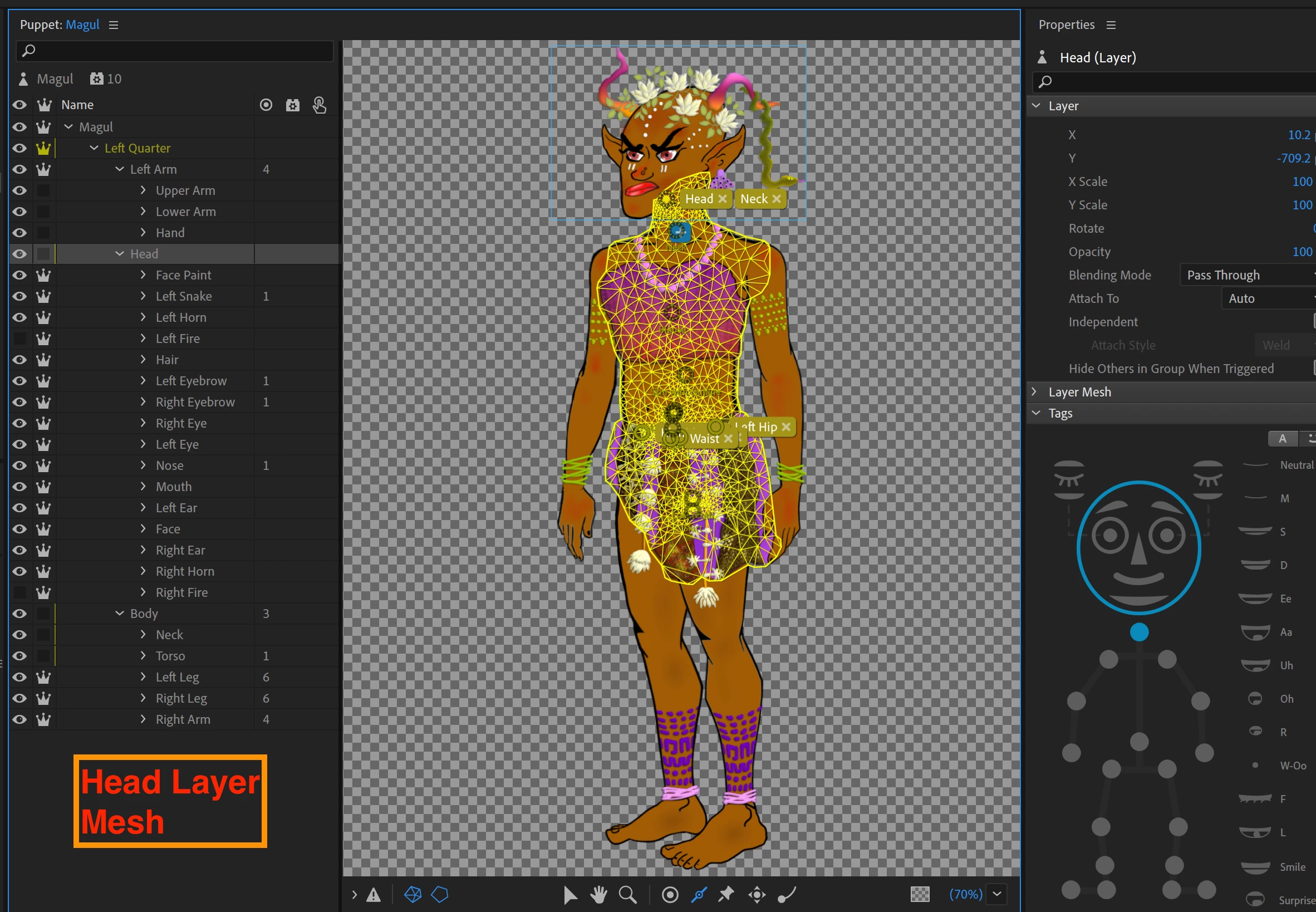
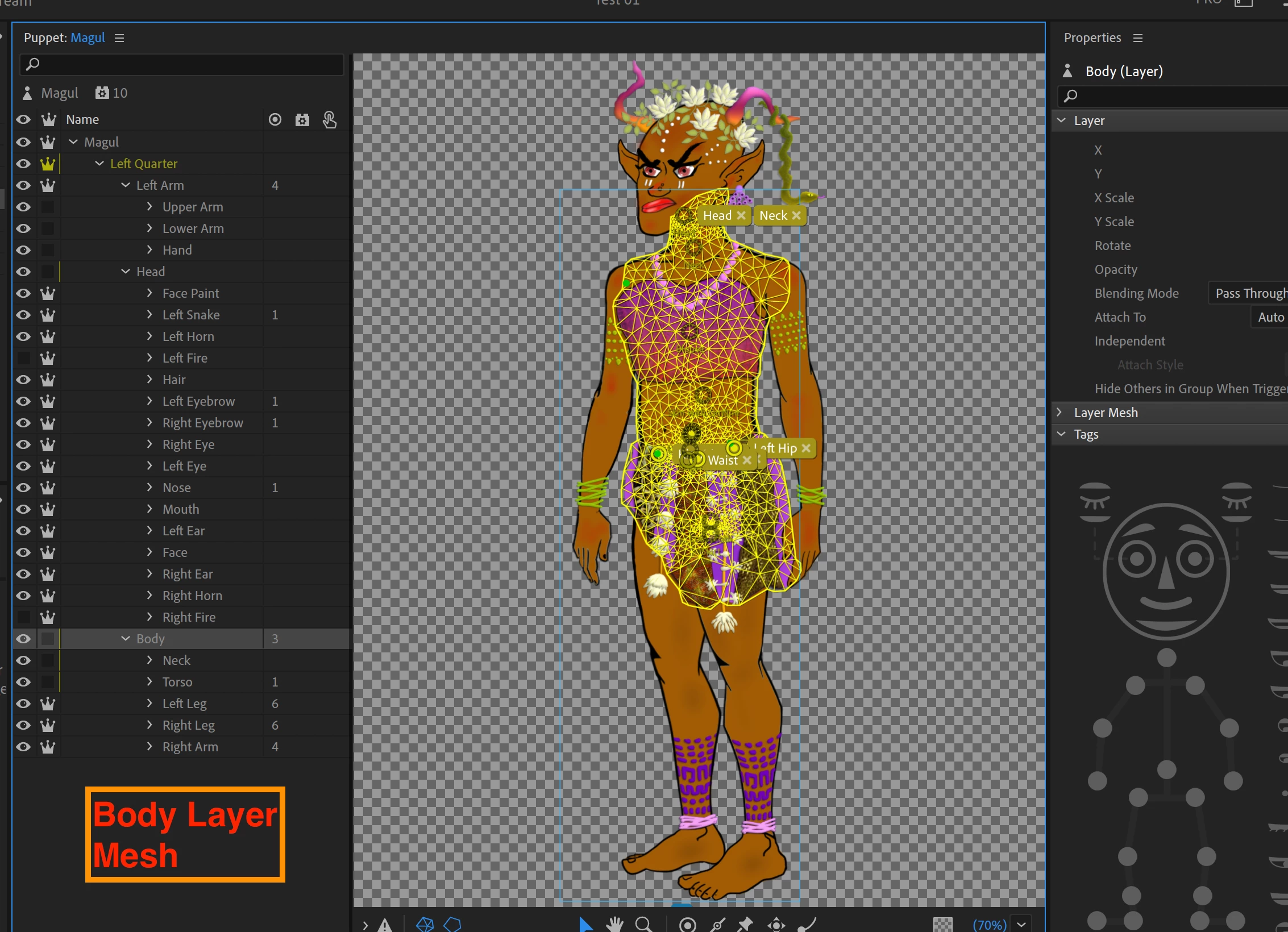
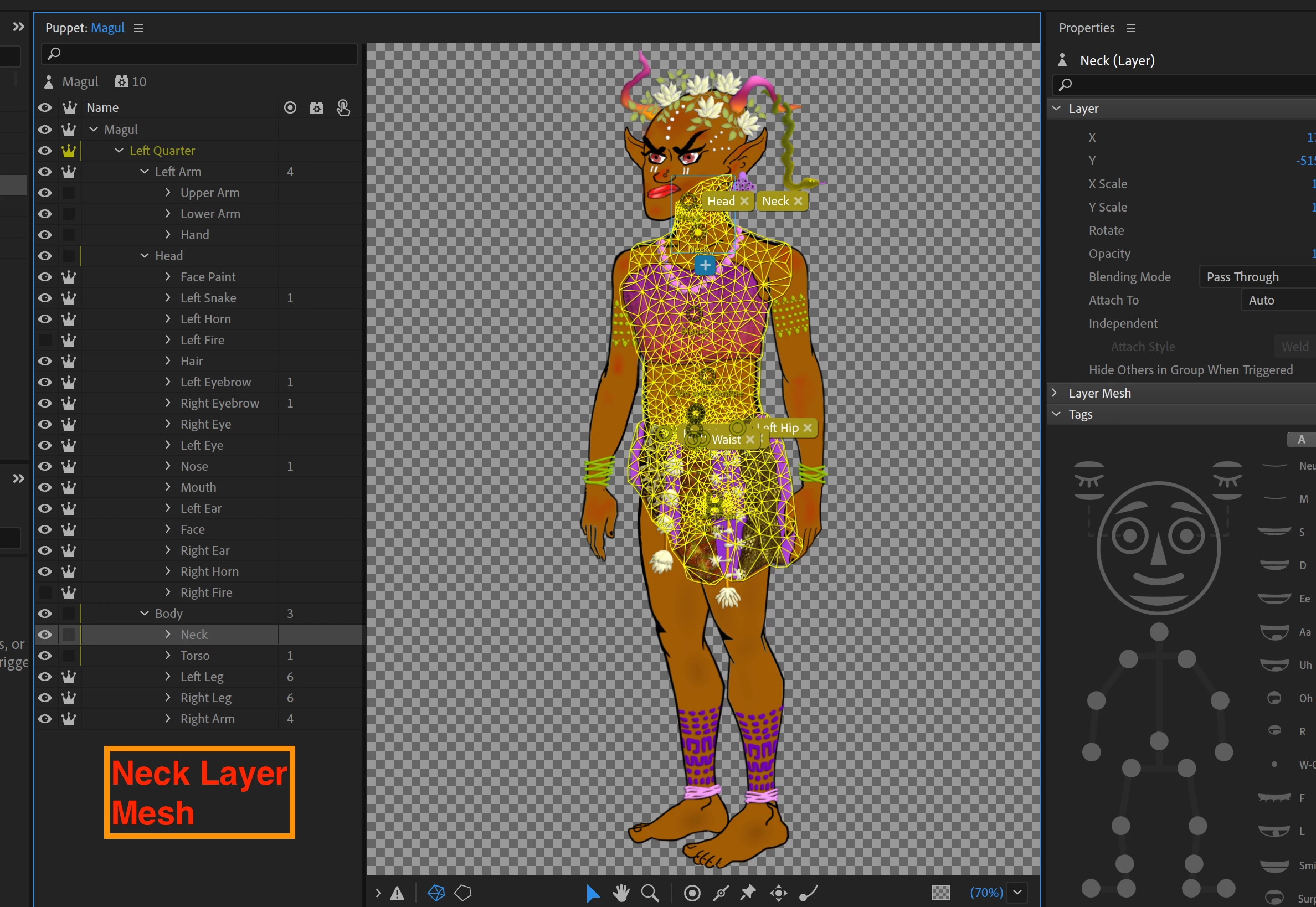
    Below that, I've included several Screenshots of the Puppet Layers and their Mesh/ Taggings.

    Finally, you can see a Video of its Walk Cycle in the attachement.

    Any thoughts on how to fix this?

    Thanks in advance.

Regards,

Rajnesh


This topic has been closed for replies.
Correct answer j-saito

At a quick glance, I notice your puppet has shoulder tags on the arm layers.

If you take a closer look at puppets like Kyo and Hunter, the shoulders (and hips, for full-body puppets), are on the layer defining the torso.

Can you try following this strategy and see if anything improves?


The reason for this rigging design is that movements in the uplevel hierarchy can influence the downstream, but not the other way around (torso -> arms works, but not arms -> torso).

2 replies

j-saitoCorrect answer
Adobe Employee
March 8, 2023

At a quick glance, I notice your puppet has shoulder tags on the arm layers.

If you take a closer look at puppets like Kyo and Hunter, the shoulders (and hips, for full-body puppets), are on the layer defining the torso.

Can you try following this strategy and see if anything improves?


The reason for this rigging design is that movements in the uplevel hierarchy can influence the downstream, but not the other way around (torso -> arms works, but not arms -> torso).

RajneshD
RajneshDAuthor
Inspiring
March 10, 2023

Apologies for my earlier Post, j-saito.

It worked.

Thank you.

TheOriginalGC
Community Expert
Community Expert
March 8, 2023

Just curious as to why the arms are not part of the body layer?

RajneshD
RajneshDAuthor
Inspiring
March 8, 2023

Hello TheOriginalGC & thank you for taking a look.

I used two Puppets from Puppet Maker (Kyo and Hunter) as a starting point, and both have the Left Arm above the Head Layer (and not part of Body). I've attached Screengrabs of both Puppets.

I suspect they may be designed this way so that we can drag the Left Hand in front of the Face.

Any idea on how to solve my issue? Thanks again.

Regards,

Rajnesh


TheOriginalGC
Community Expert
Community Expert
March 8, 2023

That's exactly why they're designed that way. Looking at your rigging, you should go ahead and put them in the body layer. I suspect that will solve your problem.