

Answered
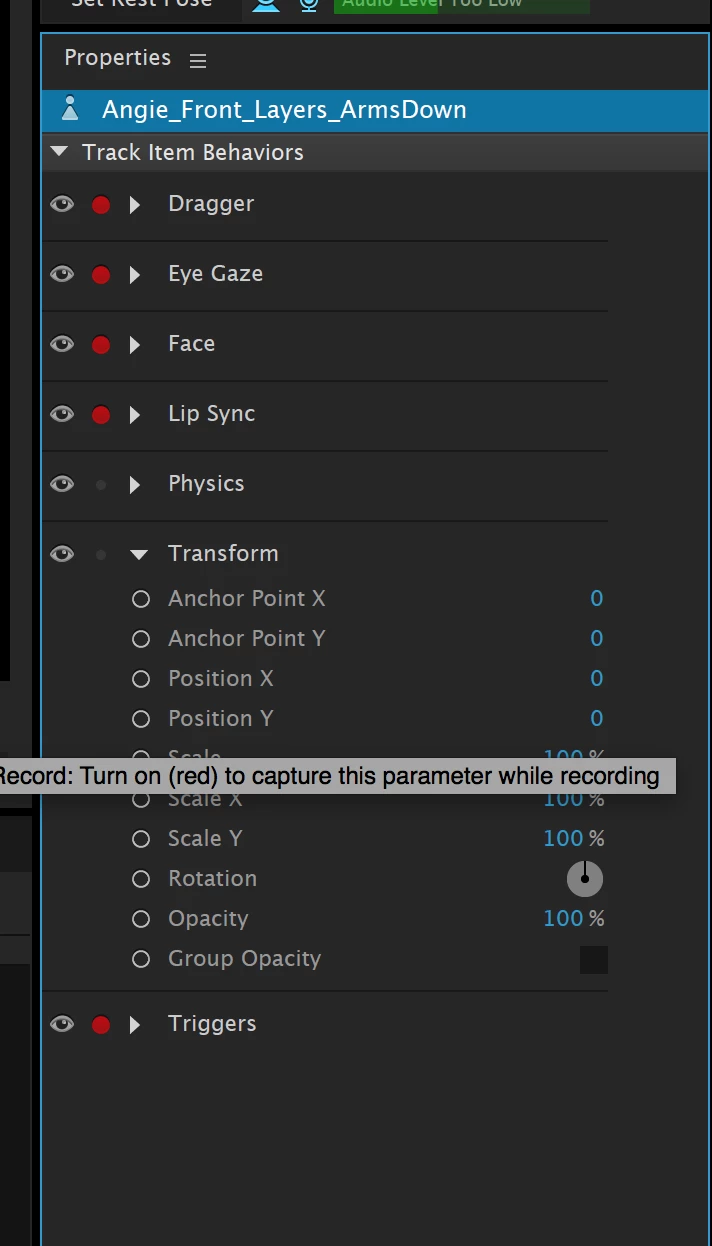
Size/position puppet in the pane
Also how does one size/position the puppet in the 'record' pane/mode?
Program keyboard to respond tp --selection, hand, zoom, handle tool, pin tool, stick . etc--

Also how does one size/position the puppet in the 'record' pane/mode?
Program keyboard to respond tp --selection, hand, zoom, handle tool, pin tool, stick . etc--
Already have an account? Login
Enter your E-mail address. We'll send you an e-mail with instructions to reset your password.

 AdChoices