Answered
Sizing the puppet after import
I can't figure out how to size my puppet to fit in the workspace....
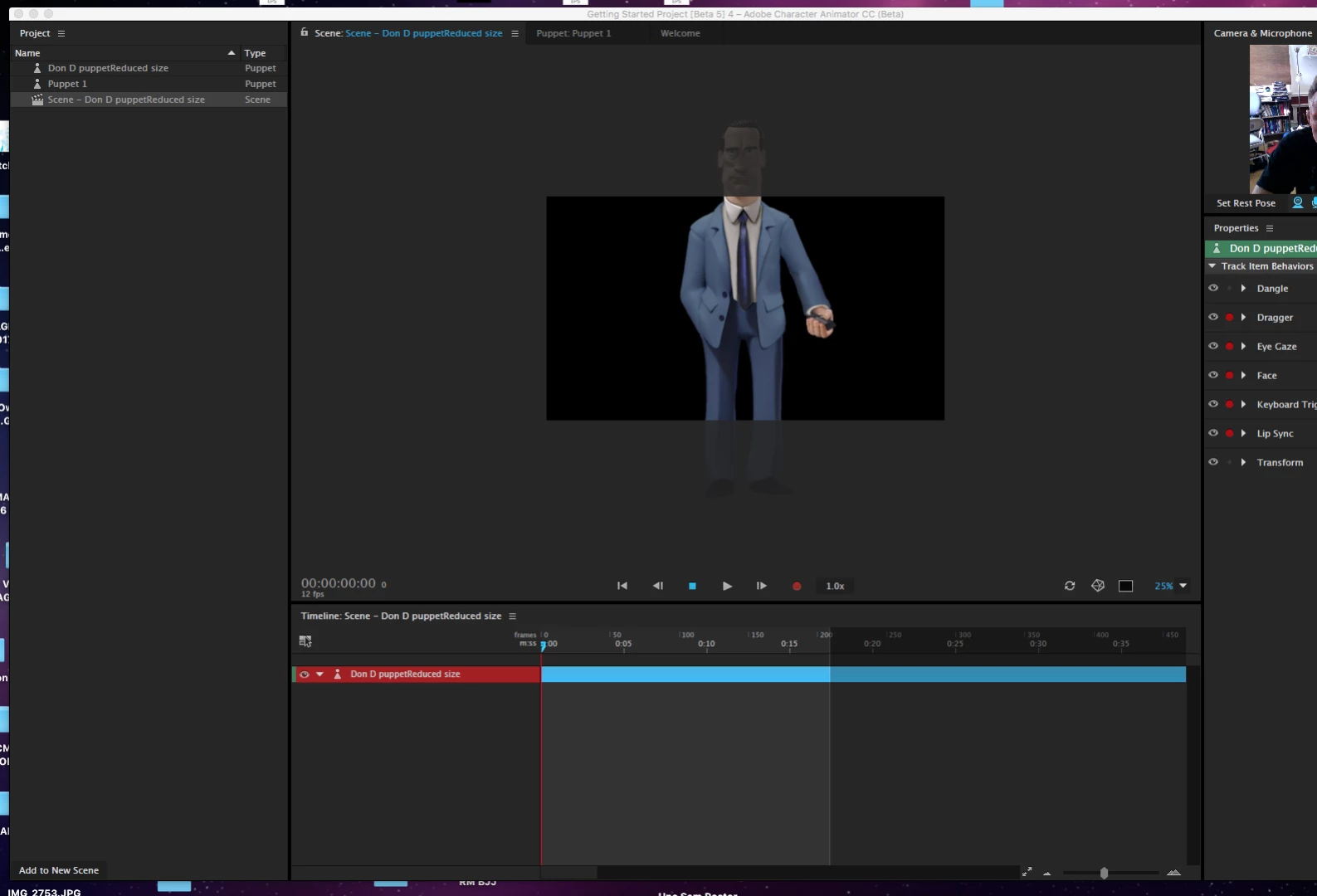

I can't figure out how to size my puppet to fit in the workspace....
Thanks! So on the upper left, see that little clapboard icon and DonD Puppet Reduced Size? Click that once. Now look under your webcam at the properties on the right and you should see the properties for that scene - including width and height.
Already have an account? Login
Enter your E-mail address. We'll send you an e-mail with instructions to reset your password.


 AdChoices