Known Participant
November 16, 2018
Answered

Solid Colors vs Outlines - Hiding the Seams

  • November 16, 2018
  • 5 replies
  • 623 views

What should I do if I want to put strokes on parts of a cartoon character? Outlines on a cartoon character is pretty common, but how do you get that to work in Character Animator?

The hands and the sleeves are the biggest problem for me. Does anyone have any solutions?

    This topic is closed to new replies. Start a new post to keep the conversation going.
    Correct answer alank99101739

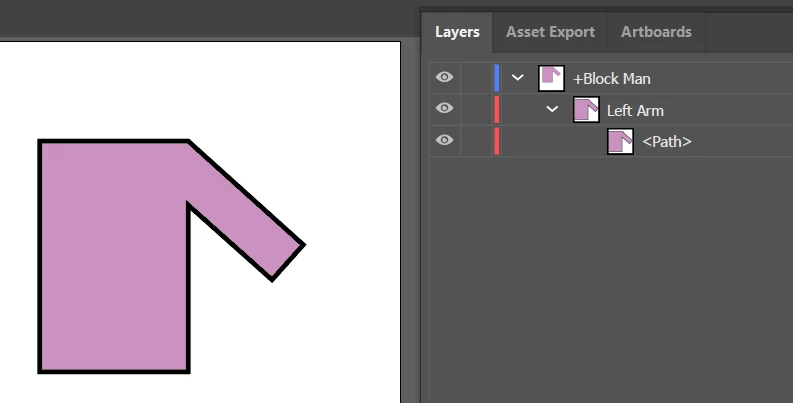
    Experiment 1 - no independence. Just one layer with everything.

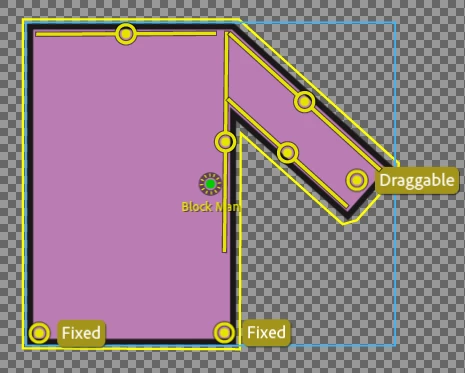
    Sticks to stop warping, 2 fixed pins at the bottom to keep it still.

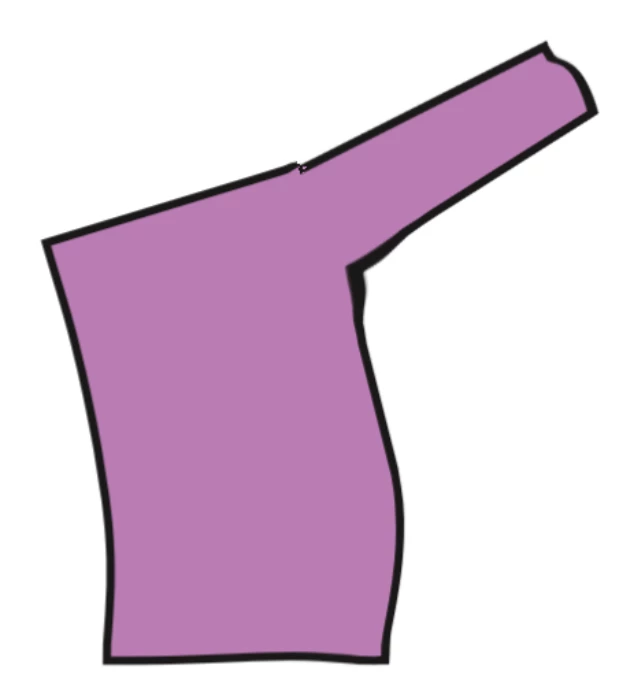
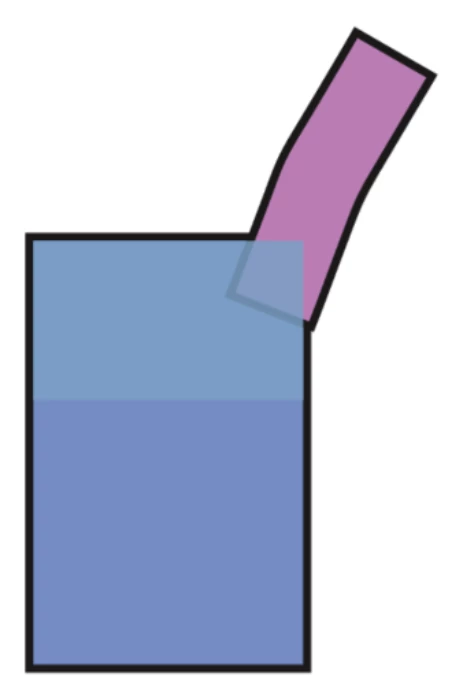
    Sample arm being stretched upwards. Not perfect, but basically works. No independence involved.

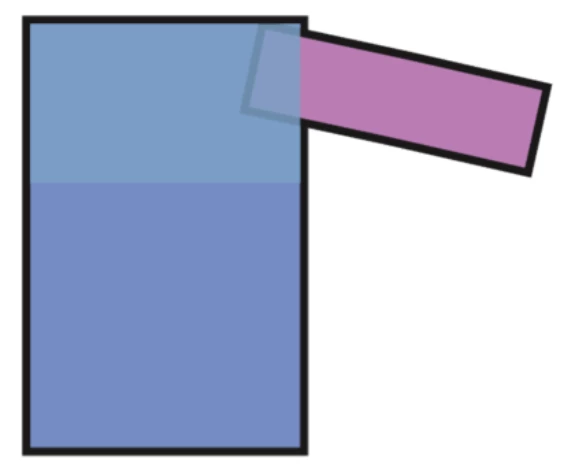
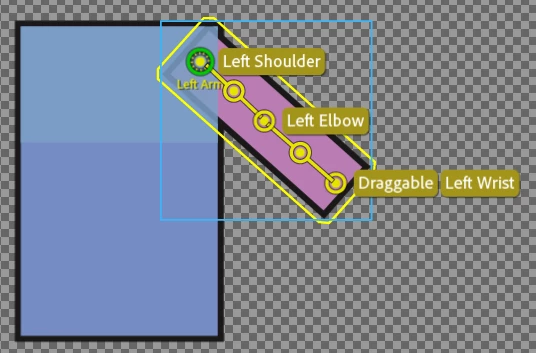
    The following approach uses a layer in front of the body (which can be problematic if arm is meant to go in front of body). I made the layer in front transparent to make it clearer what is happening internally.

    Rigging.

    5 replies

    alank99101739
    Legend
    January 23, 2019

    I don’t think walk cycles will create an issue... you can always knock up a quick test to be sure. I think of walk cycles as a robot controlling the draggers for various points of the body. You can drag with dependent or independent layers - it will just look different.

    But testing with a few quick overlapping rectangles would not hurt!

    alank99101739
    Legend
    November 16, 2018

    There are a few approaches, none great (that I know of)

    • Don’t draw an outline
    • Don’t make the arms independent - make them dependent and use sticks so they move the way your want (this is what I normally do)
    • Put the arms behind the body, then don’t draw the black line from shoulder to armpit on the body - but only acceptable if arm does not need to go in front of body!
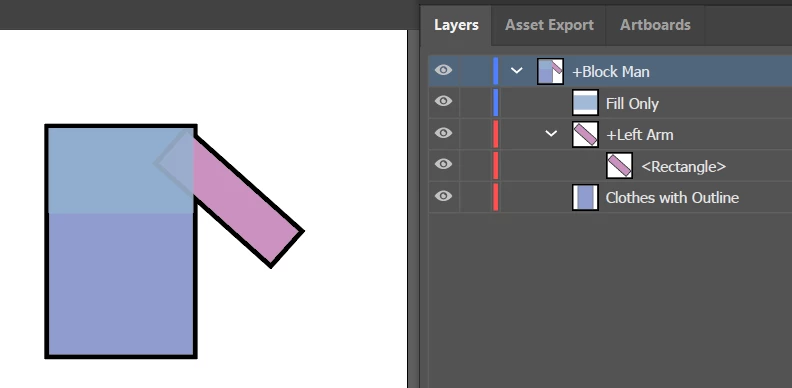
    • Put body first (with black outline), then indepdent arm on top (like you have done), then drop copy of the body fill on top again but without a black outline. This top layer hides the black line from the shoulders. (I have not tried this yet... but should work I think. If you look at the following diagram on the right, I show three layers in Adobe Draw. The bottom layer is the body with black outline, the layer above is the arm  with black outline, and on top of that is the body without the black line.
    • .)

    I rotated the arm in this one, no other change. See the middle layer on the right side. See that the black outline of the arm is being clipped nicely.

    But you need to test it to get sure it will work properly. I am slightly concerned with warping might bend things differently. But don’t have time to try just now.

    alank99101739
    Legend
    November 16, 2018

    Just did an experiment - seems to work.

    alank99101739
    alank99101739Correct answer
    Legend
    November 16, 2018

    Experiment 1 - no independence. Just one layer with everything.

    Sticks to stop warping, 2 fixed pins at the bottom to keep it still.

    Sample arm being stretched upwards. Not perfect, but basically works. No independence involved.

    The following approach uses a layer in front of the body (which can be problematic if arm is meant to go in front of body). I made the layer in front transparent to make it clearer what is happening internally.

    Rigging.