


shooterstache
Inspiring
August 21, 2018
Answered

Stream changing sizes

  • August 21, 2018
  • 4 replies
  • 761 views

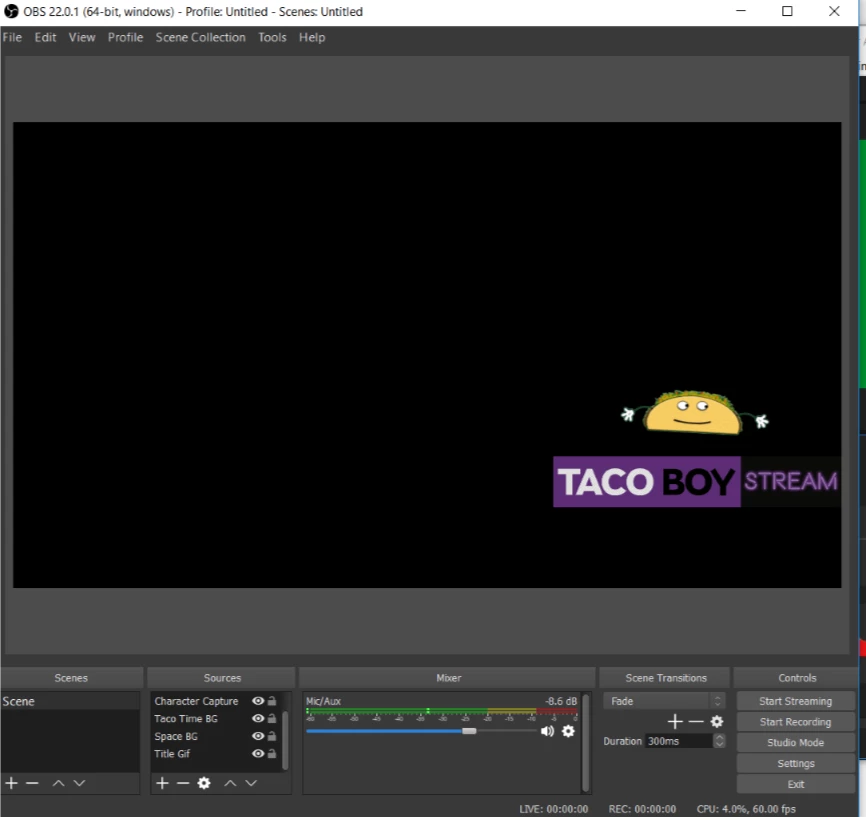
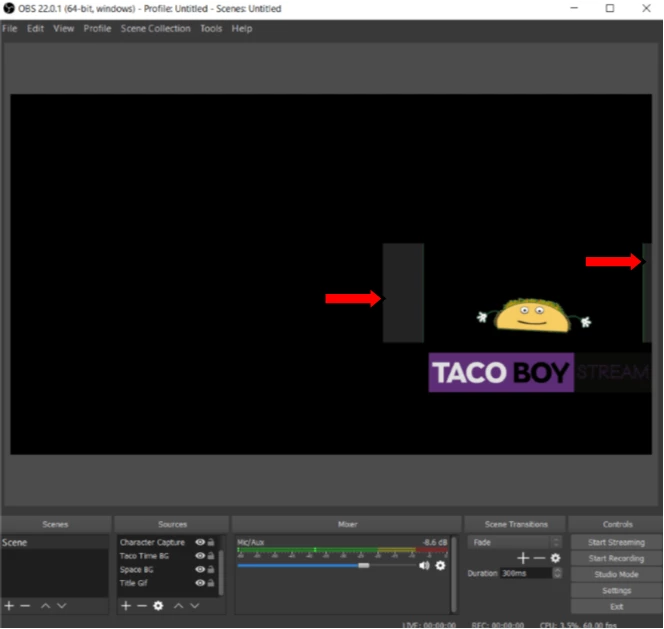
My game capture of Character Animator in OBS keeps randomly changing sizes every 10 minutes or so. I don't want to have to edit crop/transform sizes to fix this midstream. I've had this happen on both a mac and pc. Does anyone know a work around for this? Sorry about the picture size

Correct:
Wrong:
Thanks in advanced.

This topic is closed to new replies. Start a new post to keep the conversation going.
Correct answer shooterstache

My little laptop could only capture 8 fps reliably. It differs per machine I am sure.


I figured out that the CH sizes in OBS were changing when I moved CH around. Specifically the size of the actual window in the stream page. Not ideal but I figured out a way to manage that.

THEN....my audio (blue yeti mic) just stopped working. CH was saying it saw it but the audio from CH to OBS was lost. I couldn't see any audio being input into OBS through the sound bar that would normall move when i talk. So one problem fixed and another to solve!

4 replies

alank99101739
Legend
August 21, 2018

TL;DR - I do not know.

I had troubles with OBS studio for long recordings as well (it would create MP4 files Premier Pro thinks were corrupt). I tried FlashBack Express and had more luck - I think it auto-checked my hardware and set capture frame rates according to what my hardware could do. (I also found XSplit, but did not get around to trying it once FlashBack Express worked for me.) It may be I would have got the same results with OBS by decreasing the capture framerate. I know OBS is like a de facto standard, so I was surprised I struggled with it.

But I don’t see why that would explain your problem of things randomly changing sizes! Hopefully someone with more experience will respond. I have only used it to record some tutorials I posted on YouTube - with mixed results (e.g. I remember one OBS recording got truncated at 10 mins, for a 20 min recording. I just gave up at the time.)

shooterstache
Inspiring
August 21, 2018

Possibly because I'm trying to stream at 60fps which doesnt match the 30fps i'm outputting on CH??? I tried a lot of troubleshooting and couldn't figure it out, the framerates were one thing I didn't test.

alank99101739
Legend
August 21, 2018

My little laptop could only capture 8 fps reliably. It differs per machine I am sure.