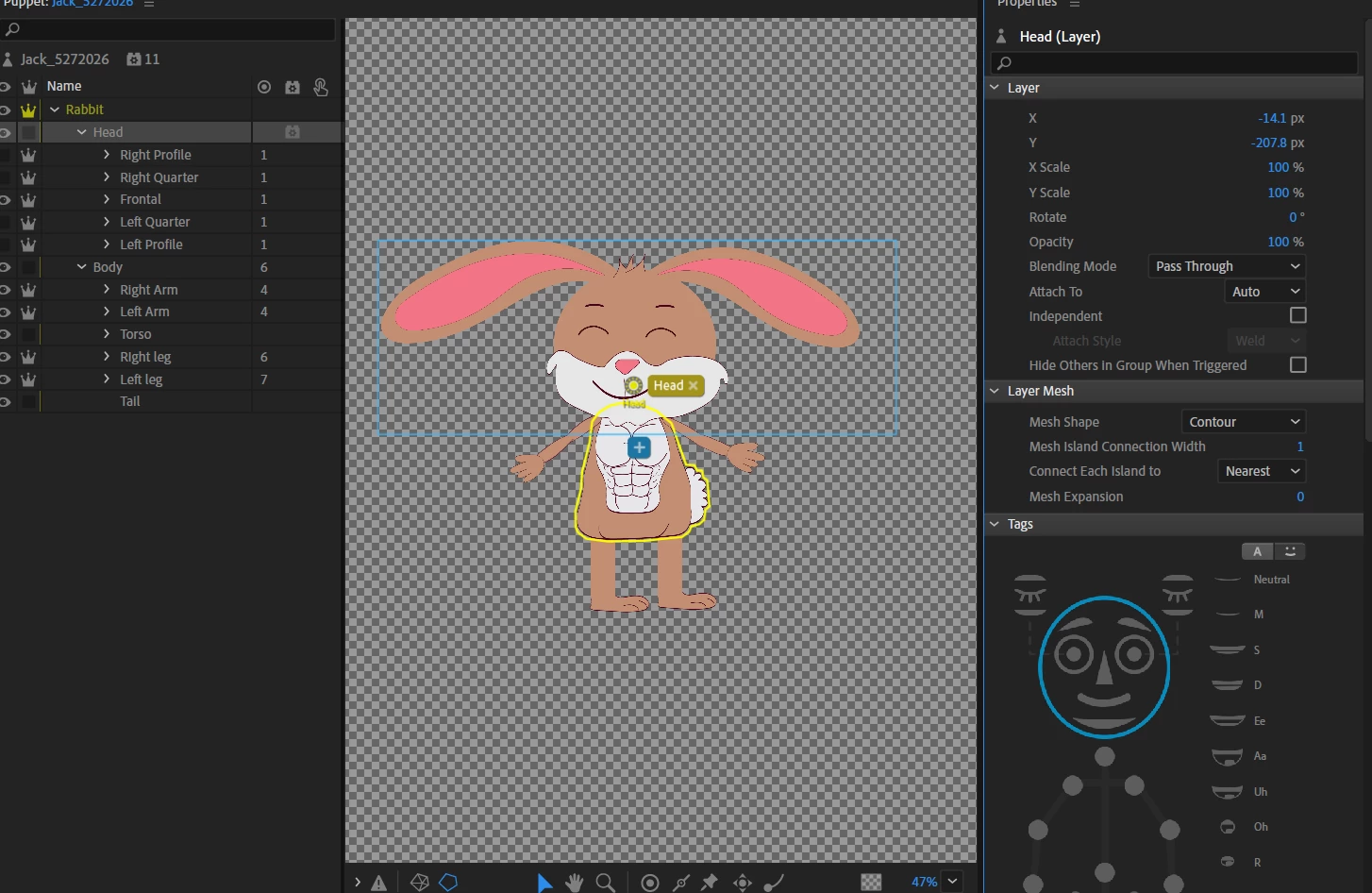
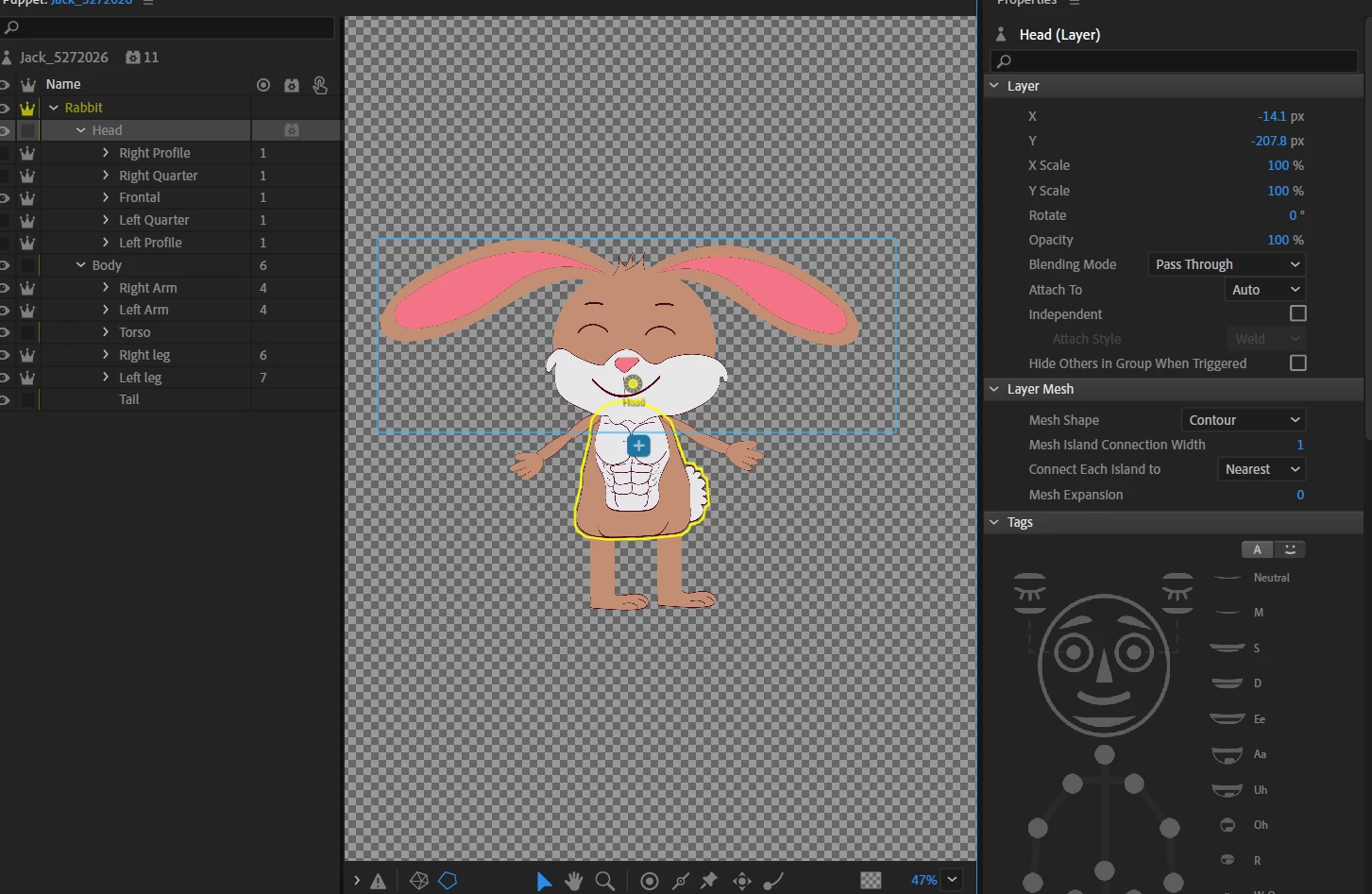
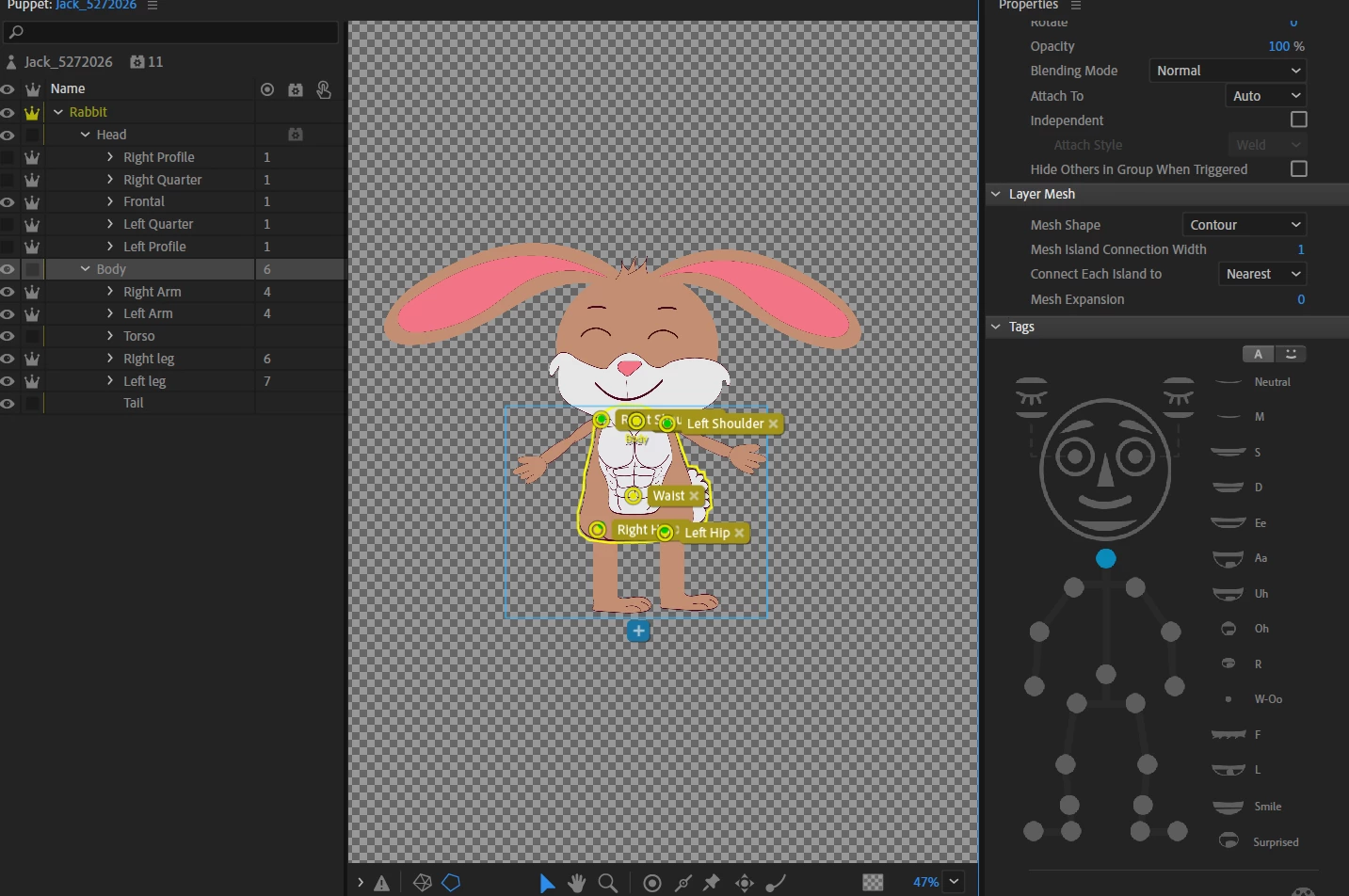
When I go into record mode, the head is floating around when I use the motion library. I noticed when i click on the head it highlights the body. When I click the body it is still highlighted around the body; so it is double tagged. I even made sure that everything is named correctly. How do I fix this? Thank you in advance
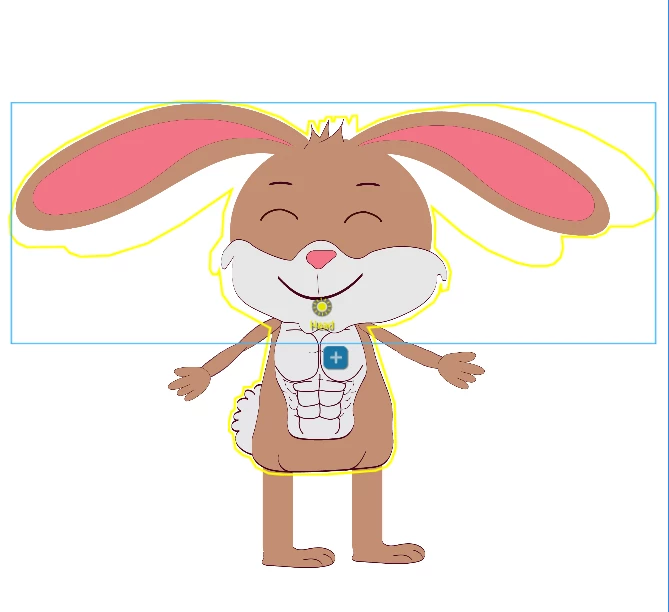
@disaac88 Sooooo! As for your initial request, I have found the problem. 1. First of all. It was a dependency issue. All of your head angles (Frontal, Right Profile, etc.) should NOT be independent. If they are not, and you have connected the origin of the head with the body as shown in the video below, then with the click on the head layer you should see something like this (head+body mesh):
Then I did the steps as shown in THIS VIDEO and everything worked with Motion Library. The body follows the chosen motion preset, the lims move as they should, the head stays in place.
BUT.
The eyes, ears, and other parts of the head are moving weirdly. I guess there are some layering or dependency problems there, too. Like you have both eyes as a group. I usually do them separately. And so on. Maybe the quickest workflow would be to start the original puppet file from scratch and follow a detailed rigging tutorial.
I am attaching the puppet with the changes I made.
Hi @disaac88 It’s a bit hard to find the issue with only screenshots availble but let’s try.
1. For some reason, while you select the HEAD layer, the mesh appears on the BODY layer instead. First of all, check your original puppet file (Illustrator or Photoshop) if there are any objects which are part of HEAD but grouped with BODY. This can be anything, even a stray anchor point or something invisible, what’s causing the issue. It’s needed to reimport the puppet if you find the mistake there.
2. I would also recommend watching these two videos from Okay Samurai about common rig mistakes and fixes. Maybe something will help you to fix the rig.
Would it be easier to share the link to help find the problem? I watched both videos multiple times and it still does not help with my problem, I just reuploaded the puppet into Ch to see if i can start the rigging process over and it still doesnt outline the head when I click on it.




 AdChoices