


Inspiring
July 22, 2022
Question

Transform Group with Subgroups

  • July 22, 2022
  • 1 reply
  • 322 views

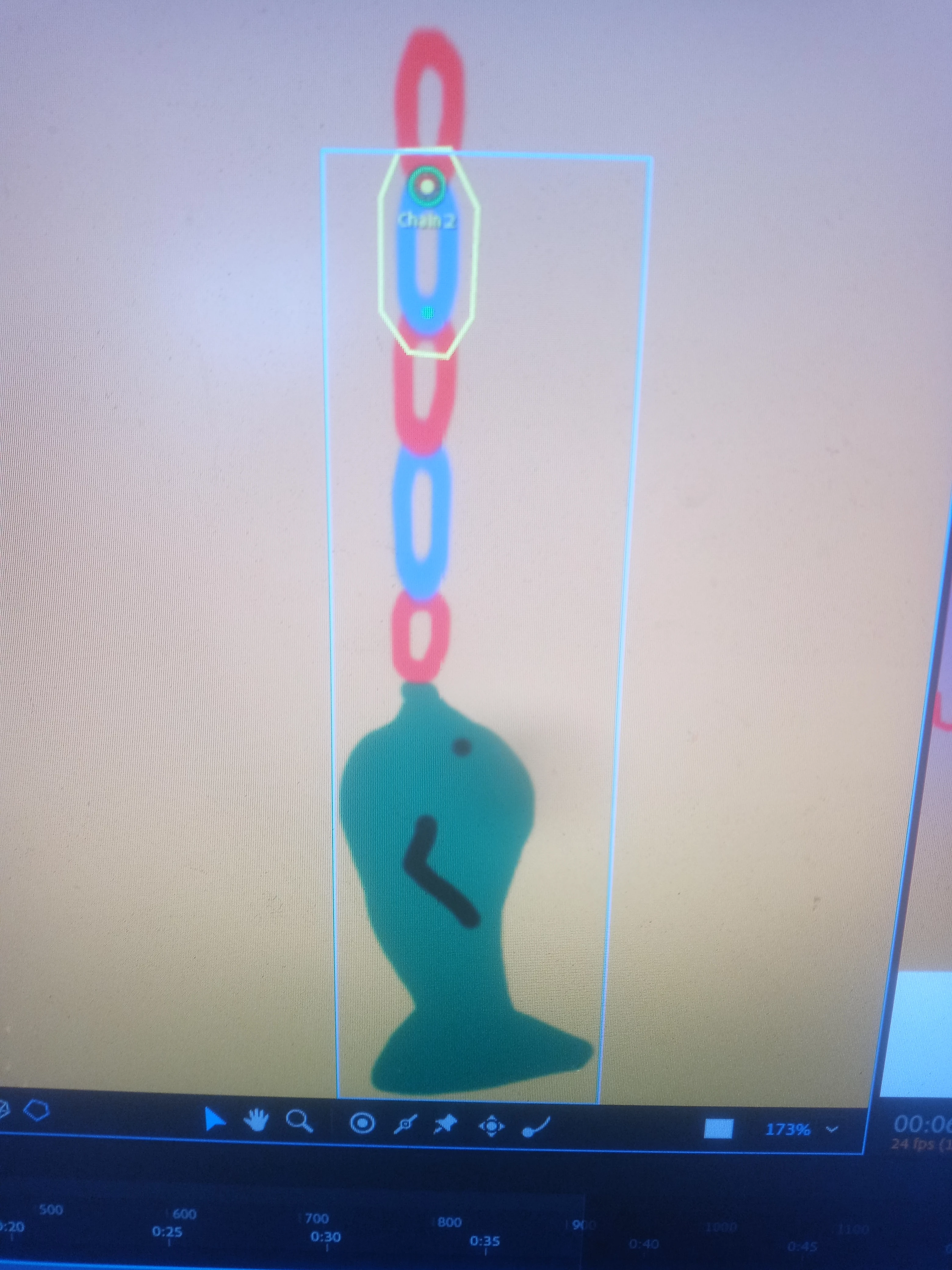
I have a puppet that is basically a chain (a literal chain, like what you use to lock your bike).  The top layer is the first link, then inside that group is the second link, etc.  Each attachment is set to hinge.  The attach to is set to auto.  When in record mode, the chain looks great and each link is properly connected to the next in a proper hierarchal fashion.


I want to move the chain by keyframing the top level group's x and y positions.  It allows me to put the keyframes in place but when I refresh the puppet and click play, the chain doesn't move.  Nothing is set to fixed.  All links have dynamic and collide set.  Is this just not a possible thing to do?  Or am I taking the wrong approach?
This topic has been closed for replies.

1 reply

oksamurai
Legend
July 26, 2022

Can you File > Export > Puppet so we can take a closer look? It's possible that Transform is fighting with Physics, but in a normal character that shouldn't matter (i.e., keyframing a character to move around while also having physics on the hair).

DannerinoAuthor
Inspiring
August 1, 2022

My original CA project had multiple scenes and each scene had multiple puppets.  And it was created at least two major CA versions ago.  I believe it became corrupted or elements of it became "unplugged" as it was migrated forward to the latest version.  I copied the chain elements to its own Photoshop file, imported, rigged and put it in its own scene, and it works fine.  I still wanted to upload it, but received an error "The file type (puppet) is not supported."

TheOriginalGC
Community Expert
Community Expert
August 1, 2022

For those files, you need to use a file sharing service like drop box or google drive and just post the link.