Known Participant
June 5, 2017
Answered

Transform-Scale Not Working

  • June 5, 2017
  • 2 replies
  • 1273 views

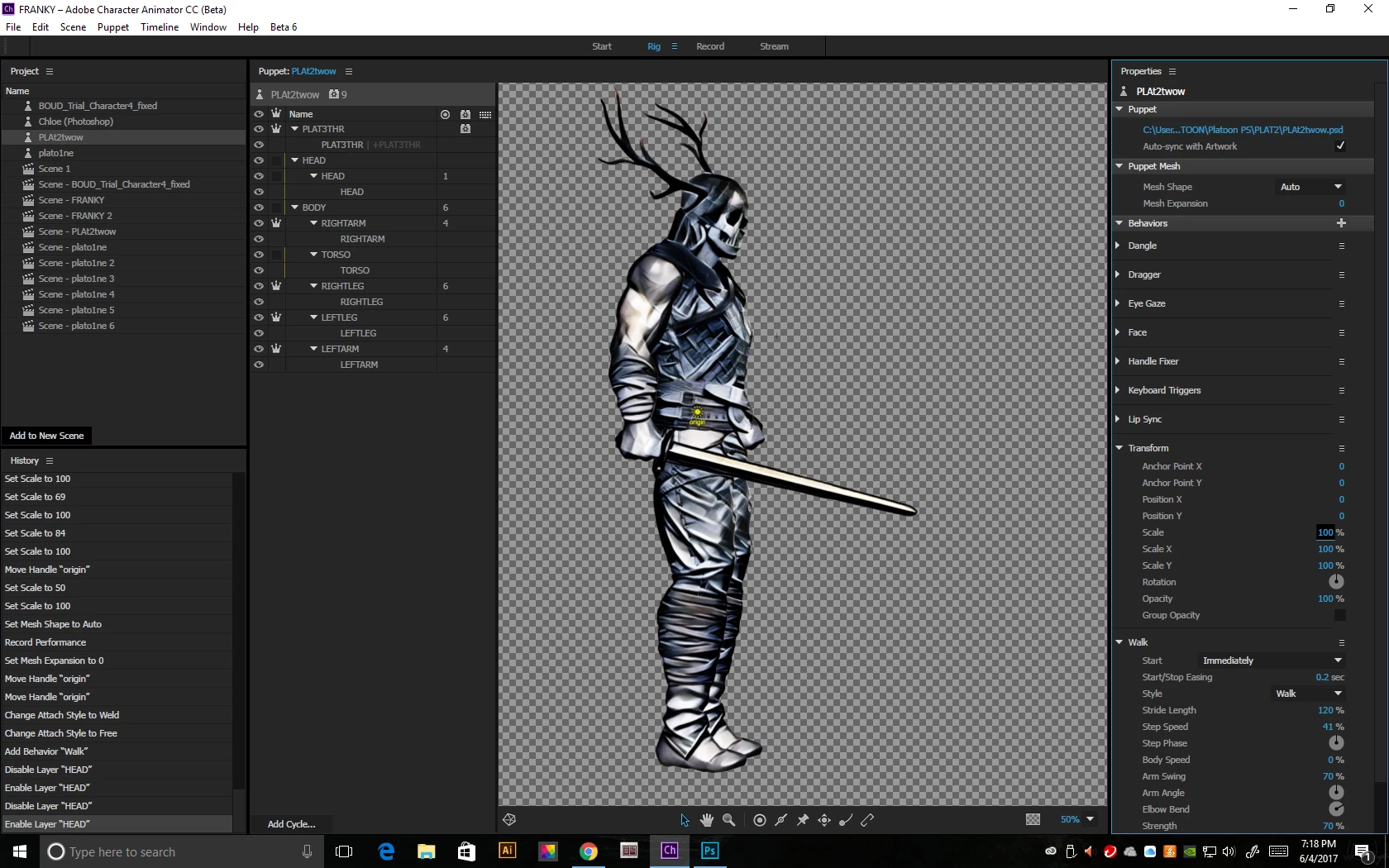
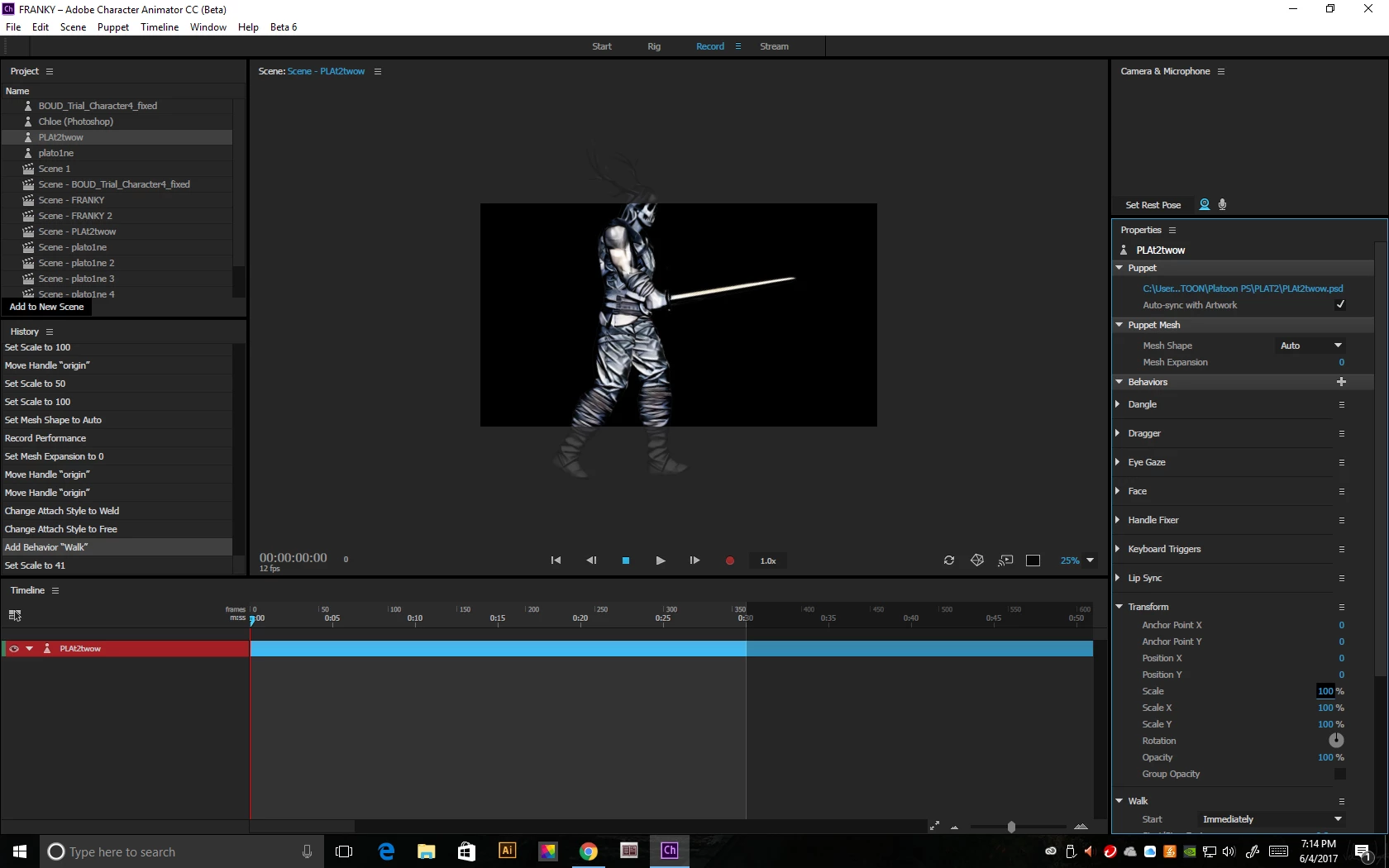
Neither in the rig window nor the record is my character properly scaling.  It won't scale at all in the Rig Window... but in the Record-Scene Window, when I scale, all it scales is my upper body portion -with the arms and head and torso resizing but the legs, no.  Body is set to free.  What am I doing wrong?  THANKS!

I moved the yellow origin onto the body and it still does the same thing, whether its on or off.

As you see, the character's too big and when I export, its cut off.

Windows 10 PC  ChAn 2017
This topic has been closed for replies.
Correct answer KJerryK

Looking at the rig setup, it seems to me that the head and body groups should be dragged into the plat3thr group.That is, it needs to be the master group containing the lower groups. That might make a difference.

2 replies

KJerryK
Legend
June 5, 2017

Here's what the puppet groups usually look like

Known Participant
June 5, 2017

YIKES!!  I forgot the simplest of steps!  Problem solved.  Again... Tech support and Cust Serv with ChAn is astounding!

KJerryK
KJerryKCorrect answer
Legend
June 5, 2017

Looking at the rig setup, it seems to me that the head and body groups should be dragged into the plat3thr group.That is, it needs to be the master group containing the lower groups. That might make a difference.