


Question
Trouble with attaching layers that are behind body to the head
Hi.
I have a layer on my puppet that I need to have dangle behind the body, but is attached to the top of the head.
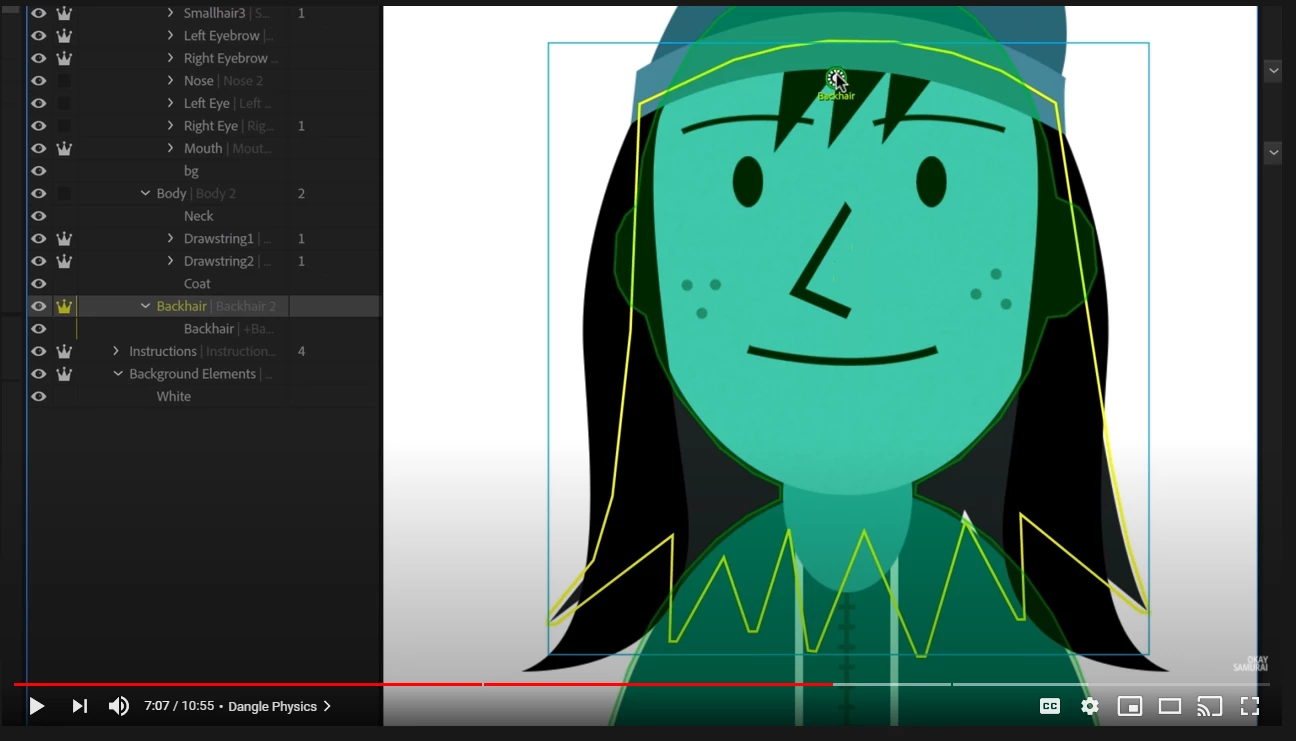
I referred to this okay samurai video and my screen looks different when I move the origin point.
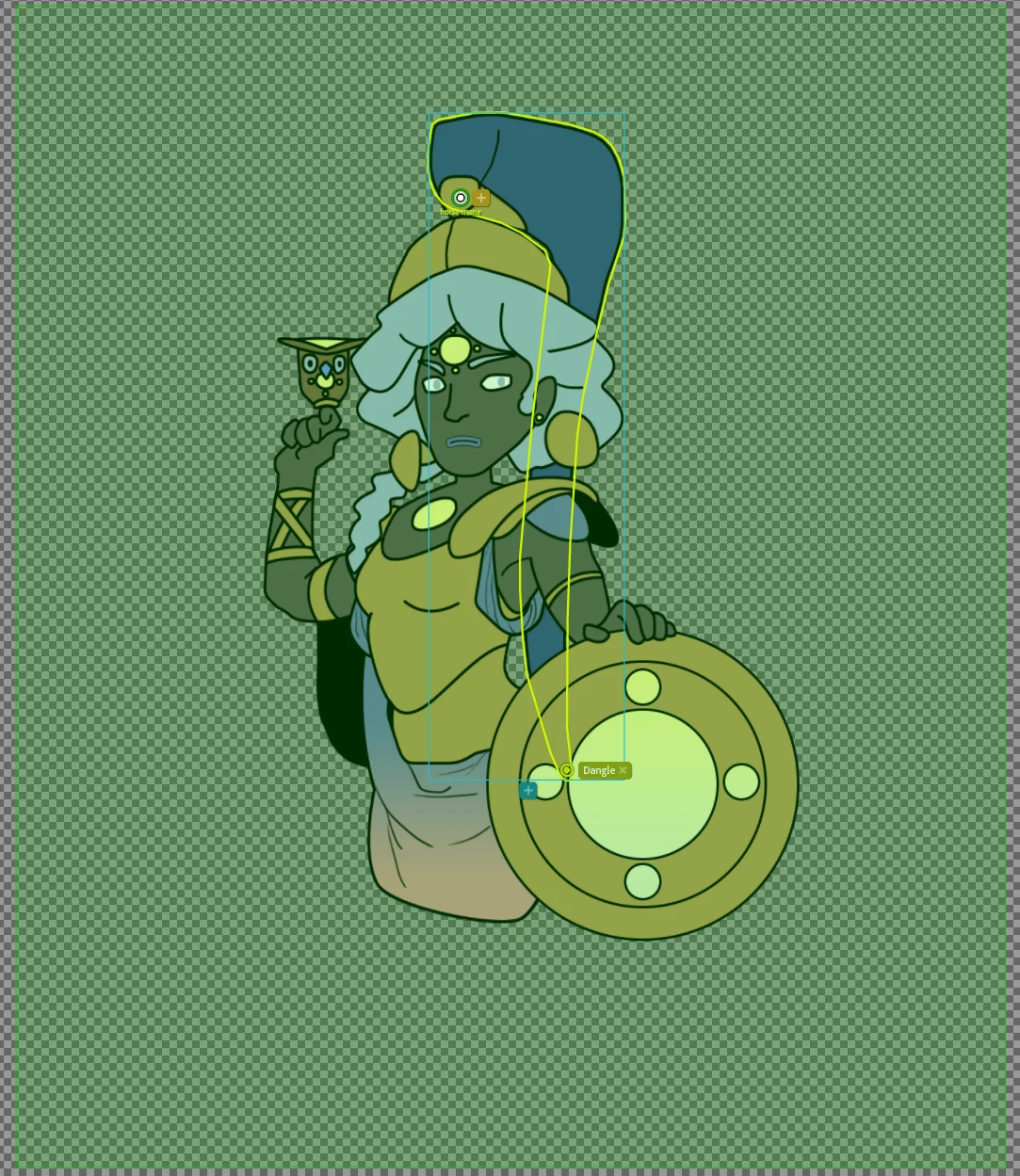
 I'm not getting that green halo around just the head. Instead, around the entire canvas. And when recording, the head will move but the purple horse mane thing stays locked in place where it is.
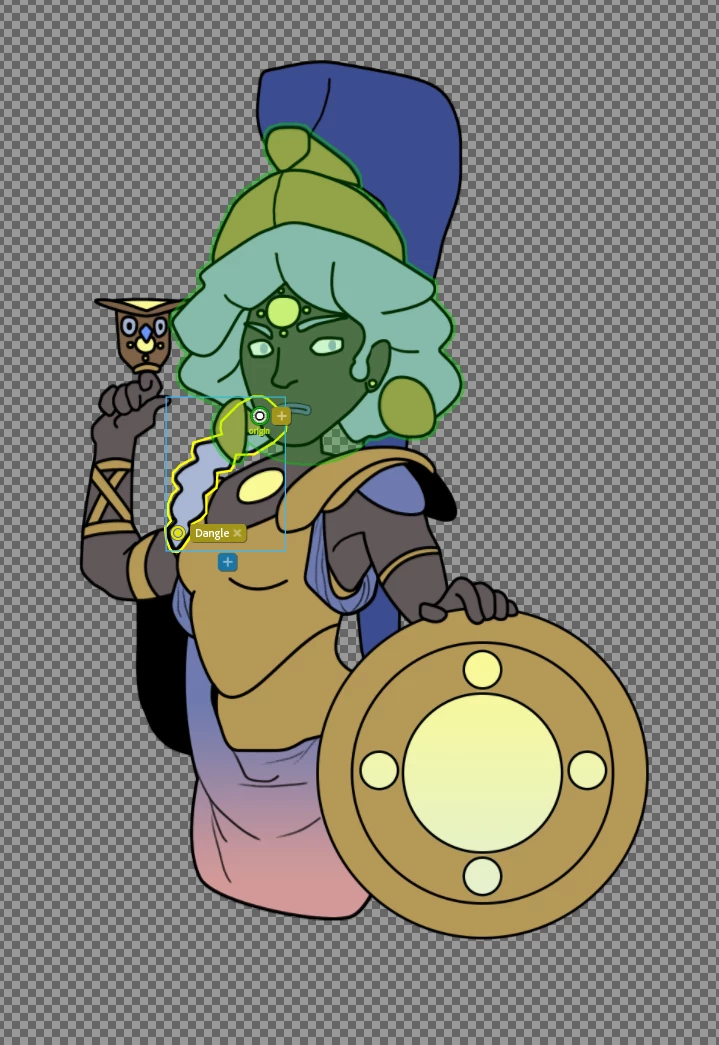
 Though, when I do it to her pony tail which is in front and within the Head folder, I have no issue.
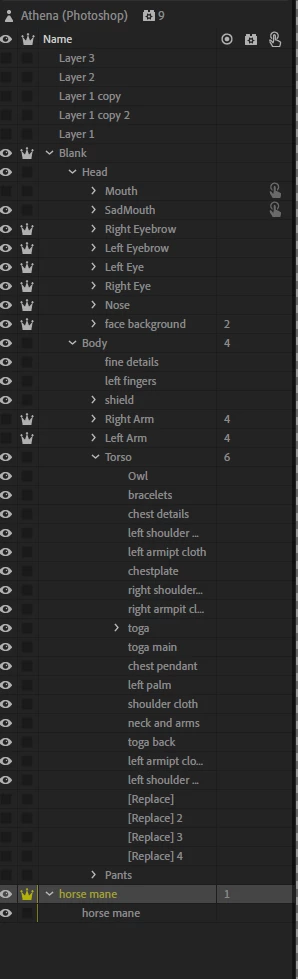
 Also below is what my layers looks like if that helps.
 AdChoices