Gregor@philoro
Participating Frequently
April 21, 2022
Answered

Troubleshooting my first "full view" character

  • April 21, 2022
  • 2 replies
  • 643 views

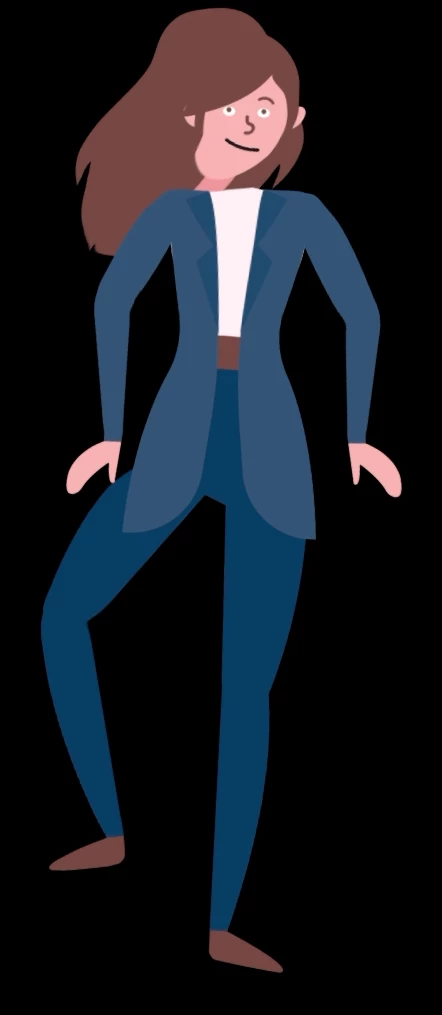
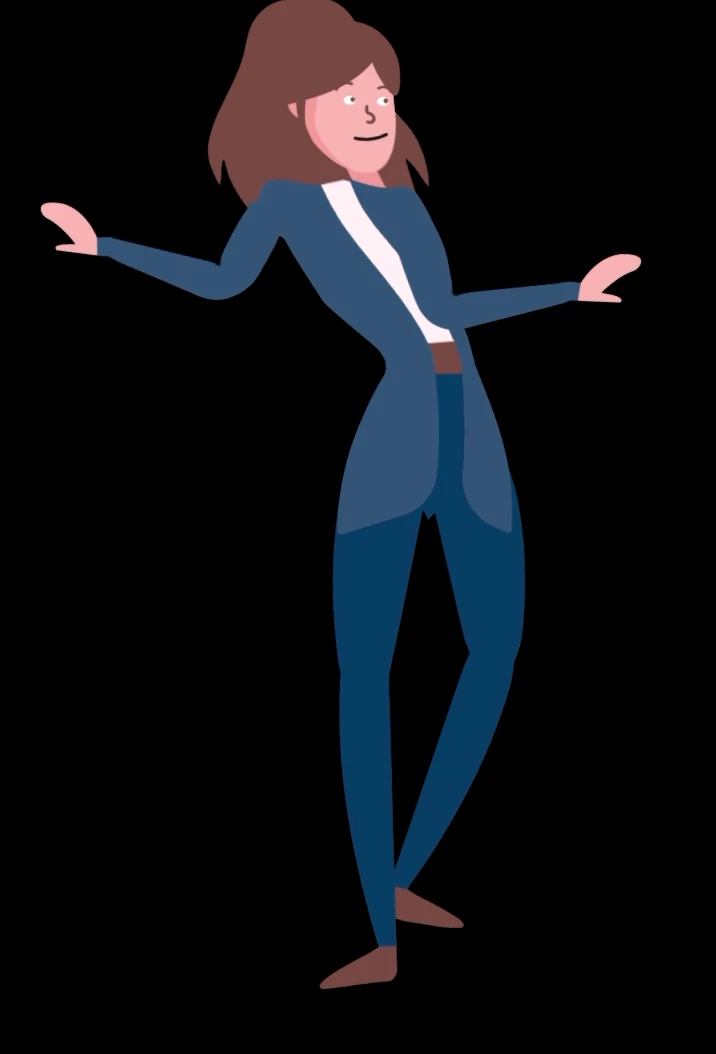
I'm quite new to Character Animator and created my first character with full body tracking, body turning and IK Limbs. Over all it works quite well, but I'm gettings some weird stretching issues and the head is coming loose, even with Head Position Strength at 0%. Hope you guys can help me to resolve those issues. If someone wants to have a look at the project I'd be glad to share it.


This topic has been closed for replies.
Correct answer alank99101739

Not necessarily answers, but some tips on how I would debug it personally. In scene mode, there is a little "mesh" button at the bottom that displays yellow triangles all over the mesh. This can be useful to see what parts of the puppet are moving and which are stuck. The points that are stuck can help narrow down where problems are happening. E.g. you can have an extra handle the looks harmless, but is causing that part of the puppet to be "stuck", causing unwanted warping. I often delete bits of the puppet then undo inside Ch just to see if that handle or behavior is the cause of the problem.


I would also look at how you have attached the meshes. Each time you put an independent crown on a layer (with the leading "+"), it starts a new "mesh". Each mesh has to attach to a parent mesh to follow it. You do that by dragging the origin handle of the root layer of a mesh over the parent mesh (so it turns green). Make sure "Attach To" is "Auto" as well. E.g. your neck artwork I think is part of the Head layer from the movements, which means you probably want the origin marker of the Head layer right at the bottom of the neck artwork, where it overlaps the Torso artwork.


I often think about this as each mesh like a new sheet of paper (or thin rubber sheeting) that you draw artwork on then cut out. You need the sheets of paper to overlap a bit so you can put pins through it to connect both bits of paper. Where you put the pin changes where the pivot etc occurs. I suspect this is your problem - you need to drag the origin marker for some of the layers to the right spot so the pivot occurs at the right spot.


Note: Personally, I normally include the Neck in the Torso layer if I want the head independent. That way the head pivots without the neck moving. If the neck is part of an independent head, then the neck is going to rotate with the Head. You can do that, but it might not give the look you want. Also note that if the character has a long neck, you may be able to get away with the head NOT being independent. Instead. you have the neck bend a bit has the head tilts. 


Regarding hair behind the body, that is a problem if the head is independent and in front of the Torso (e.g. if the Neck is part of the Torso layer, so you need the Head in front of the Neck), but you want dangling hair behind the torso. If the head is not independent, there are no problems - its easy to get the hair to attach. If you want the head independent, you get this problem... which @k_oshiro  just reported I think is fixed in the next CH beta. (I have not tried it yet.)

2 replies

alank99101739
alank99101739Correct answer
Legend
April 22, 2022

Not necessarily answers, but some tips on how I would debug it personally. In scene mode, there is a little "mesh" button at the bottom that displays yellow triangles all over the mesh. This can be useful to see what parts of the puppet are moving and which are stuck. The points that are stuck can help narrow down where problems are happening. E.g. you can have an extra handle the looks harmless, but is causing that part of the puppet to be "stuck", causing unwanted warping. I often delete bits of the puppet then undo inside Ch just to see if that handle or behavior is the cause of the problem.


I would also look at how you have attached the meshes. Each time you put an independent crown on a layer (with the leading "+"), it starts a new "mesh". Each mesh has to attach to a parent mesh to follow it. You do that by dragging the origin handle of the root layer of a mesh over the parent mesh (so it turns green). Make sure "Attach To" is "Auto" as well. E.g. your neck artwork I think is part of the Head layer from the movements, which means you probably want the origin marker of the Head layer right at the bottom of the neck artwork, where it overlaps the Torso artwork.


I often think about this as each mesh like a new sheet of paper (or thin rubber sheeting) that you draw artwork on then cut out. You need the sheets of paper to overlap a bit so you can put pins through it to connect both bits of paper. Where you put the pin changes where the pivot etc occurs. I suspect this is your problem - you need to drag the origin marker for some of the layers to the right spot so the pivot occurs at the right spot.


Note: Personally, I normally include the Neck in the Torso layer if I want the head independent. That way the head pivots without the neck moving. If the neck is part of an independent head, then the neck is going to rotate with the Head. You can do that, but it might not give the look you want. Also note that if the character has a long neck, you may be able to get away with the head NOT being independent. Instead. you have the neck bend a bit has the head tilts. 


Regarding hair behind the body, that is a problem if the head is independent and in front of the Torso (e.g. if the Neck is part of the Torso layer, so you need the Head in front of the Neck), but you want dangling hair behind the torso. If the head is not independent, there are no problems - its easy to get the hair to attach. If you want the head independent, you get this problem... which @k_oshiro  just reported I think is fixed in the next CH beta. (I have not tried it yet.)

Gregor@philoro
Participating Frequently
April 25, 2022

Thanks for the tips guys, I'll have a look into it later this week and reply, as soon as I have updates to report 🙂

Gregor@philoro
Participating Frequently
April 25, 2022

OK, got to it a lot faster than "later this week" 😄

I got rid of the long hair (looks like that's causing a lot of trouble for a lot of people?), moved the neck to the body and  the head group in front of the torso as suggested.


Looks like that got rid of the warping issuses, thanks guys! I know, she's not perfect atm and maybe not the best puppet for perspective view in general, but she's just a practice project for me, so thats fine. Thanks again!


TheOriginalGC
Community Expert
Community Expert
April 21, 2022

I suspect that it might have something to do with layer independency. Could we see an image of the hierarchy in your rigging?

Gregor@philoro
Participating Frequently
April 22, 2022

With pleasure 🙂


TheOriginalGC
Community Expert
Community Expert
April 22, 2022

Thanks for that. Nothing is jumping out at me, so what I usually do in situations like this is correct the small issues one at a time. For instance, some of your views, like Right Quarter, are independent while others are not. also, this is probably not a big deal, but I like to arrange the view layers in order from right profile to left profile: right profile, right quarter, frontal, left quarter and left profile. I noticed that because of the hair, you have the body above the head. I do not know if that is ideal, as most create a separate layer for the back hair and keep the head above the body. We'll let the experts chime in on that.