
Inspiring
Jul 14, 2021 12:14 PM UTC
Answered

Unable to import my puppet =( - The Photoshop file operation failed

Error 1: When trying to import a PSD file for a new puppet I'm working on, I get this file operation failure. 
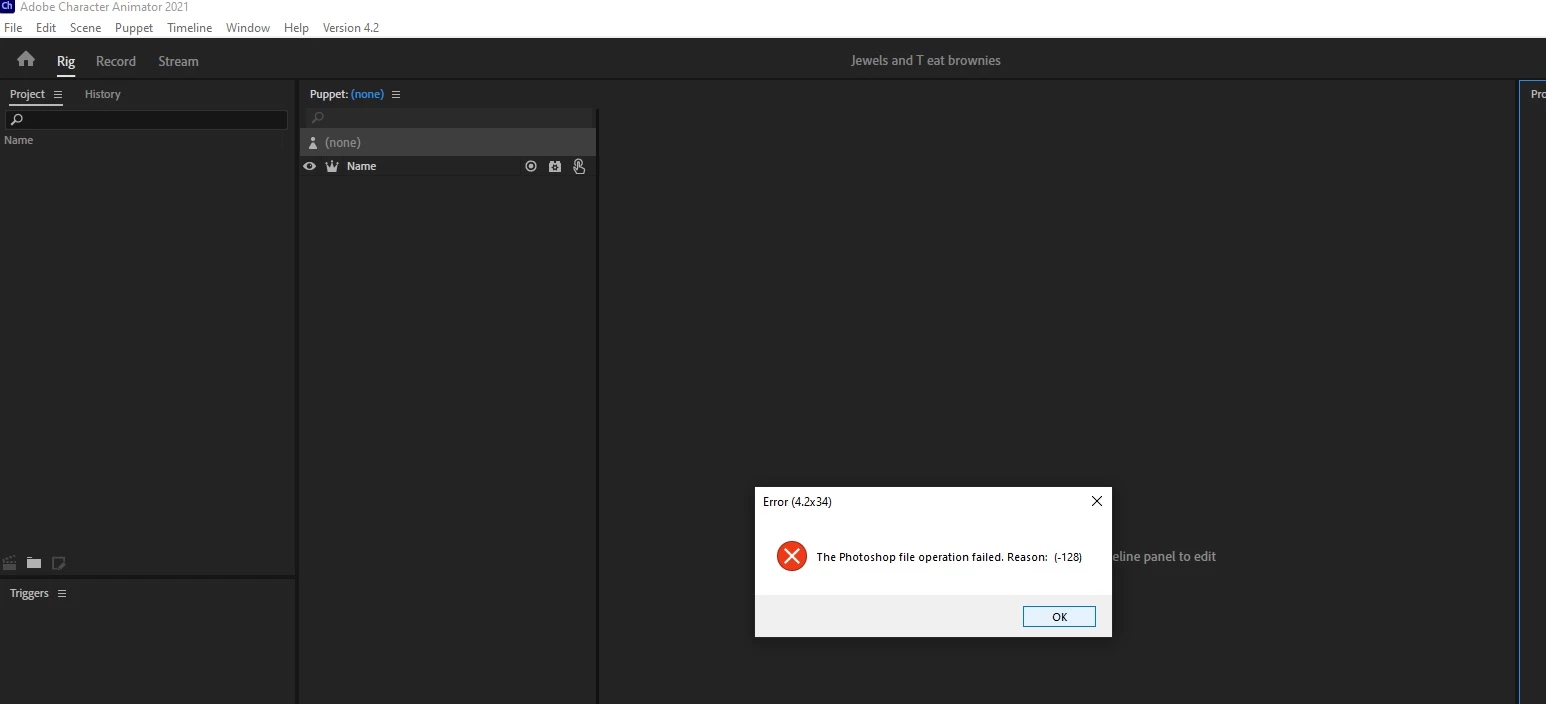
 

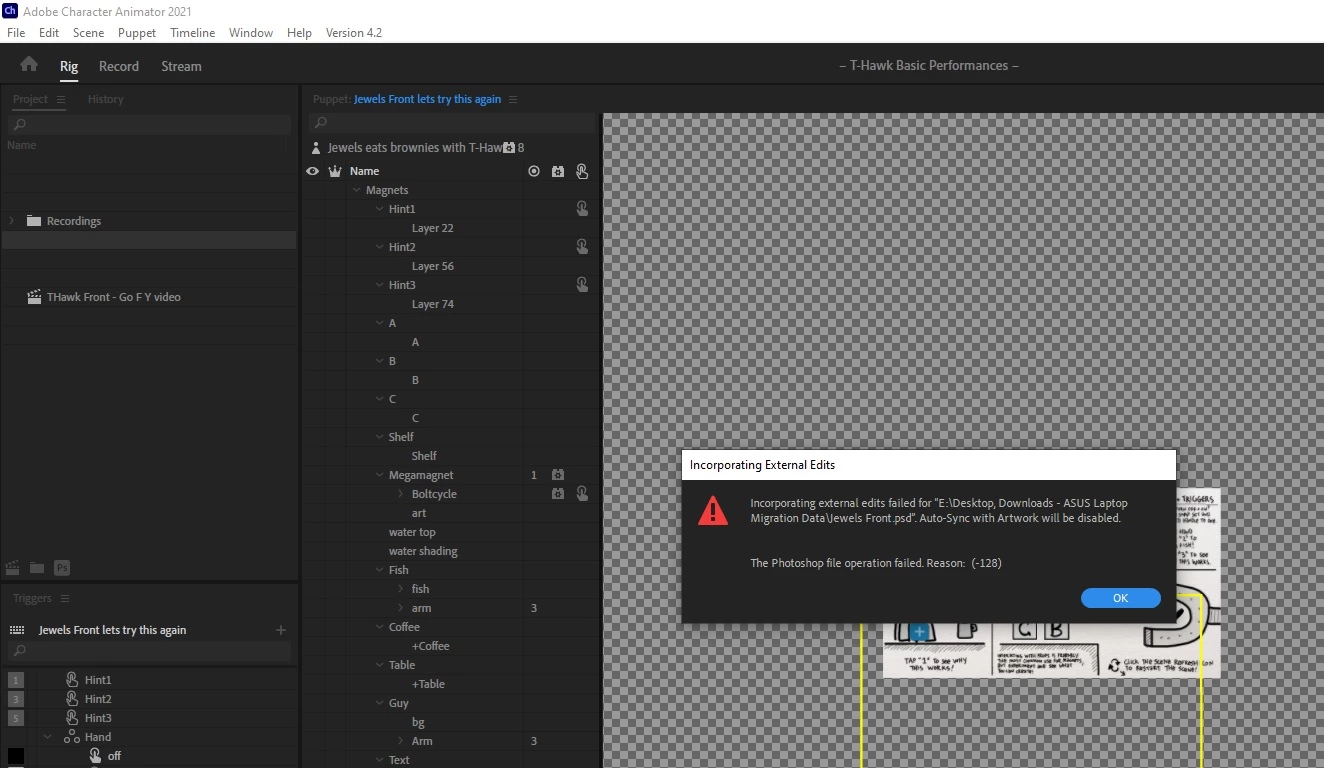
Error 2: When opening another project that already has this puppet imported I get this error: 

Incorporating external edits failed for "E:\Desktop, Downloads - ASUS Laptop Migration Data\Jewels Front.psd. Auto-Sync with Artwork will be disabled.

The Photoshop file operation failed. Reason: (-128)
 

The puppet in question opens fine in photoshop. I've tried duplicate the file, moving the file to another location, etc. I don't think this is a storage capacity issue. I have enough disk space (hundreds of gigs). 


Thank you

This topic is closed to new replies. Start a new post to keep the conversation going.
jimmy8dmtCorrect answer
Inspiring
Jul 18, 2021 5:14 PM UTC

Update:


I think we narrowed this issue down to a problem with v4.2 and my CA project file. Here's what I tested:


  1. I tried copying the layers from the PSD puppet file into another photoshop file. Then I tried opening that copy PSD in CA v4.2, and I still get the issue.
  2. I uninstalled v4.2 and loaded the bad project file in v4.0 and it opens without issue. I loaded the bad puppet file in v4.0 and also no issue. 
  3. I upgraded v4.0 to v4.2 and opened a new project with just the bad puppet file and no issue. 
  4. I opened a copy of the bad project file in v4.2 that no longer contains the bad puppet, and it opens fine. However, if I open the original bad project file in v4.2 and then open the bad puppet file, it throws an error. Also, anytime I try opening a new project with the bad puppet file, it also throws an error. Strange!
  5. I reverted back down again to v4.0. I made a copy of the bad project file and removed the bad puppet. I opened the copy of the bad project file and it opens without error. I loaded the bad puppet file and that loads without error.


So it seems the problem has something to do with a corrupted project file and bad puppet file in v4.2. Everything opens up fine in v4.0.


Ciao!

7 replies

jimmy8dmtAuthorCorrect answer
Inspiring
Jul 18, 2021 5:14 PM UTC

Update:


I think we narrowed this issue down to a problem with v4.2 and my CA project file. Here's what I tested:


  1. I tried copying the layers from the PSD puppet file into another photoshop file. Then I tried opening that copy PSD in CA v4.2, and I still get the issue.
  2. I uninstalled v4.2 and loaded the bad project file in v4.0 and it opens without issue. I loaded the bad puppet file in v4.0 and also no issue. 
  3. I upgraded v4.0 to v4.2 and opened a new project with just the bad puppet file and no issue. 
  4. I opened a copy of the bad project file in v4.2 that no longer contains the bad puppet, and it opens fine. However, if I open the original bad project file in v4.2 and then open the bad puppet file, it throws an error. Also, anytime I try opening a new project with the bad puppet file, it also throws an error. Strange!
  5. I reverted back down again to v4.0. I made a copy of the bad project file and removed the bad puppet. I opened the copy of the bad project file and it opens without error. I loaded the bad puppet file and that loads without error.


So it seems the problem has something to do with a corrupted project file and bad puppet file in v4.2. Everything opens up fine in v4.0.


Ciao!

Translate
oksamurai
Legend
Jul 15, 2021 10:45 PM UTC

Can you post the PSD file here or DM me a link?

Translate
jimmy8dmtAuthor
Inspiring
Jul 16, 2021 12:23 PM UTC

DM sent with a link. Thank you!

Translate
jimmy8dmtAuthor
Inspiring
Jul 15, 2021 11:07 AM UTC

Bump?

Translate