


Question
Using Software Camera App mmhhmm as Camera Input Source for Ch
I hope someone can help me.
To control Character Animator live streaming from an external computer (since streaming screen and input source are physically far apart) I take on my Mac, the application as mmhhmm as a software camera. Start a video call from the software and then I can select the video call image as the input source at "Camera" in Character Animator. Perfect solution, with no latencies. On the Mac, I can select the software camera without any problems.
On the Windows machine, it just won't show me the camera. Does anyone have an idea what the problem could be?
Thanks a lot and best regards
Pipo
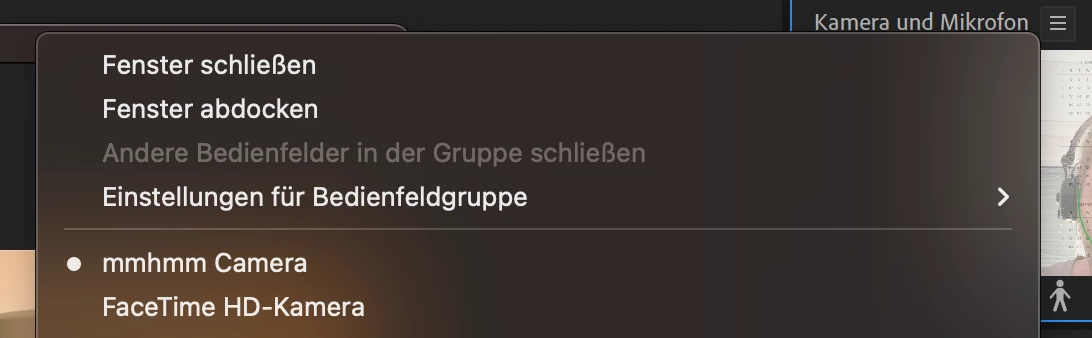
on Mac it works perfectly
 AdChoices