Mojito7765
Known Participant
May 15, 2020
Question

Walk Behavior head/body distortions

  • May 15, 2020
  • 4 replies
  • 2175 views

Hi,


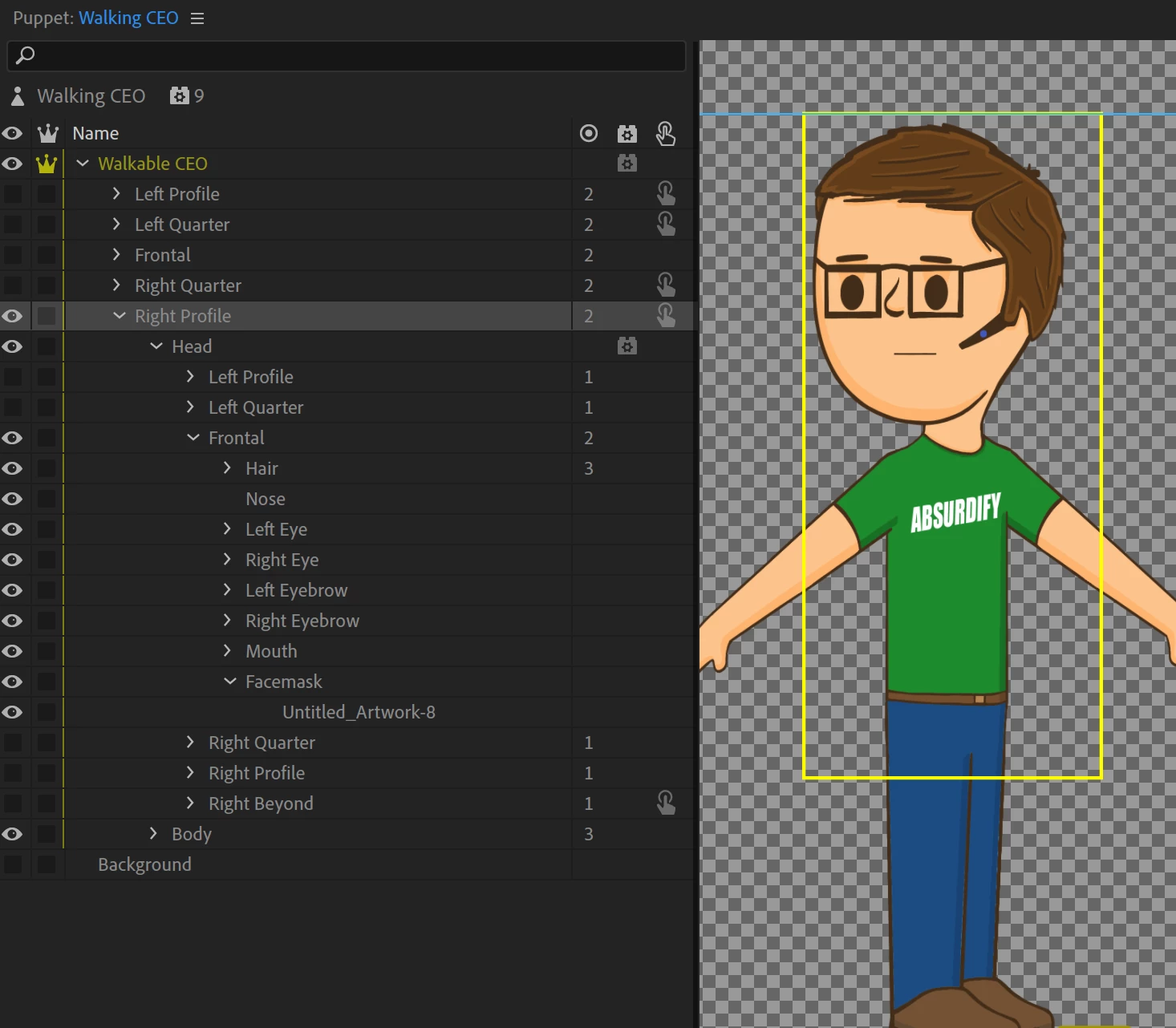
I'm creating a puppet with a walk behavior that also is able to do head turns while walking. I have modeled it off of the "Walker" puppet from OkSamurai. It has 5 separate views (for five body directions), each containing a body and a head (with the head also having 5 separate views).


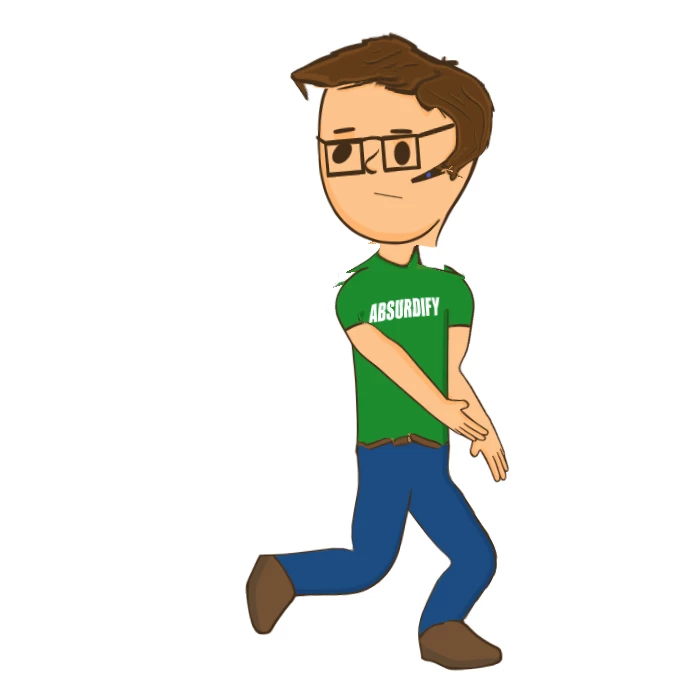
After tagging and rigging to match the Walker puppet, it seems as though I cannot get the puppet's head features to remain fixed and stable. They end up distorting wildly when the puppet begins walking. It is particularly noticable as the hair layer, (which is not independent) moves off the head, as well as the eyes moving around. The only way i've been able to get the distortion down is to reduce the walking strength down to less than 10%, which makes it look like there isn't any walking.


Is there a tagging/rigging procedure that I can follow to keep head features from warping?

Any advice is appreciated.

Thanks.
This topic has been closed for replies.

4 replies

CoSA_DaveS
Participating Frequently
May 19, 2020

Not sure that this is the cause of your main issue, but I notice that your different views (Left/Right Profile, Left/Right Quarter, & Frontal) are not independent — which means they all share the same mesh. Try click the crown icon for those groups to make the independent.

Mojito7765
Known Participant
May 18, 2020

I think the best solution was:

1. duplicate the puppet to make a walking version, and when the puppet needs to walk I switch to the walker version, and when walking is done, I switch back to regular 

2. To eliminate distortion/warping/detachment in the walking version, i merged a lot of the layers together. All the head elements were merged together (eyes, eyebrows, glasses, hair) and was merged with the torso. The arms and hands were merged too. The resulting walking puppet only has a torso, two arms and two legs. (I did keep the mouth separate so that I could have him talk and walk).

3. I used pins at the points where the arms and legs attached to the torso to eliminate detachment.

4. I reduced the strength of the walk cycle to about 60% and fiddled with the other parameters to get a convincing walk.


hope that helps

alank99101739
Legend
May 17, 2020

I don't have a solution, but turning on the yellow mesh in the scene window (icon is at bottom of scene panel) sometimes you can see things moving or not moving when you don't expect them. This can give a hint to the source of the problem.

ElectroPuppet
Inspiring
May 16, 2020

I've just built a whole lot of these for the ElectroPuppet store (Flat Pack). Originally I tried creating a shared head that had head turner. I found that everything became really slow as I shared the head group with each view. Also - all the different head positions are difficult to line up with the walking puppet. The prebuilt walk can shift where you expect the head to be - so takes a bit of experimentation. Head turner during walking introduced too many variables.

I decided to have a separate fixed head for the walk views - as most times the puppet will want to face the walking direction anyway. I also didn't use any draggers on the hands in the walking puppet. I found these can easily get moved in another view and make the animation look really strange.

That doesn't directly answer your issues - but I thought I'd share my experience with this and how I dealt with it. You can see a video of one of these puppets walking here;

https://www.electropuppet.com/adobe-character-animator-puppet-store/flat-pack-casuals/

Best of luck,


Mojito7765
Known Participant
May 18, 2020

Thanks for the Tip.

(i love your puppets by the way)

ElectroPuppet
Inspiring
May 19, 2020

Thanks Mojito7765! Happy to help out.