
Participant
January 25, 2020
Question

Walk cycle perspective or uphill

  • January 25, 2020
  • 2 replies
  • 1335 views

I've sucessfully created a walk cycle for this character. But he walks horisontally, not in perspective as I'd like. Or maybe just uphill would do it. Is that possible with Character Animator?


If not, can I hack it somehow?


I tried rotating the character and adding "wind strength" to have him lean forwards. But "wind strength" didn't make any changes.
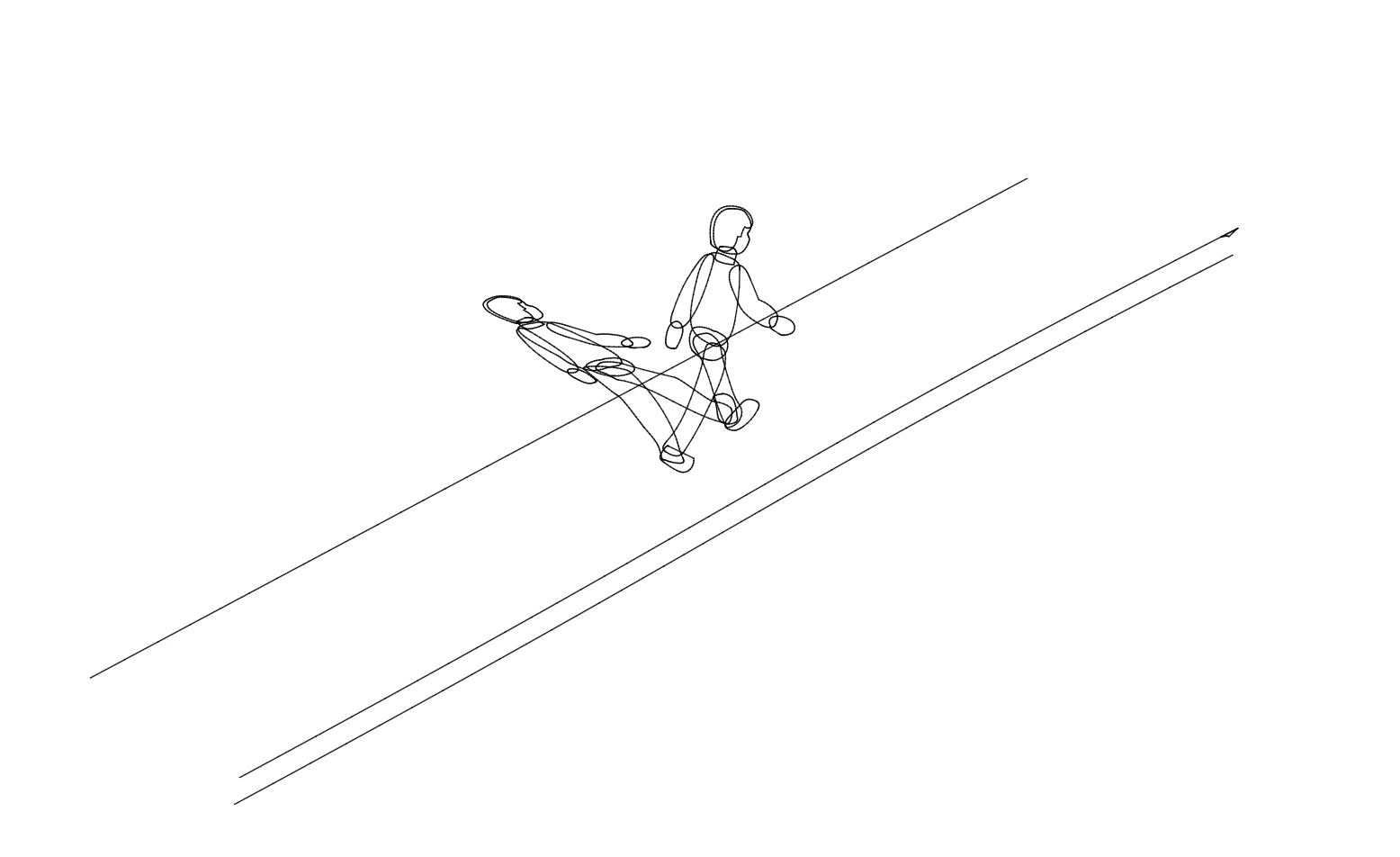
Any tips on rigging the shadow, is appreciated too. 

This topic has been closed for replies.

2 replies

alank99101739
Legend
January 25, 2020

I think a recent release added forward quarter profiles for walking (towards camera but not away I believe). It adjusts the relative positioning of moving arms and things. *Might* be useful if left/right walk gets are positions too "strange".


You can manually add a Position Y transform (using keyframing makes it easier now), but would have to manually align it with your walking. That is, record your walk, then put keyframing in CH to adjust the Y position via a Transform behavior.


Rotating makes sense too. I was wondering if you could do a perspective distort, but I don't think so - only scale X and Y (and rotation). Wind Strength I think is only for physics, like blowing dangling hair more, not for walk.

alank99101739
Legend
January 25, 2020

Oops, hit send to soon... so using After Effects to distort the character would make sense to get the perspective right if needed. (Never tried it.)


Shadow, again I assume you could do in After Effects with clever tools. There is no magic in Character Animator for this that I know of. You can build into your puppet a shadow layer, but no idea how well it would work with Walk and line up etc. My guess, as Aaron said, you probably would find this easier in a separate application (like after effects). I bet you can turn the puppet into a mask for another grey transparent layer, then use a distortion transform etc. Its the sort of thing After Effects is good for. But never done it myself.

RyanowichAuthor
Participant
January 28, 2020

I tried scaling, rotating and any other basic property I could tweak. The quarter profiles didn't do anything for the legs which was the ugliest part. In the end I drew the walk cycle frames by hand in Illustrator, combined them in Adobe Animate (just to try that software too) and finally put it all together in After Effects. The shadow I did i Ae too.

Aaron Sugar
Inspiring
January 25, 2020
  1. Two things to try for the perspective walking.  I did it once accidentally, I think it was with the location of the heel and toe tags (alothough that may have also been in DUIK). Try playing with their locations. The other thing would be to render the horizontal walk and take it into After Effects and adjust the vertical position and scale as it walks. I would also do the shadow in Ae, but that’s my topical workflow anyway. 
RyanowichAuthor
Participant
January 28, 2020

Thanks for the tip. I tried it and managed to get the foot angle about right. But the legs and everything else was still positioned awkwardly.