


Answered
Webcam distorted and won't work.
I have a Logitech 922 webcam. When I select it in Adobe Character Creator 2018, it just shows a distorted flickery image.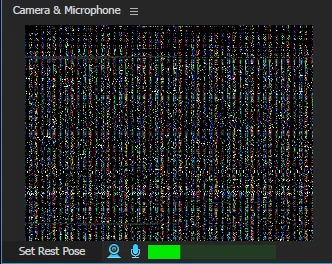
Using Windows 10, fresh install of Character Creator.
I have tried everything I can think of. I have made sure my drivers are up to date. No other software is using the camera at the same time, I have gone all the way down to bare bones system services and programs running. I have tried running it right after a reboot.
The camera works just fine in all other programs. I am not sure what else to do at this point. Any advice would be welcomed.
 but here it is. I unplugged my Vive completely.
 AdChoices