Participant
January 27, 2020
Question

when i make her blink it deforms her face

  • January 27, 2020
  • 3 replies
  • 784 views

So I'm trying to make my character blink but it deforms her face, I really don't know what to do. Any help?
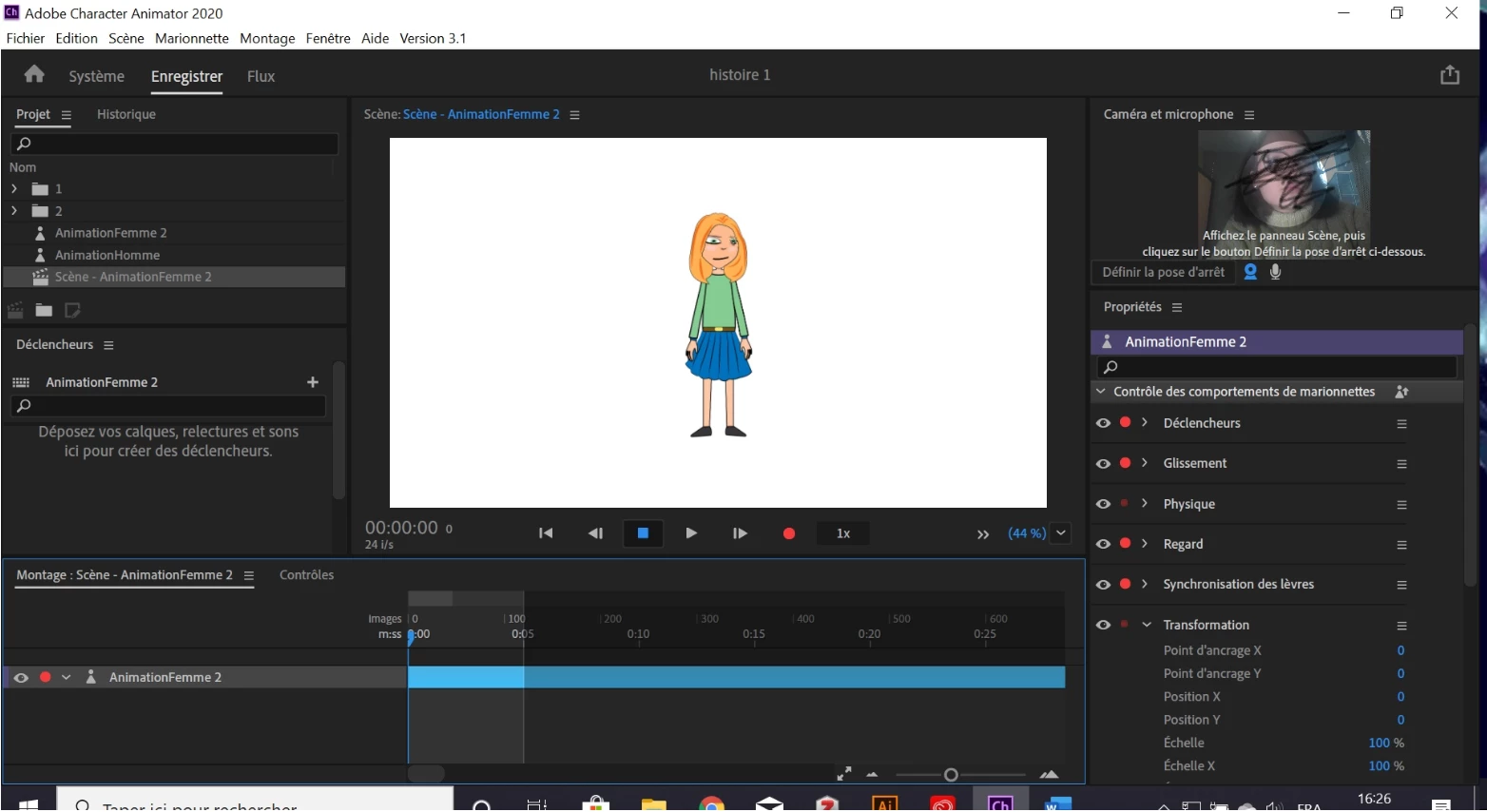
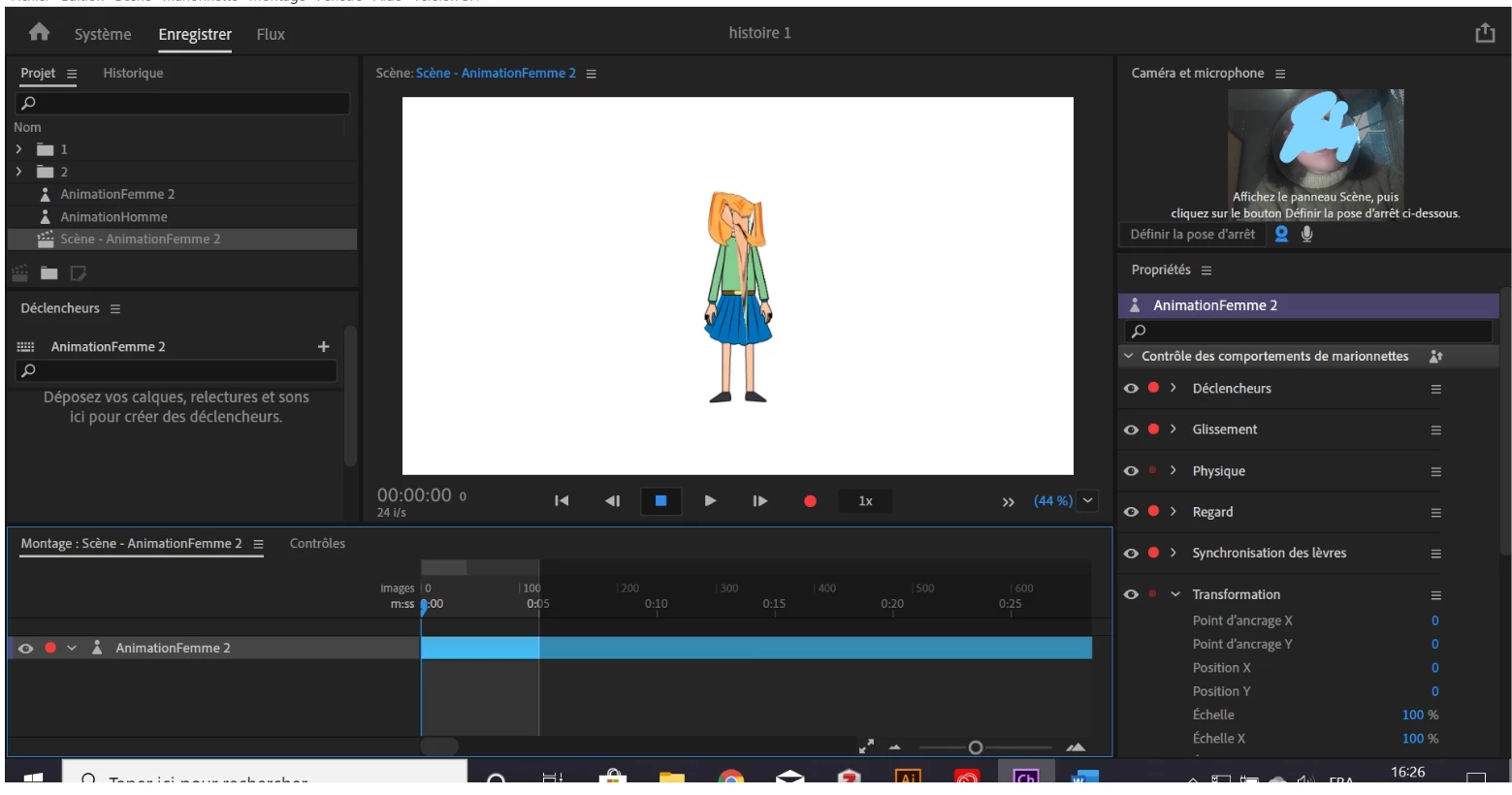

This topic has been closed for replies.

3 replies

Inspiring
January 28, 2020

Can you please post a picture of the puppet panel in Rig mode (with all of your main layers expanded)? You need to click the Crown icon next to your "Right Eye" and "Left Eye" layers to make them Warp Independent. It's actually even better if you do this back in Illustrator. Name those layers "+Right Eye", etc. to automatically tag them as Warp Independent. Anything with a "+" symbol before the layer name will come in to Character Animator with the crown icon already selected. You can rename these layers and save in Illustrator without having to re-import the file.


alank99101739
Legend
January 27, 2020

Maybe its all the funny scribble marks over your face causing the web cam to misread your face? (Just kidding!! Lol!)


If you don't work it out from the previous post, I suggest including a copy of the rigging heirarchy in the screenshot. E.g. do you have a separate blink layer, etc. If still stuck, this blog post (while now old) might have some useful suggestions: https://extra-ordinary.tv/2018/04/21/debugging-character-animator-eyess/

Aaron Sugar
Inspiring
January 27, 2020
 

That's typically because you have a layer either tagged as independent when it shouldn't be, or vice versa.  Typically you want the eye layer and the pupil tagged as independent, and the blink and eyeball not.

 
Inspiring
January 30, 2020

yeah I would say its the eyeball, I do it so often haha. gl.