

House of Sugars
Inspiring
December 17, 2018
Answered

Where did the visimes go?

  • December 17, 2018
  • 3 replies
  • 1655 views

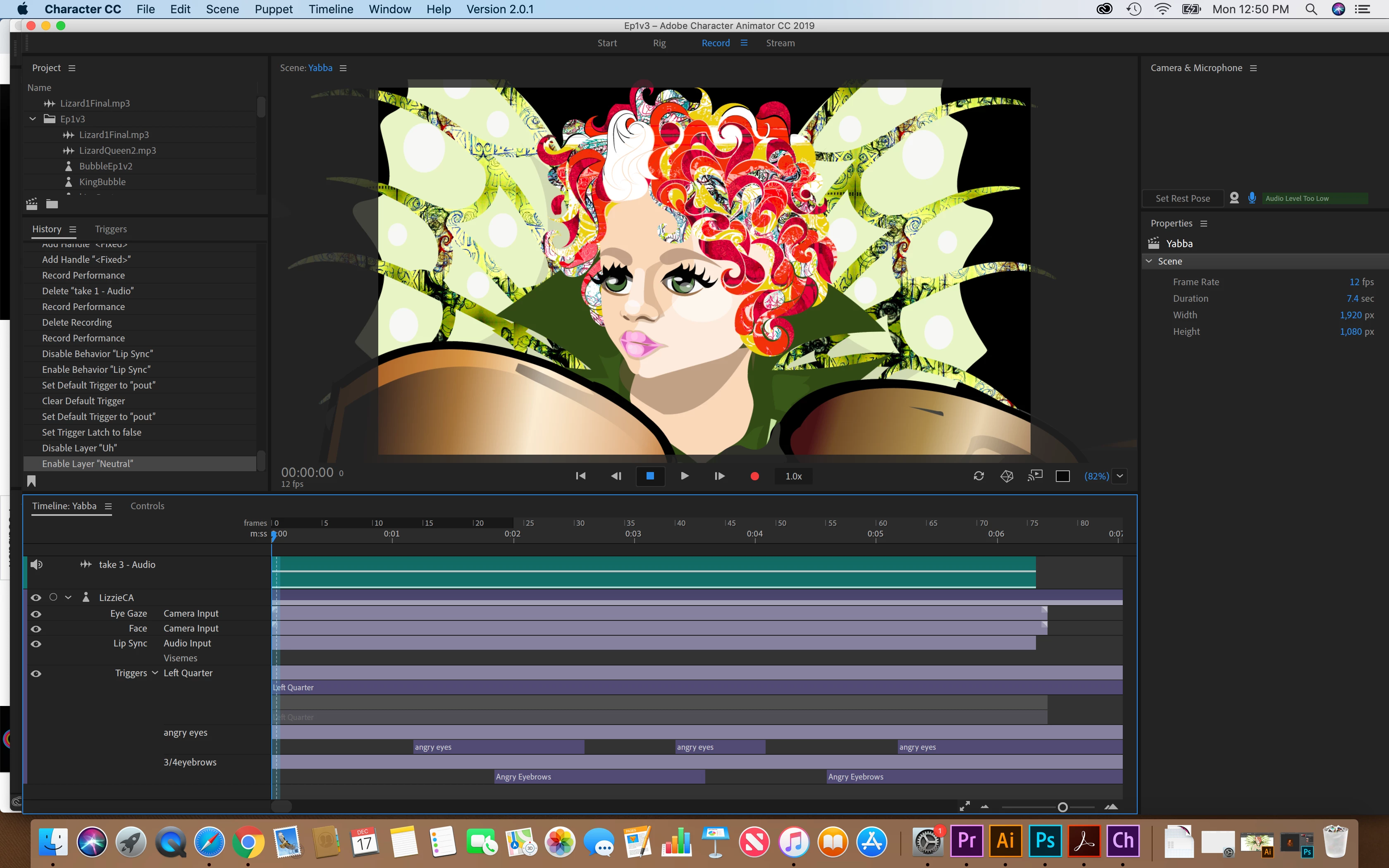
For some reason, no visimes are showing up? The eyeball won't turn on, but the mouth is moving??

    This topic has been closed for replies.
    Correct answer alank99101739

    When it fixes itself, I am never sure whether to be happy or worried....  I will go with happy! Yay! Its working!

    3 replies

    alank99101739
    alank99101739Correct answer
    Legend
    December 21, 2018

    When it fixes itself, I am never sure whether to be happy or worried....  I will go with happy! Yay! Its working!

    alank99101739
    Legend
    December 19, 2018

    Adobe CH uses its own Audio Preferences - so it might be using an audio input other than you expect. I think its in the menus under Edit/Preferences, then bring up the audio hardware.

    House of Sugars
    Inspiring
    December 19, 2018

    That's what I thought too...I tried that, the micis set correctly, and works w/ other apps! It's just not working w/ CA.

    House of Sugars
    Inspiring
    December 19, 2018

    OK it fixed itself.....

    alank99101739
    Legend
    December 18, 2018

    You have an audio input track (visemes are part of that) - so the eyeball is there on the line above what you were expecting. It just seems there are no visemes. If you right click in the area where you expect to see the visemes, does it come up with viseme names? Can you add one by hand?  See also the audio recording at the top is a flat line - indicates a recording was made, but with zero volume, so it failed to identify any visemes is my guess.

    House of Sugars
    Inspiring
    December 18, 2018

    Turns out the CA mic isn't working....my computer mic is fine I checked it...
