


Question
Why isn't my puppet in the origin?
I finished my puppet in illustrator and it's in the origin of the worksheet but when I export it to Character Animator it is not in the origin, and I can't move it to the centre. What can I do?
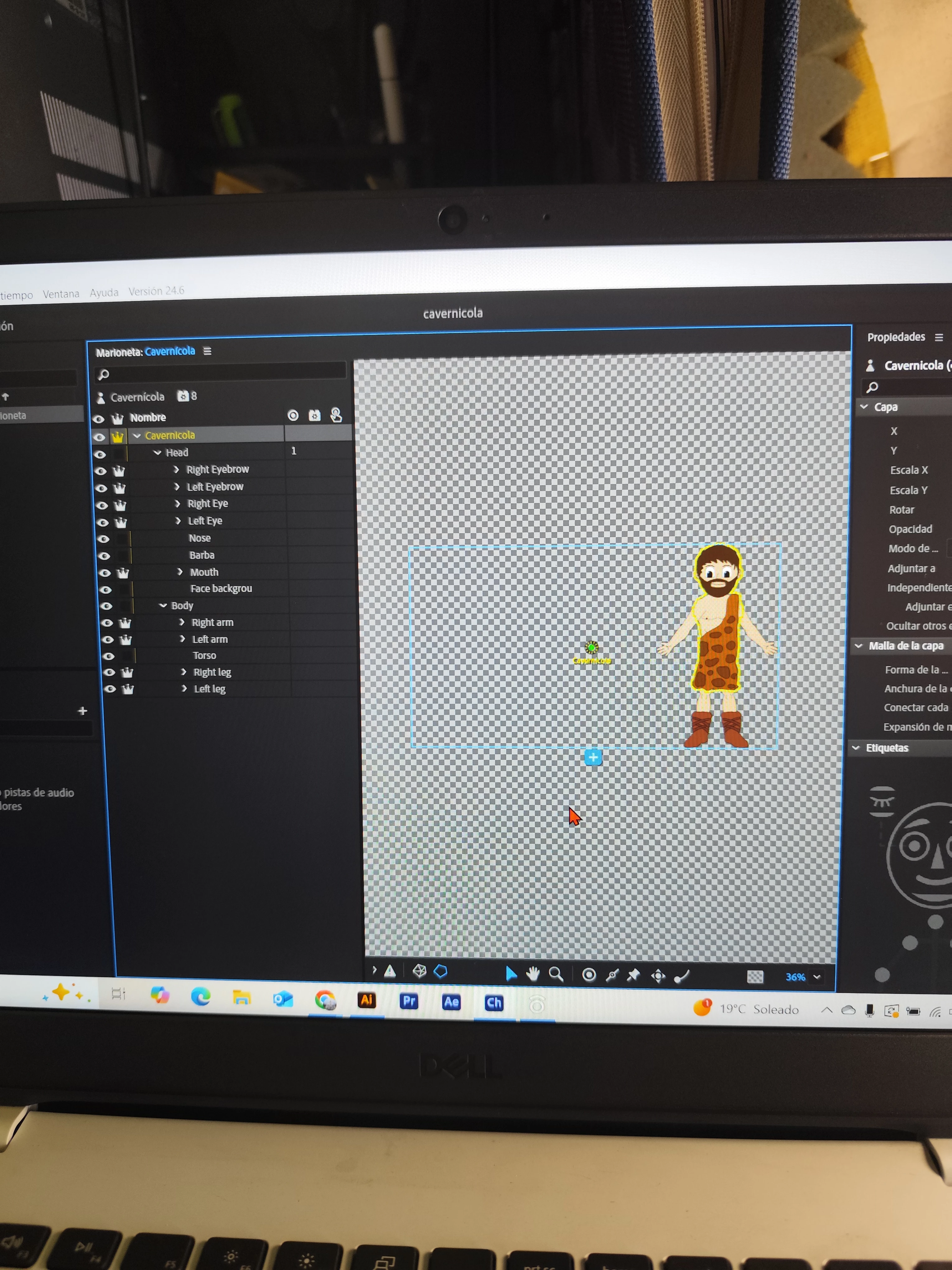

I finished my puppet in illustrator and it's in the origin of the worksheet but when I export it to Character Animator it is not in the origin, and I can't move it to the centre. What can I do?
Already have an account? Login
Enter your E-mail address. We'll send you an e-mail with instructions to reset your password.
 AdChoices