IAmChrishonda
Inspiring
January 18, 2022
Answered

Yellow Outline Around Character Not Showing

  • January 18, 2022
  • 2 replies
  • 695 views

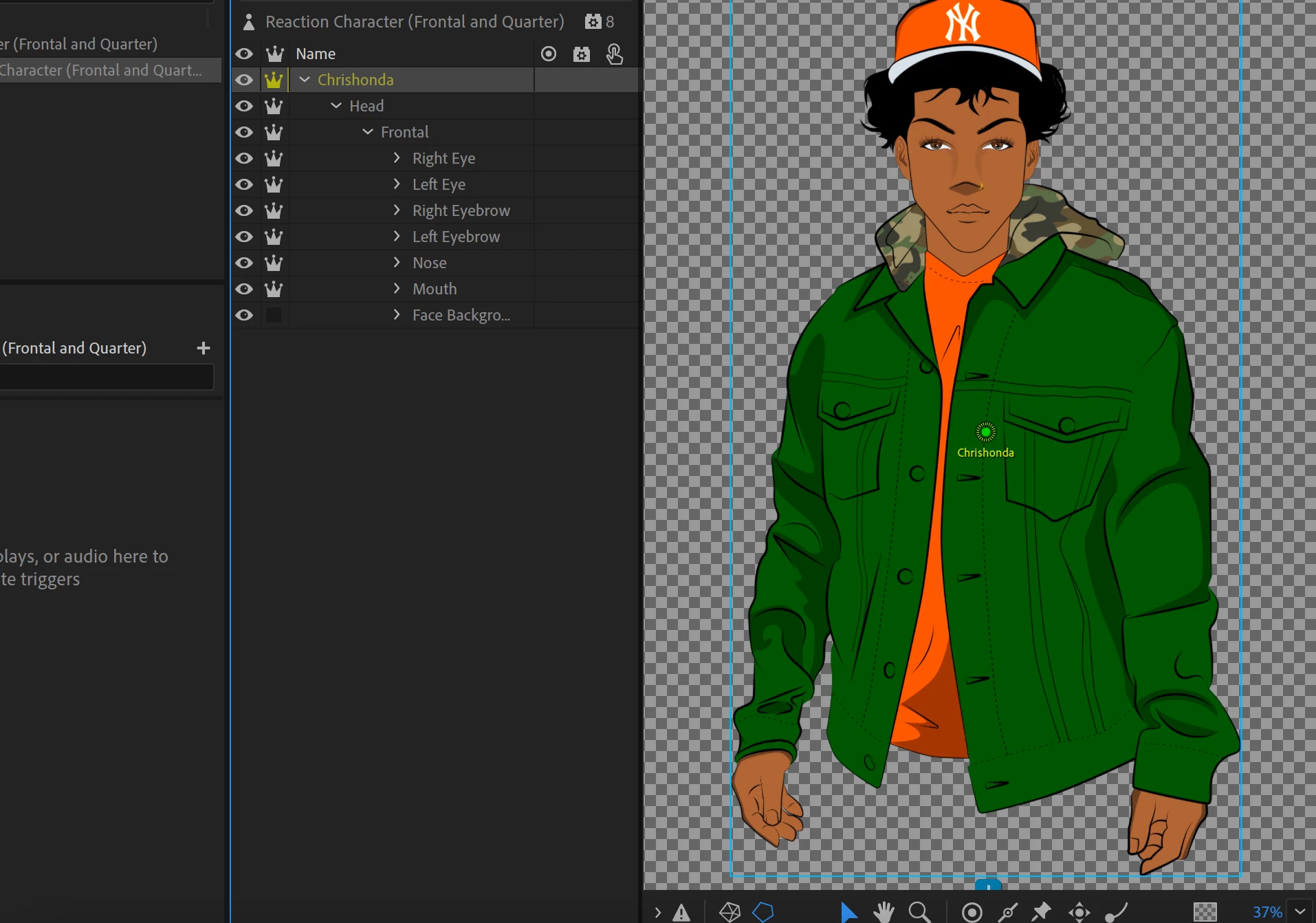
The yellow outline that usually shows around the character isn't there.  I see that there is a blue square around the body and I'm not sure why. I want to add the pin tool on the shoulders to prevent the whole body from moving but it only works for me when there's the yellow outline. 
This topic has been closed for replies.
Correct answer alank99101739

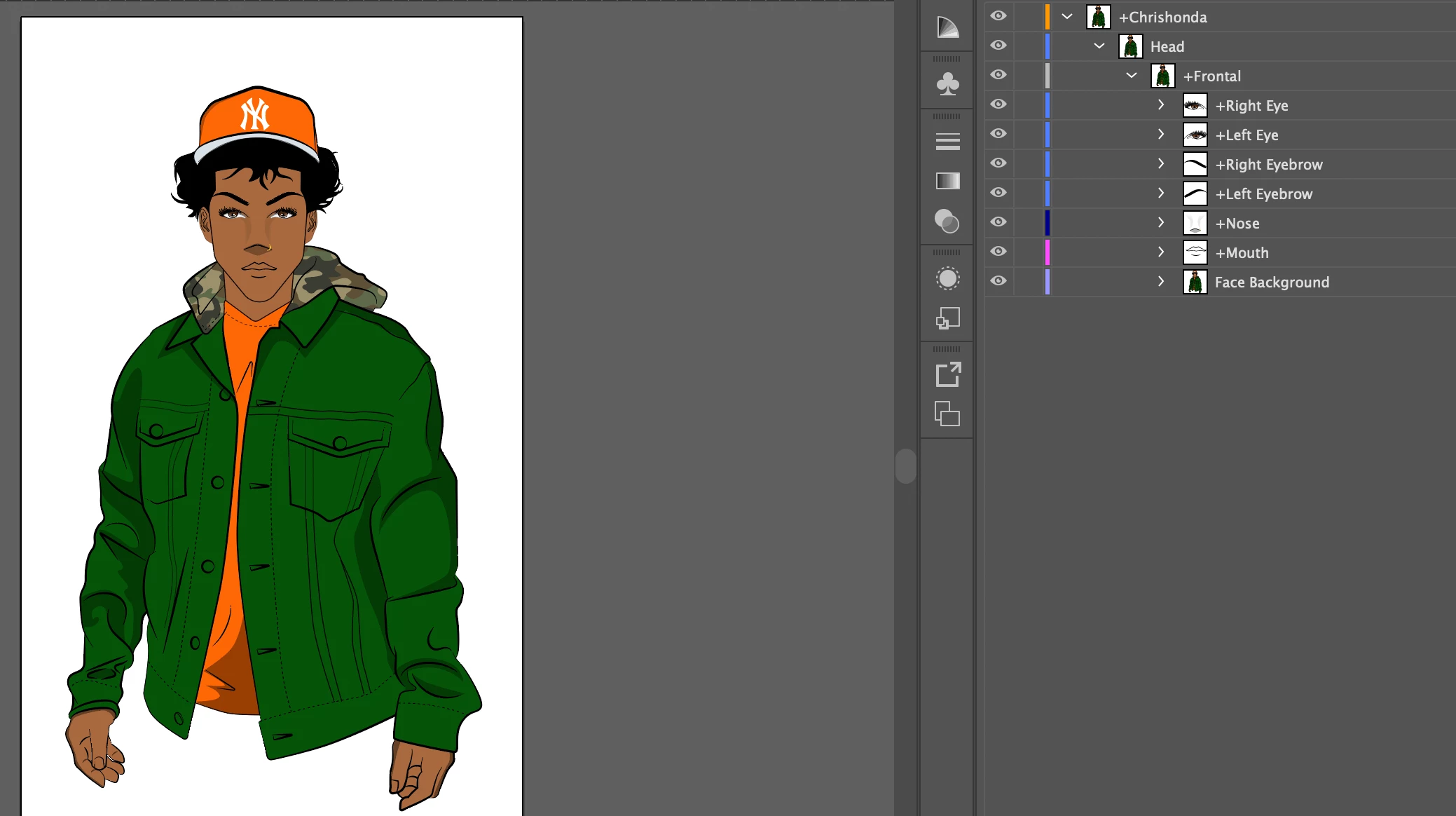
The other thing to watch for is it is almost always wrong to have a layer with all children being independent. It means the mesh of the parent has no artwork in it (so is size zero) - there is nothing to draw a line around. So your root character only has one child (Head) which is independent. Head has a child that is not independent, but there is no "Body" artwork for the Head to attach to. If you are going Head only (which is fine), try making the head NOT independent.

2 replies

alank99101739
alank99101739Correct answer
Legend
January 18, 2022

The other thing to watch for is it is almost always wrong to have a layer with all children being independent. It means the mesh of the parent has no artwork in it (so is size zero) - there is nothing to draw a line around. So your root character only has one child (Head) which is independent. Head has a child that is not independent, but there is no "Body" artwork for the Head to attach to. If you are going Head only (which is fine), try making the head NOT independent.

TheOriginalGC
Community Expert
Community Expert
January 18, 2022

At the bottom of the rigging panel are a series of icons including one that looks like a pentagon. Make sure it is highlighted by clicking on it.


andyscherp
Participant
August 6, 2022

Thank you so much!!!