
Creating a Data Source to Azure SQL Database
Hi,
I am trying to create a Data Source for a Azure SQL database. I am able to connect when I use the administrator username/password of the Azure SQL database. But, I am told that it is not the most secure way to do things. So, may be db_owner is good enough for this Data Source Connection. I created a new login to Azure SQL database, create a new user using this login to the database and give db_owner permission to this new login. From Management Studio, I can login with this new login and password.
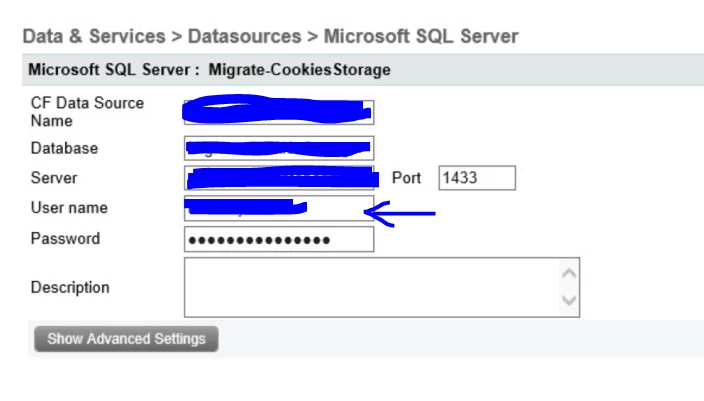
However, when I set it up like this in the Data Source in ColdFusion 2016 Administrator, I got an error, "The root cause was that : java.sql.SQLNonTransientCoonnectionExcept: [Macromedia][SQL Server JDBC Driver][SQL Server] Cannot open database "......" requested by the login. The login failed;"
If I were to use the administrator username/password, the connection will be OK.
What am I missing? What is the "minimum permission" needed for the user used in the Data Source?
Thanks!
dchan


 AdChoices