


Participant
September 27, 2019
Question

1 person, 2 computers, 4 computer user profiles

  • September 27, 2019
  • 1 reply
  • 390 views

So far my luck with the chat support was useless. They would tell me that I am allowed to activate two computers, maybe the most widely known thing about Adobe products... Then transfer me to someone else, after the 3rd person did this I was just left hanging. Curious to see how long it would go on for I left for a few hours and came back, still no chat message.


I am trying to use 2 devices but on each of those devices I use a main (admin) user profile for all my personal stuff and work so I get pop up notifications, emails, etc. But while working with a client present I use a "clean" (standard) user profile so it doesn't have anything going on except the specific thing we are doing. 


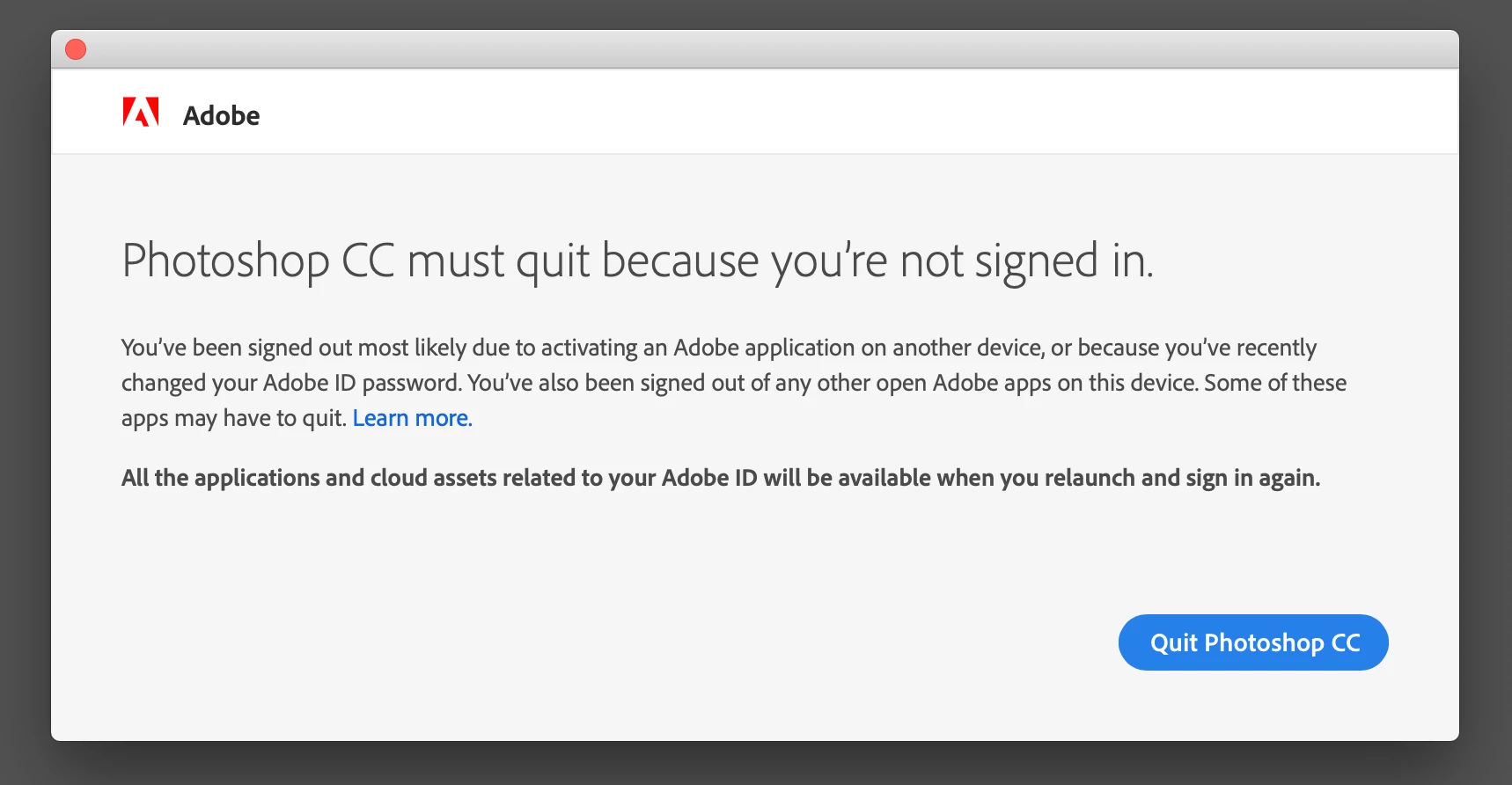
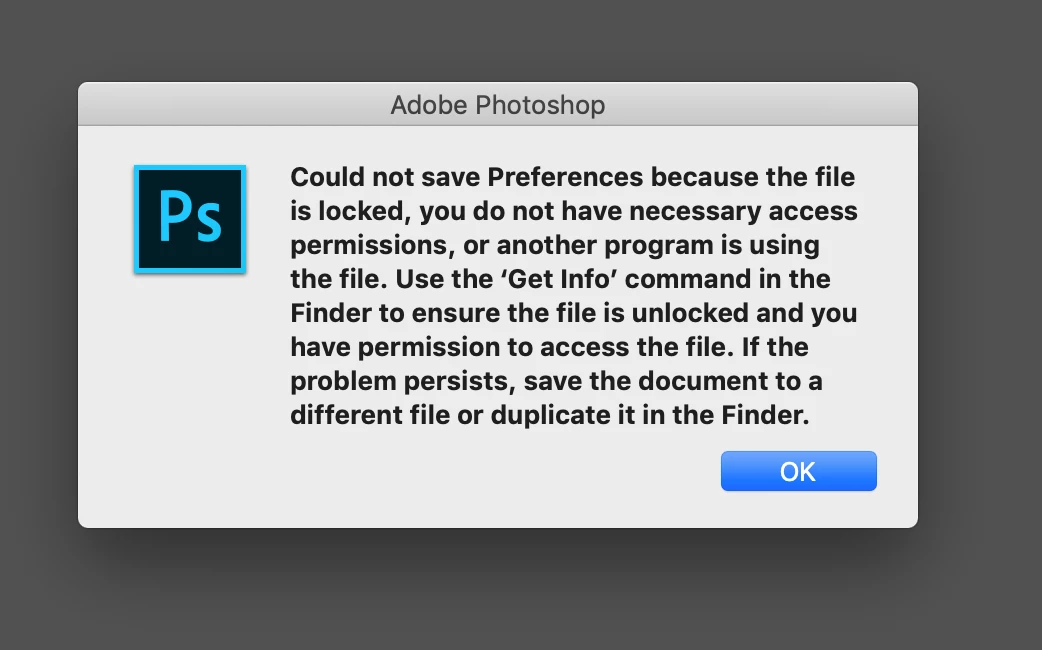
I used to be able to use Adobe CC on any of the computer users but now it is only allowing the admin account to use CC. When in the Standard account and I open Photoshop for instance even though I am signed into Creative Cloud I am forced to close due to not being signed in (see first attached photo). Then after I click "Quit Photoshop CC" on that diaglogue box I also get a pop up about permissions (see second photo). I hope that someone can wrap their mind around this because Adobe chat support was unable to.
    This topic has been closed for replies.

    1 reply

    Legend
    September 28, 2019

    These problems seem related. Did you follow up the instructions in the second message?

    Participant
    October 5, 2019
    Thanks for responding! I have followed those directions, on my laptop it is now working just fine actually (without doing anything but restarting the computer). As for the desktop though CC still only works in the admin account only.
    Jeffrey_A_Wright
    Legend
    January 26, 2021

    Jeff, I am sorry you encounter so many problems using Standard User accounts and working with a Creative Cloud membership on macOS.  Are you using the process listed in https://support.apple.com/guide/mac-help/set-up-other-users-on-your-mac-mtusr001/mac when setting up the Standard User accounts?  If so, is there any other security or virus software involved in the process or installed on the computer?


    I did review the account you used to post to this public discussion forum, but I do not see any recent interactions with our support team.  You can use the process listed in https://helpx.adobe.com/x-productkb/policy-pricing/customer-support-portal.html to review your recent interactions.