
Participant
January 12, 2021
Answered

Adobe Authenticator App

  • January 12, 2021
  • 1 reply
  • 673 views

Hi All,

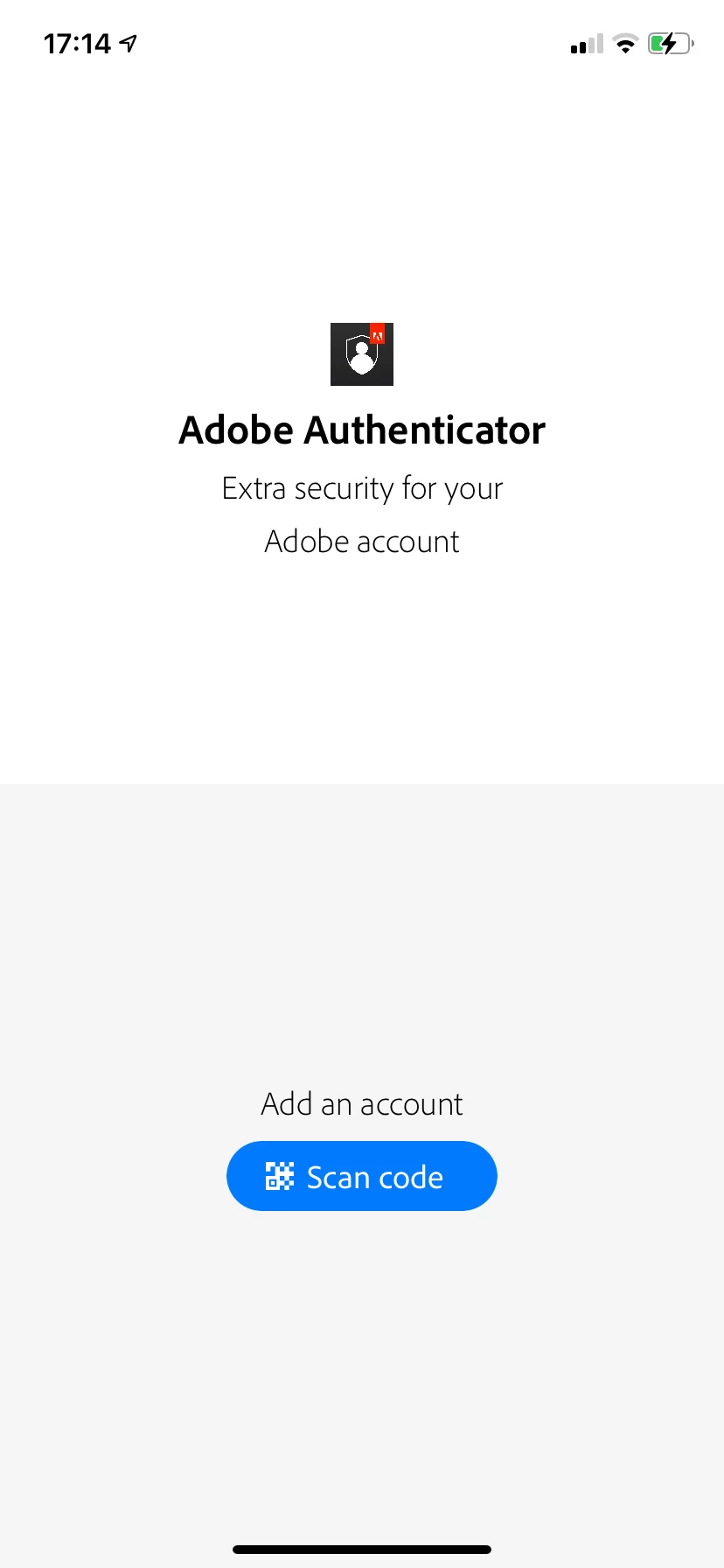
I installed Adobe Authenticator App (AAA) on latest iOS and it does not serve its purpose.

I turned two factor authentication and set up to use AAA. 


When I open AAA it asks me to scan a code to add my account  (see screenshot). Where can I find this QR code? 

Tried reinstalling AAA and it did not help. I do have Creative Cloud app installed on this iOS.

I asked to three consultants on chat and none of them could help me out.

Any idea how to solve this?


This topic has been closed for replies.
Correct answer deluzidecolor

Thanks @Bernd Alheit .

I deactivated 2-factor-authentication and set it up from scratch. Adobe Authenticator App never worked for me so I uninstalled it and installed Adobe Account Access. Finally I am able to authenticate on my phone with click and without need to retype codes.

Case closed and solved.

1 reply

Bernd Alheit
Community Expert
Community Expert
January 12, 2021
deluzidecolorAuthorCorrect answer
Participant
January 12, 2021

Thanks @Bernd Alheit .

I deactivated 2-factor-authentication and set it up from scratch. Adobe Authenticator App never worked for me so I uninstalled it and installed Adobe Account Access. Finally I am able to authenticate on my phone with click and without need to retype codes.

Case closed and solved.