

RameeeeeekiMods
Participant
Oct 30, 2025 4:47 PM UTC
Question

Adobe PS expired Subscription Issue

Hey everyone,

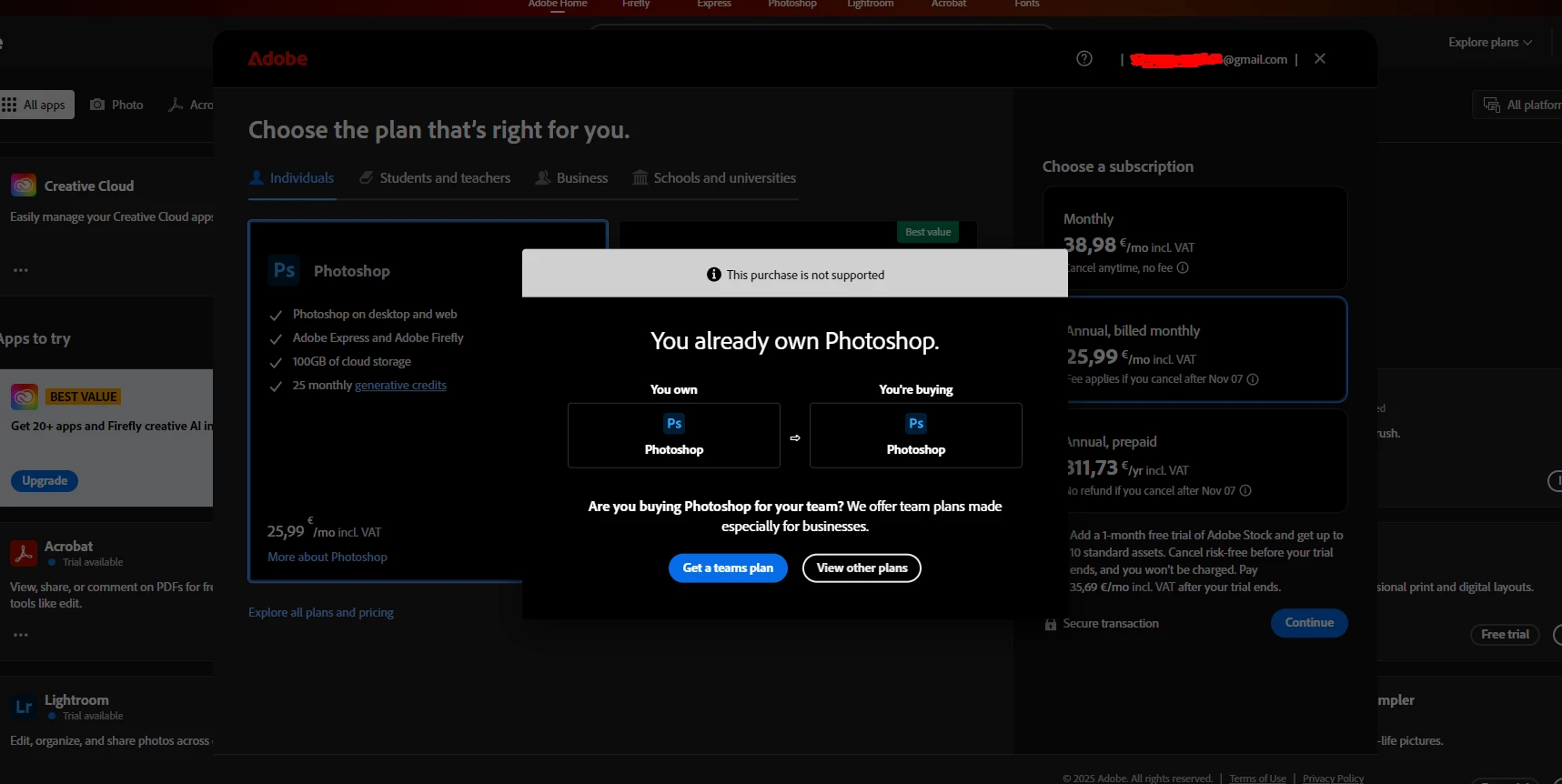
I have some issues with my expired PS Subscription. My PS expired maybe a few weeks ago. I was about to reenable my Subscription but it wont let me do that. It says:

"You already own Photoshop."

"You own: Photoshop -> You're buying: Photoshop"

Then it doesnt give me any other options besides buying Photoshop for a Team / switching to Teams Plan. 
Does anyone know how to fix this Issue? 

2 replies

kglad
Community Expert
Community Expert
Oct 30, 2025 8:53 PM UTC

start here - https://helpx.adobe.com/manage-account/kb/stop-creative-cloud-trial-mode-after-purchase.html


if that fails, proceed to these steps - https://helpx.adobe.com/enterprise/kb/resolve-trial-and-license-expired-errors.html


if that fails, https://helpx.adobe.com/download-install/kb/adobe-license-issues-keychain-credential-mgr.html


if those all fail, change your cc language.  eg, try international english


if that fails, change the install location


Translate
D Fosse
Community Expert
Community Expert
Oct 30, 2025 5:18 PM UTC

Expired how? At the end of the subscription period it will be automatically renewed unless you specifically terminate. Sounds like it's still active and running.

Translate